

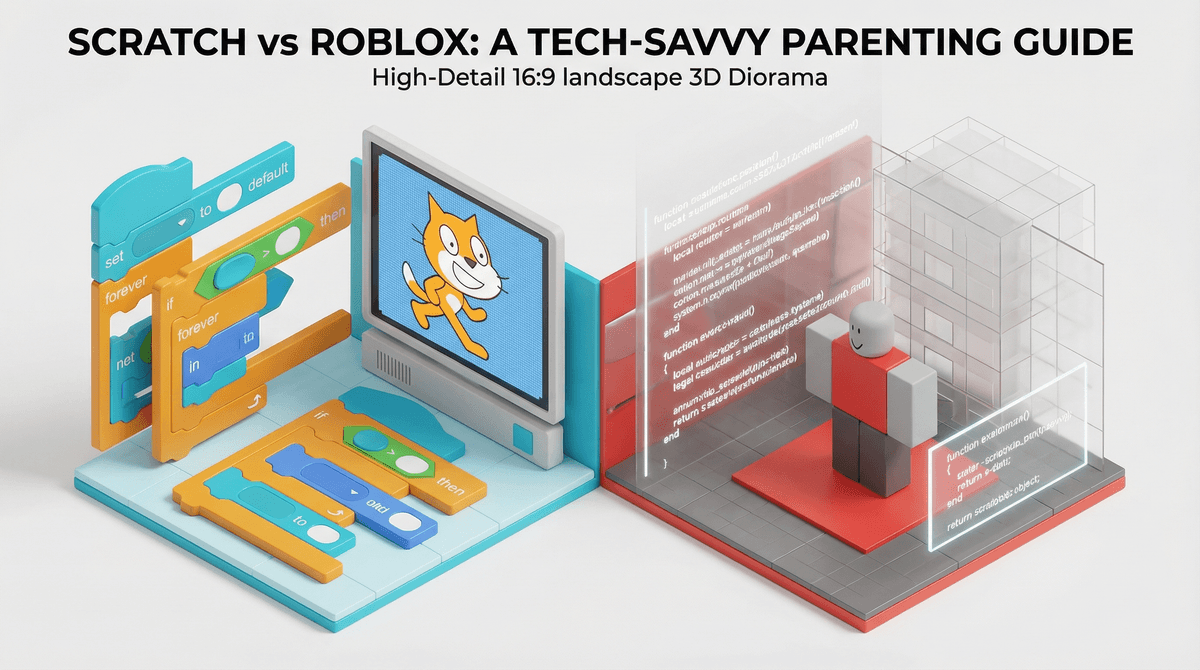
Scratch vs. Roblox: Which Coding Platform Is Right for Your Kid?
Scratch is perfect for ages 8-12 who are completely new to coding—it's free, safe, and teaches real programming concepts through drag-and-drop blocks. Roblox is better for ages 10+ who already understand basic game logic and want to create actual 3D games people will play, but it comes with a steeper learning curve, social pressures, and yes, those Robux purchases.
Quick answer: Start with Scratch. Graduate to Roblox when they're ready for text-based coding and can handle the social complexity.
Both platforms let kids create games, but they're fundamentally different experiences. Scratch is like learning to cook with a well-organized recipe and pre-measured ingredients. Roblox is like being dropped into a professional kitchen and told to make something people will actually want to eat.
Scratch uses visual programming blocks that snap together like LEGO bricks. Kids drag "when green flag clicked" and "move 10 steps" blocks to make characters move, jump, and interact. It was created by MIT specifically to teach coding concepts to children.
Roblox uses Lua, a real programming language that professional game developers use. Kids type actual code in Roblox Studio to create 3D games that can be published to the platform where 70+ million daily active users might actually play them.
The stakes feel different. On Scratch, your kid is learning. On Roblox, they're potentially building something that could get thousands of plays—or make actual money through Robux , Roblox's virtual currency that converts to real dollars.
Scratch appeals to younger kids (8-12) because:
- Immediate gratification—you can make something move in literally 30 seconds
- No scary blank screen—the interface guides you through what's possible
- Massive library of sprites, sounds, and backgrounds to remix
- The community shares everything—you can peek inside any project to see how it works
- Zero pressure—nobody's judging your clunky platformer game
Roblox hooks older kids (10+) because:
- Their friends are already there playing games
- What they create can actually become popular—some teen developers have made six figures
- It feels "real"—you're using actual code, not baby blocks
- The social aspect—creating games together, getting feedback, building a following
- The potential to earn Robux (which can be converted to real money if you're in the Developer Exchange program)
Scratch is genuinely beginner-friendly. Most kids can:
- Create a simple interactive story in their first session
- Build a basic game (like Pong) within a few hours
- Start understanding variables, loops, and conditionals without realizing they're learning "real" programming concepts
The built-in tutorials are actually good, and there are thousands of YouTube channels teaching Scratch in kid-friendly ways.
Roblox Studio is legitimately challenging. Your kid will likely:
- Spend their first few sessions just figuring out how to navigate the 3D workspace
- Get frustrated when their code doesn't work and they don't understand the error messages
- Need structured learning resources—randomly clicking around won't teach them Lua
- Hit a wall where they need to understand concepts like object-oriented programming, client-server architecture, and remote events
About 80% of kids who open Roblox Studio never publish a game. Many give up after a few sessions. This isn't because they're not capable—it's because the learning curve is steep and they need actual instruction, not just experimentation.
Scratch is completely free. No purchases, no premium features, no pressure. Your kid can access every single feature without spending a cent.
Roblox is technically free to create on, but realistically:
- If they want to publish their game with a custom name, that costs 100 Robux (~$1)
- Using the Asset Library for pre-made models and scripts often requires Robux
- Testing certain features requires a Premium subscription ($4.99-$19.99/month)
- They'll see other creators with paid assets and feel the pressure to buy
The bigger financial conversation with Roblox isn't about creation—it's about playing. If your kid is on Roblox, they're going to want Robux for the games they play, the avatar items they buy, and the game passes that unlock features. The creation side and playing side are deeply intertwined, and separating them is nearly impossible.
With Scratch, there's zero financial pressure. Nobody's selling anything, nobody's flexing their paid items, and your kid isn't constantly asking for money.
Scratch has remarkably good moderation:
- The community is genuinely supportive and educational
- Comments are monitored (though not perfectly)
- No direct messaging between users
- Projects can be reported and are actually reviewed
- The culture emphasizes learning and sharing, not competition
The worst you'll typically encounter is kids copying each other's projects without credit or occasional inappropriate sprite art that gets removed quickly.
Roblox is a different beast entirely:
- Your kid will encounter other players in-game with varying levels of maturity
- The chat system, even with filters, allows concerning conversations
- Scams targeting young creators are common ("I'll promote your game if you give me Robux!")
- Predatory behavior exists—adults do target young creators
- The competitive pressure is real—kids compare play counts, Robux earned, and follower counts
If your kid is creating on Roblox, they need to understand digital safety basics, never share personal information, and have you involved in monitoring their interactions. This isn't helicopter parenting—it's necessary oversight for a platform with 200+ million monthly users.
For ages 8-10: Start with Scratch
- They're developmentally ready for the logic concepts
- The visual interface matches their learning style
- They can work independently without constant frustration
- Success comes quickly enough to maintain motivation
For ages 11-13: Either works, depending on the kid
- If they're new to coding → Start with Scratch, transition to Roblox after 6-12 months
- If they've done Scratch or similar → Roblox Studio with structured learning resources
- If they're already playing Roblox → They're probably ready to try creating, but set expectations about the difficulty
For ages 14+: Roblox makes more sense
- Scratch starts feeling "babyish" even though the concepts are identical
- They're ready for text-based coding and can handle the complexity
- The potential for real-world impact (players, money, portfolio pieces) motivates them
- They can better navigate the social dynamics and safety concerns
The "entrepreneurship" pitch for Roblox is mostly marketing. Yes, some teens have made significant money. But the vast majority of creators earn nothing. Teaching your kid Roblox development is valuable for learning coding, 3D design, and game logic—not as a realistic income stream. Manage expectations accordingly.
Scratch teaches the exact same programming concepts as Roblox—variables, conditionals, loops, functions, events. The only difference is the syntax. A kid who masters Scratch can transition to any text-based language, including Lua, Python, or JavaScript. Don't dismiss Scratch as "not real coding."
Both platforms work better with structure. Self-directed exploration is great, but kids learn faster with:
- Structured courses (there are excellent options for both Scratch and Roblox Studio)
- Project-based learning with clear goals
- Adult involvement—not doing it for them, but being interested and asking questions
The social aspect of Roblox is both the appeal and the concern. Creating games that real people play is incredibly motivating. But it also means your kid is publishing content online, potentially interacting with strangers, and dealing with criticism (constructive and otherwise). This requires ongoing conversations about online behavior, privacy, and handling feedback.
Absolutely, and many kids do. The typical path:
- Learn fundamental concepts in Scratch (3-12 months)
- Build confidence and complete a few projects
- Transition to Roblox Studio when they express interest
- Use Scratch for quick prototyping and Roblox for more ambitious 3D projects
Some kids also use Scratch to plan out game mechanics before building them in Roblox, since it's faster to test ideas with blocks than debug Lua code.
Choose Scratch if:
- Your kid is under 11 or new to coding
- You want zero financial pressure
- A safer, more moderated community matters to you
- They need quick wins to stay motivated
- You value learning over publishing/social aspects
Choose Roblox if:
- Your kid is 11+ and ready for real coding
- They're already playing Roblox and want to create
- They're motivated by the potential for real players
- You're willing to invest time in structured learning resources
- You can provide appropriate oversight for the social elements
The honest answer for most families: Start with Scratch. It builds the foundation without the complexity, cost, or safety concerns. When your kid has mastered the concepts and is genuinely ready for the next level—not just bored with Scratch, but actually ready for text-based coding—then transition to Roblox Studio.
There's no prize for rushing into the harder platform. The goal is building genuine coding skills and creative confidence, and Scratch does that brilliantly for younger learners.
If you're going with Scratch:
- Create a free account at Scratch
- Start with the built-in tutorials (the "Getting Started" project is perfect)
- Explore the "Scratch Tutorials" on YouTube—channels like Griffpatch are excellent
- Set up a regular creation time (30-60 minutes, 2-3x per week works well)
If you're going with Roblox:
- Download Roblox Studio (separate from the Roblox game)
- Invest in a structured course—don't let them flail around randomly
- Set up parental controls on both the game and Studio
- Have explicit conversations about online safety, sharing personal info, and handling criticism
- Plan for this to be a longer-term commitment—they won't see results in a few sessions
Either way, the fact that your kid wants to create instead of just consume is worth celebrating. Both platforms teach valuable skills, and the "right" choice is simply the one that matches where your kid is right now.