

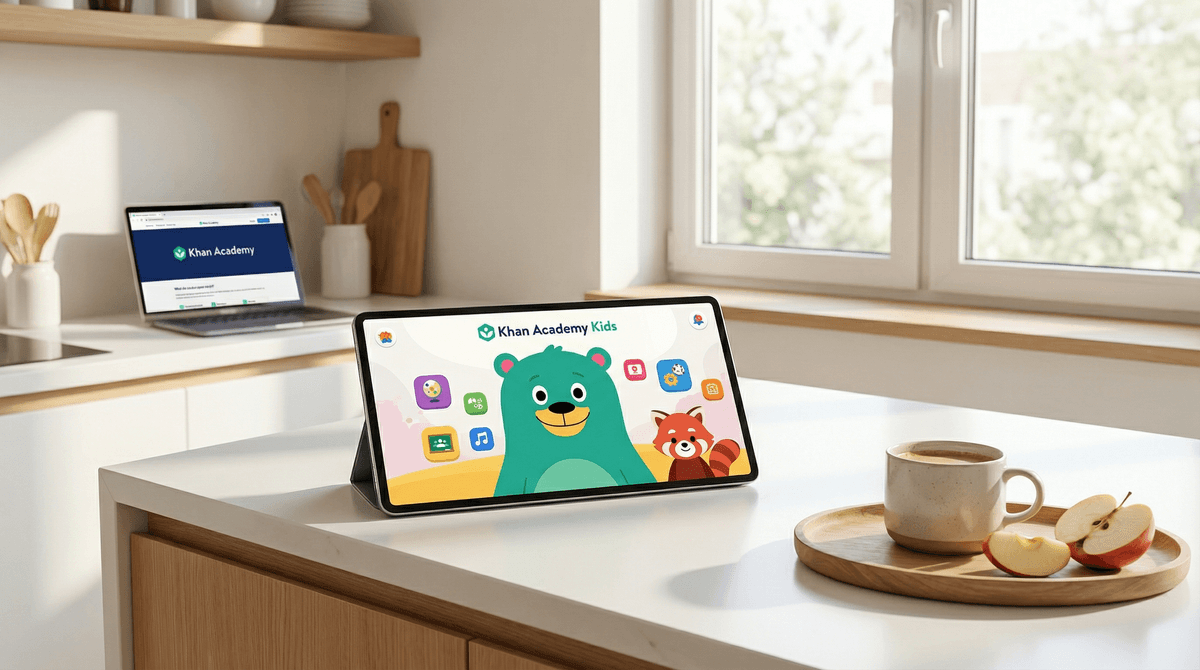
If you’re looking for the one app that actually delivers on the "educational" promise without hitting you up for a $12.99/month subscription or showing your kid weird AI-generated toy unboxing videos, this is it. Khan Academy Kids is 100% free, zero ads, and built by experts who actually understand how 3-year-olds learn. It’s the gold standard for early literacy, math, and social-emotional skills.
Quick Links:
- The App: Khan Academy Kids
- The Alternative: Duolingo ABC
- The "High Energy" Alternative: PBS Kids Video
- The Companion: Super Simple Songs
We’ve all been there. You need 20 minutes to jump on a Zoom call or just drink a cup of coffee while it’s actually hot, so you hand over the iPad. Ten minutes later, you look over and your preschooler has somehow navigated from a counting video to a 45-minute loop of "Skibidi Toilet" or some "Ohio" meme that makes zero sense.
The "brain rot" is real, and the guilt that comes with it is heavy.
That’s why Khan Academy Kids is such a breath of fresh air. It’s the digital equivalent of a Montessori classroom—structured, thoughtful, and completely safe. It’s the rare piece of tech that makes you feel like a "good parent" for using it.
Launched by the same non-profit behind the legendary Khan Academy website, this app is specifically designed for kids ages 2 to 8. It’s not just a collection of games; it’s a full curriculum that covers reading, writing, math, and "logic" (which is really just early coding and problem-solving).
The app is led by a cast of characters—Kodi the Bear, Ollo the Elephant, and Reya the Red Panda—who guide your child through a "Learning Path." It’s adaptive, meaning if your kid is crushing their letter sounds, the app moves them along to blending words. If they’re struggling with counting to ten, it stays there and tries a different approach.
You’d think an app that’s "good for you" would be boring, but Khan Academy Kids is genuinely engaging.
- The Library: Kids love autonomy. The "Library" feature lets them choose exactly what they want to do—whether it’s reading a book about dinosaurs from National Geographic Kids or coloring a digital picture.
- Low Stakes: There are no "game over" screens. If they get an answer wrong, the narrator (Kodi) just gently encourages them to try again. It builds confidence rather than frustration.
- Interaction: It’s not passive. They aren't just watching a screen; they’re tracing letters, dragging objects to solve math problems, and even recording their own voices to tell stories.
Check out our guide on the best educational apps for preschoolers
Let’s be real about the competition. ABCmouse is the big name in this space, but it’s behind a paywall and can feel a bit cluttered and "flashy." Then you have the "freemium" apps like Toca Life World or Sago Mini World. Those are great for creativity, but they are constantly dangling "new packs" for $4.99 in front of your kid’s face.
Khan Academy Kids is purely about the learning. There is no "store." There are no "gems." There is no "limited time offer."
It’s also one of the few apps that takes Social-Emotional Learning (SEL) seriously. It has entire sections dedicated to feelings, sharing, and empathy. In a world where kids are increasingly glued to screens, having an app that teaches them how to be a good human is a massive win.
While the app says ages 2-8, here is how it actually shakes out in the wild:
- Ages 2-3: This is "co-play" territory. Sit with them, help them trace the letters, and talk about the animals in the books. The "Read to Me" feature in the library is a lifesaver.
- Ages 4-5: This is the sweet spot. They can usually navigate the "Learning Path" independently. This is where you’ll see the biggest gains in phonics and number sense.
- Ages 6-8: It’s great for supplemental practice, especially the 1st and 2nd-grade math modules. However, by this age, some kids might start finding the characters a bit "babyish" if they’ve already been exposed to Minecraft or Roblox.

The 2024 and 2025 updates have brought some killer features for parents who want to be more "hands-on" without actually doing the lessons themselves:
You can actually set up your account as a "Teacher" even if you're just a parent. This unlocks the ability to assign specific lessons. If you notice your kid is struggling with the letter 'S' or needs to work on subtraction, you can drop those specific tasks into their queue.
Kodi’s Suitcase (Offline Mode)
We’ve all been on a plane or in a "dead zone" where the iPad becomes a very expensive paperweight. Khan Academy Kids has a dedicated offline section called "Kodi’s Suitcase" that lets kids access a curated selection of books and games without Wi-Fi.
If your kid is a fan of Super Simple Songs, they are baked right into the app. It’s a much safer way for them to watch those videos than on YouTube Kids, where the "Up Next" algorithm is always a gamble.
This is where Screenwise gives KAK a top-tier score.
- COPPA Compliant: They don’t sell your kid's data.
- No Ads: Not even "educational" ones.
- Walled Garden: There is no way for your child to communicate with strangers or access the open web through the app.
If you’re trying to transition your kid from "junk food" apps to Khan Academy Kids, don't frame it as "school time."
Instead, try:
- "Let’s see what Kodi the Bear is up to today."
- "Can you show me how to draw that letter in the app?"
- "I heard there’s a new book about sharks in your library, want to find it?"
If they resist because it feels too much like "learning," try pairing it with a creative app like Pok Pok Play Room. You do 10 minutes of the "Path" in Khan Kids, then 10 minutes of free play in Pok Pok.
Khan Academy Kids is the rare "no-brainer" in the world of digital parenting. It’s high-quality, scientifically backed, and entirely free. It’s the perfect antidote to the "brain rot" era.
If your child is under 7, this should be the first app you download on any new device. Period.
- Download the app and set up a profile for your child (it takes 2 minutes).
- Explore the Library together tonight instead of a bedtime book—try the "Read to Me" mode for a National Geographic book.
- Check out the "Teacher Tools" if you want to get specific about what they’re learning.