

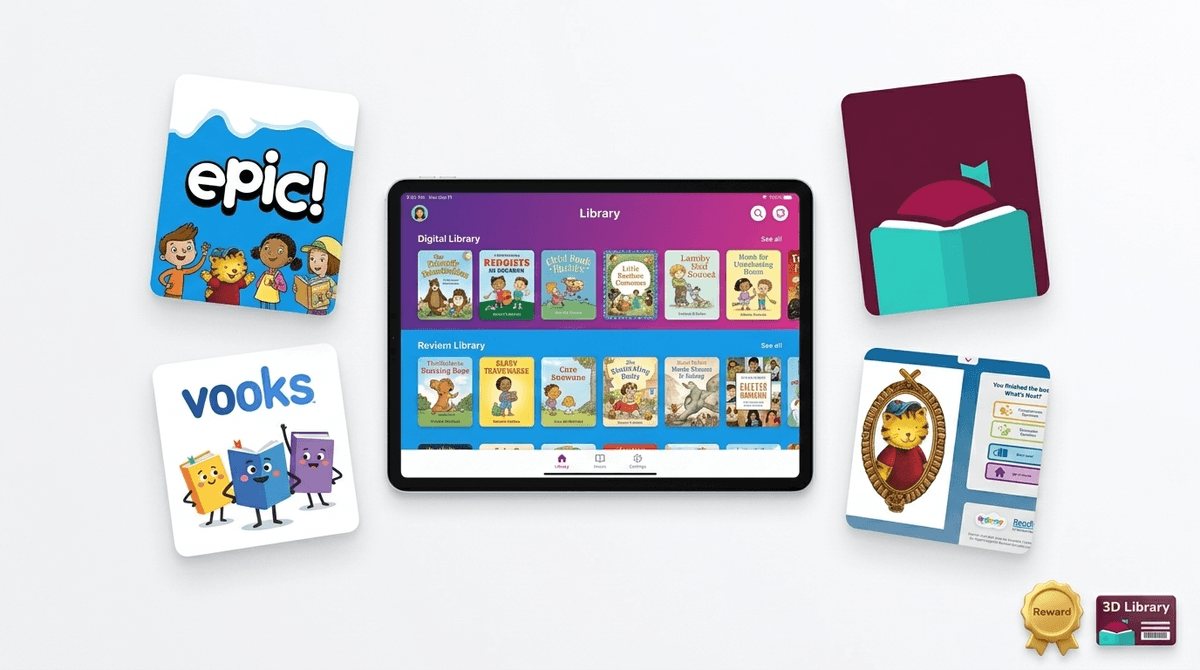
TL;DR: Epic! is a massive digital library that kids actually enjoy using because it feels more like a game than a chore. It’s fantastic for reluctant readers and for filling the gaps when you can't get to the physical library, but it’s not a "set it and forget it" tool. If you aren't careful, your kid will spend three hours "reading" 30-second videos or clicking through picture books just to earn a virtual badge.
Top Recommendations in this Guide:
If your kid is in elementary school, they’ve likely already used Epic! in the classroom. It’s a digital reading platform with over 40,000 titles, ranging from National Geographic non-fiction to popular series like Big Nate and Goosebumps.
It’s often called the "Netflix of Books" because of its subscription model and its algorithm-driven home screen that suggests books based on what your kid has already clicked. It’s available as a website for Chromebooks and an app for tablets and phones.
The genius of Epic! is the gamification. Kids earn badges, unlock avatars, and level up based on how many minutes they read and how many books they finish.
For a kid who struggles with a physical book, seeing a "Level Up!" notification can be the dopamine hit they need to keep going. However, this also creates a "gaming the system" incentive. If you look at your kid's Epic! dashboard and see they "read" 42 books in 20 minutes, they didn't suddenly become a prodigy—they just figured out that flipping pages quickly triggers the reward.
The "Read-To-Me" Feature: Reading or Watching?
One of the most popular features is the "Read-To-Me" books. These are highlighted text versions of books where a narrator reads the story aloud.
Some parents worry this is "cheating." It’s not. For younger kids or those with dyslexia, audiobooks and read-along features are vital for vocabulary building and comprehension. But there is a line. Epic! also hosts "learning videos." These are basically YouTube-style content embedded in a reading app. If your kid is spending their "reading time" watching toy unboxings or low-budget animations, the "educational" label starts to feel a bit thin.
Learn more about the difference between passive watching and active reading
Not all digital reading apps are created equal. Depending on your kid's age and your budget, you might want to pivot from Epic! to something else.
Epic! (Ages 4-12)
The gold standard for variety. It’s great because it includes high-interest titles kids actually want to read, like Diary of a Wimpy Kid (though often just excerpts) and The Chronicles of Narnia.
- The Catch: The "Free" version (Epic School) only works during school hours (7 am to 3 pm). If you want them reading after dinner, you’re looking at a monthly subscription fee that isn't exactly cheap.
Vooks (Ages 2-6)
If Epic! is Netflix, Vooks is a curated indie film festival. It features "animated storybooks." Unlike a cartoon, the animation is subtle and focuses on the original illustrations of the book. It’s much slower-paced and less "over-stimulating" than most digital media. It’s a great bridge for toddlers who are transitioning from being read to by a parent to looking at books independently.
Libby (Ages 8+)
This is the pro-parent move. Libby (by OverDrive) connects to your local public library card. It’s 100% free. It doesn’t have the flashy badges or the "Read-To-Me" highlights, but it has the actual books—the new releases, the full series, and a massive selection of audiobooks. If your kid is a proficient reader, Libby is the superior choice.
Skybrary (Ages 4-9)
Created by LeVar Burton (of Reading Rainbow fame), this is a high-quality alternative that focuses more on "field trips" and exploration. It feels a bit more intentional and less like a content farm than some parts of Epic!.
The biggest hurdle with Epic! is the "infinite scroll" behavior. We’ve all seen it: a kid opens the app, scrolls through 50 covers, clicks one, looks at two pages, gets bored, and goes back to scrolling.
Digital reading apps can inadvertently train kids to be "browsers" rather than "readers." When a physical book is in their lap, there’s a certain level of commitment. When 40,000 books are a click away, the "boredom threshold" drops to near zero.
How to handle this:
- Use the "Favorites" list: Spend 10 minutes with your kid selecting 5 books they actually want to read and add them to their favorites. Tell them they need to finish one of those before browsing the main feed.
- Check the Log: Epic! gives you a weekly email. If the "books finished" number is high but the "time spent" is low, it’s time for a chat about what reading actually looks like.
- Curate the Content: You can actually set preferences in Epic! to hide certain types of content (like the videos) if you find them too distracting.
Check out our guide on moving kids from "scrolling" to "deep reading"
Generally speaking, Epic! and Vooks are very safe. They are COPPA compliant and don't have the "social" risks you see in Roblox or TikTok. There are no chat rooms and no way for strangers to contact your child.
The "risk" here isn't predators; it's data and consumerism. Epic! is very good at marketing itself to your child. They will see "locked" content that requires a "Home" subscription, which inevitably leads to them tugging on your sleeve for your credit card.
If you’re deciding whether to pay for the "Epic Family" subscription, ask yourself what your goal is.
- If your goal is "Quiet Time": It’s worth every penny. It’s a "safe" screen. If they’re going to be on an iPad, reading a comic book on Epic! is a billion times better than watching Skibidi Toilet memes on YouTube.
- If your goal is "Literacy Growth": It’s a tool, not a teacher. You still need to ask them questions about what they read. A digital badge doesn't mean they understood the plot of Wings of Fire.
Epic! is a fantastic resource, especially for kids who find physical books intimidating or "boring." It meets them where they are—on a screen, with rewards and bright colors.
However, don't let it replace the physical library or the bedtime story. Use it as a supplement. It’s the "Netflix of Books," and just like Netflix, it’s great for a binge, but sometimes you just need to sit down with a single, high-quality story and actually finish it.
- Audit the "Read-To-Me": Sit with your kid for 15 minutes while they use the app. Are they actually following the words, or just looking at the pictures while the audio plays?
- Get a Library Card: If you don't have one, get one and download Libby. Use Epic! for the "fun/junk food" reading and Libby for the "real" books.
- Check the School Link: Ask your child's teacher if they have a class code. You might be able to get limited free access without the full monthly subscription.