

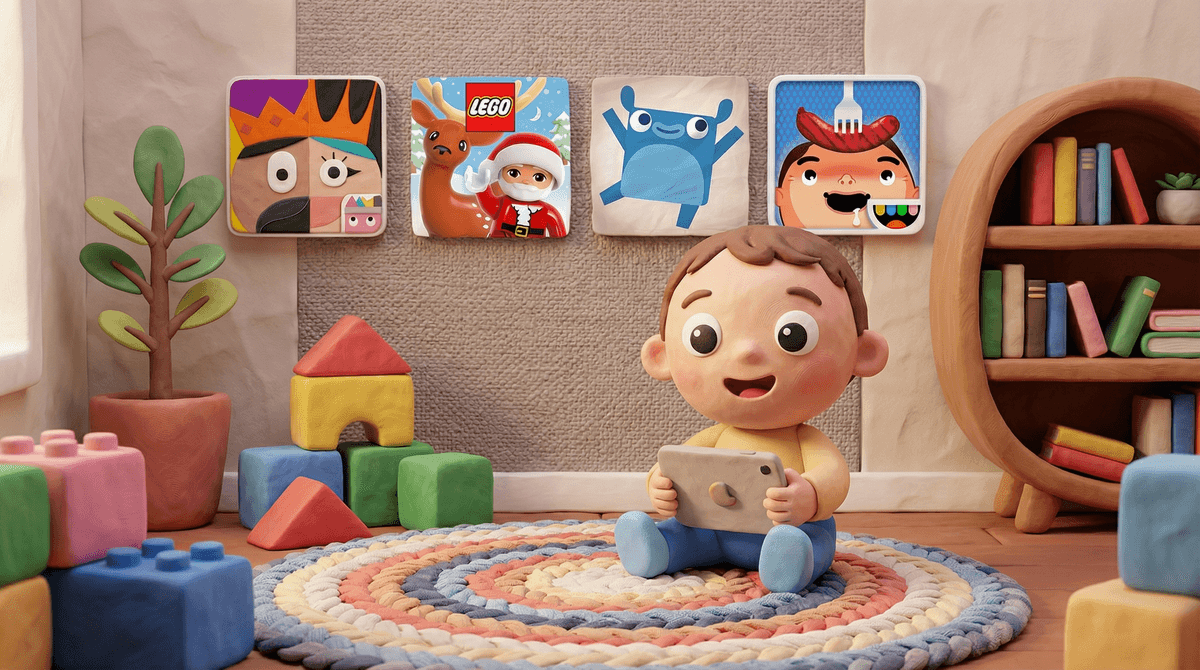
Let's be honest: the moment you hand a 3-year-old an iPad, you're entering a wild west of brightly colored apps that promise "educational fun" but often deliver overstimulating chaos with ads every 30 seconds. Preschool-friendly games are the ones that actually deliver on that promise—digital experiences designed for ages 2-5 that support early learning without the predatory monetization or dopamine-slot-machine mechanics.
The best ones teach problem-solving, pattern recognition, early literacy, and creativity while respecting your kid's developing brain. They have simple controls (because fine motor skills are still cooking), clear objectives, and—crucially—no surprise in-app purchases that result in a $47 charge for digital gems.
Preschoolers are in a completely different developmental stage than older kids. They're learning cause and effect, practicing hand-eye coordination, and building foundational skills like shape recognition and counting. They also have approximately 90 seconds of attention span on a good day.
The games that work for this age group are:
- Simple and intuitive - They can figure it out without reading instructions
- Forgiving - No game-overs or punishing failures
- Rewarding - Lots of positive feedback and celebration
- Short sessions - Designed for 5-10 minute play bursts
The games they love often involve animals, music, silly sounds, and the ability to make things happen on screen. Tap here, something fun happens. That's the magic formula.
Here's what actually works, organized by what they teach:
For Early Learning & Problem Solving
PBS Kids Games (Ages 2-5)
This is the gold standard. Free, no ads, features characters from shows like Daniel Tiger and Wild Kratts. Games teach letters, numbers, science concepts, and social-emotional skills. The app is designed by actual child development experts, and it shows.
Endless Alphabet (Ages 2-5)
Adorable monsters teach vocabulary and letter recognition through interactive puzzles. Each word comes with a funny animation showing what it means. One-time purchase, no subscriptions, no ads. It's rare and beautiful.
Montessori Preschool (Ages 3-7)
If you're into Montessori methods, this app brings that philosophy to the screen. Teaches math, reading, colors, and shapes through self-directed exploration. The free version is generous; the paid version unlocks everything.
For Creativity & Open-Ended Play
Toca Boca Games (Ages 3-8)
The entire Toca Boca universe—Toca Kitchen, Toca Hair Salon, Toca Life World—is designed for imaginative play with no rules, no winning, no losing. Kids cook weird food combinations, style hair, and create stories. It's digital play-dough. Some apps are paid, but they're worth it for the lack of ads and in-app purchases.
Sago Mini World (Ages 2-5)
Subscription-based but genuinely excellent for toddlers and young preschoolers. Gentle, exploratory games with adorable characters. Think: dress up a puppy, build a robot, go on a road trip. No time pressure, no competition, just pure play.
For Building & Spatial Reasoning
Lego Duplo World (Ages 2-5)
Digital Legos for the preschool set. Kids build vehicles, create scenes, and solve simple puzzles. It bridges physical and digital play beautifully—especially if you have actual Duplo blocks at home.
Thinkrolls (Ages 3-8)
A physics-based puzzle game where kids roll adorable characters through mazes. Teaches cause and effect, logic, and problem-solving. It starts simple and gradually gets more complex, so it grows with them.
For Music & Rhythm
Mussila Music (Ages 3-8)
Teaches music fundamentals through games and activities. Kids learn about rhythm, melody, and instruments in a playful way. Free with optional paid content.
Not all "educational" apps are created equal. Many free apps are actually designed to serve ads or push in-app purchases. If an app is free and has cartoon characters you don't recognize, be suspicious. The business model is probably your kid's attention and your credit card.
Screen time quality matters more than quantity for this age group. Fifteen minutes with PBS Kids Games is vastly different than 15 minutes of random YouTube Kids autoplay. Both are screens, but one is designed for learning and the other is designed for... well, algorithmic chaos.
Co-play makes everything better. Preschoolers learn best when you're sitting next to them, talking through what's happening. "What letter is that? What sound does it make? Should we try the red button or the blue button?" This transforms passive consumption into active learning.
Physical play is still king. Even the best digital games should be a small part of a preschooler's day. They need to run, jump, build with blocks, and make messes. Think of these games as tools in your parenting toolkit—useful for waiting rooms, long car rides, or when you desperately need to make dinner in peace.
The best preschool-friendly games are the ones that respect your kid's development, your family's values, and your bank account. Stick with apps from trusted sources like PBS, Toca Boca, and Lego. Read reviews. Try before you buy (or subscribe).
And remember: perfect screen time doesn't exist. Some days your kid will watch Bluey for an hour while you handle a work crisis, and some days they'll build elaborate Lego towers without touching a device. Both days are fine. You're doing great.
Want to explore more? Check out our guide on screen time guidelines for toddlers and preschoolers or learn about setting up parental controls on kids' devices. And if you're wondering whether your preschooler is ready for something like Minecraft (spoiler: probably not yet), we've got you covered there too.