

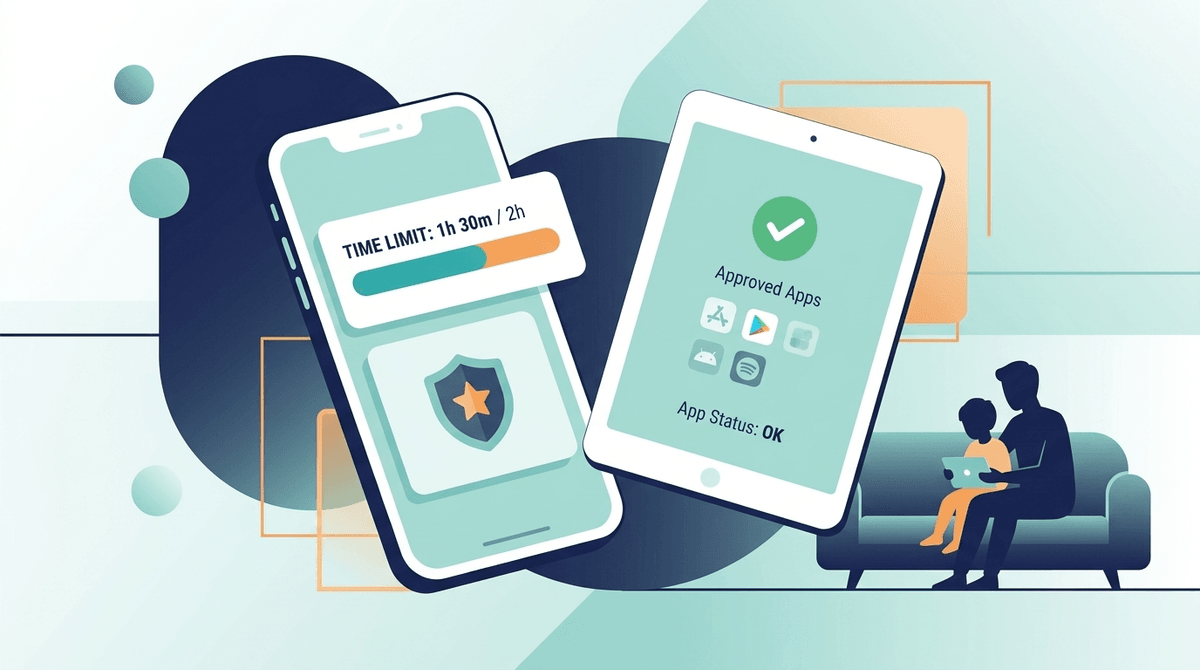
There's no single "best" parental control app — the right choice depends on your family's needs. Apple Screen Time and Google Family Link handle basic time limits and app blocking for free. Bark is best for monitoring messages and social media without total lockdown. Qustodio and Net Nanny offer comprehensive monitoring and filtering. Screenwise helps you figure out what decisions to make before you enforce them. Most families benefit from combining a free built-in tool with a guidance platform.
Parental control and digital wellness apps fall into three categories:
1. Blocking & Time Management
These apps restrict what kids can access and for how long.
- Apple Screen Time (free, built into iOS)
- Google Family Link (free, built into Android)
- Circle (network-level, works on all devices)
2. Monitoring & Alerts
These apps watch for concerning content and behavior.
- Bark (monitors messages, social media, email)
- Qustodio (full monitoring + blocking + time management)
- Net Nanny (web filtering + monitoring)
3. Guidance & Decision Support
These help you figure out what rules to set in the first place.
- Screenwise (personalized recommendations, community benchmarks, WISE scores)
- Common Sense Media (content reviews and age ratings)
| Feature | Apple Screen Time | Google Family Link | Bark | Qustodio | Screenwise |
|---|---|---|---|---|---|
| Cost | Free | Free | $14/mo | $55/yr | Free + premium |
| Time limits | Yes | Yes | No | Yes | No |
| App blocking | Yes | Yes | No | Yes | No |
| Message monitoring | No | No | Yes | Limited | No |
| Web filtering | Basic | Basic | Yes | Yes | No |
| Personalized guidance | No | No | No | No | Yes |
| Community benchmarks | No | No | No | No | Yes |
| Media ratings | No | No | No | No | Yes (WISE scores) |
| Works on | Apple devices | Android/Chrome | Most platforms | Most platforms | Web (any device) |
Apple Screen Time (Free)
Best for: iPhone/iPad families who want basic limits without paying.
Set daily time limits per app category, schedule Downtime (no apps during homework/bedtime), approve app downloads, and see usage reports. It's not fancy, but it's free and built in.
Limitation: Only works on Apple devices. No message monitoring. Kids figure out workarounds.
Google Family Link (Free)
Best for: Android families who want the same basics.
Similar to Apple Screen Time but for Android. Set time limits, approve apps, see location, lock devices remotely.
Limitation: Only works on Android/Chrome. Limited once kids turn 13.
Bark ($14/month)
Best for: Families who want to monitor social media and messages without reading everything.
Bark uses AI to scan messages, social media, and email for concerning patterns — bullying, depression, violence, sexual content — and alerts you only when something needs attention. It doesn't block content or set time limits.
Limitation: Doesn't prevent anything — it just alerts you after the fact. No time management features.
Qustodio ($55/year)
Best for: Families who want comprehensive monitoring AND blocking in one tool.
Full-featured: time limits, app blocking, web filtering, location tracking, call/SMS monitoring, social media monitoring. The most "complete" single solution.
Limitation: Can feel invasive for older kids. Expensive compared to free alternatives.
Screenwise (Free + Premium)
Best for: Families who want to make informed decisions about what to allow, block, and encourage.
Screenwise doesn't block or monitor — it helps you figure out what's right for your family. Through a 5-minute survey, you get personalized media recommendations, community benchmarks (what other families at your school are doing), and WISE scores for every app, game, show, and platform.
Limitation: Not an enforcement tool. Use it alongside a parental control app for the full picture.
For most families, the best approach is:
- Screenwise for guidance — figure out what's right for your family
- A free built-in tool (Apple Screen Time or Google Family Link) for basic enforcement
- Bark (optional) if you want message monitoring for tweens/teens
You don't need to spend $50+/year on a comprehensive monitoring suite unless you have specific concerns that warrant it.
Q: What are the best apps for digital wellness and parental control besides Apple Screen Time?
The top options are Bark ($14/mo) for message monitoring and alerts, Qustodio ($55/yr) for comprehensive monitoring and blocking, Google Family Link (free) for Android families, and Screenwise (free) for personalized guidance and media recommendations. Most families do well combining a free built-in tool with Screenwise for decision support.
Q: How do I choose between different family media safety apps?
Start by identifying what you actually need. If you want basic time limits, use the free built-in tools (Apple Screen Time or Google Family Link). If you want message monitoring, Bark is the best option. If you want to understand what's right for your family before setting rules, Screenwise provides personalized recommendations and community data. Most families don't need the most expensive option.
Q: Are free parental control tools good enough?
For most families, yes. Apple Screen Time and Google Family Link handle the basics — time limits, app approval, and basic content filtering. Add Screenwise (free tier) for guidance on what to allow, and you have a solid foundation without spending anything.
Q: At what age should I start using parental controls?
Start when they get their first device. For younger kids (under 10), built-in tools are usually sufficient. As kids enter middle school and start using social media, consider adding monitoring tools like Bark. The goal is gradually loosening controls as they demonstrate good judgment — not maintaining total lockdown through high school.
The best digital wellness setup combines guidance (knowing what's right for your family) with enforcement (making it happen). Screenwise handles the guidance. Your choice of parental control app handles the enforcement. Start with the free tools and add paid options only if you need specific features they provide.