Sky Guide

Sky Guide

app

2013, Reference, Education

WISE
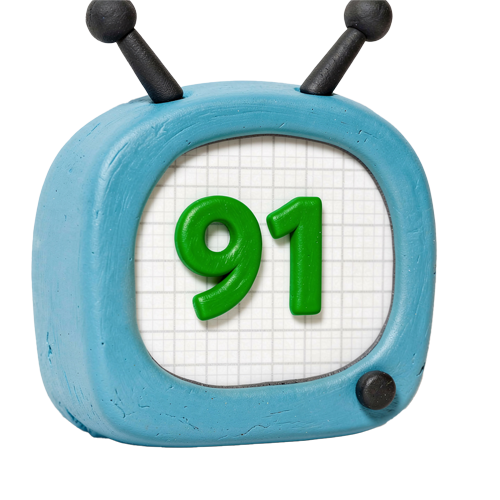
96%

WISE Score

4.8

App Store

The easiest way to look like a genius while staring at the night sky.

Screenwise Verdict

Sky Guide is one of those rare apps that actually justifies the existence of smartphones. It’s not a distraction; it’s a tool that encourages kids to look away from the screen and up at the world. It turns a dark, mysterious sky into an interactive map, and it does so with a level of polish and beauty that most educational apps never reach.

Whether you're camping in the backcountry or just standing on your suburban driveway, this is the best way to spark a conversation about science and our place in the universe. It’s essentially a planetarium in your pocket, and it’s a must-have for any intentional family's digital library.

Age Fit

Perfect for anyone from age 4 to 99. Toddlers love the pretty pictures and AR overlays, while older kids can dive deep into the technical data and satellite tracking.

WISE Breakdown
Wholesome
98

It’s pure, nature-focused exploration. There’s no conflict, no 'winning,' and no social pressure—just the quiet awe of the night sky.

Imaginative
92

The AR mode and cinematic time controls allow kids to visualize ancient constellations and future celestial events, turning a flat sky into a 3D playground.

Safe
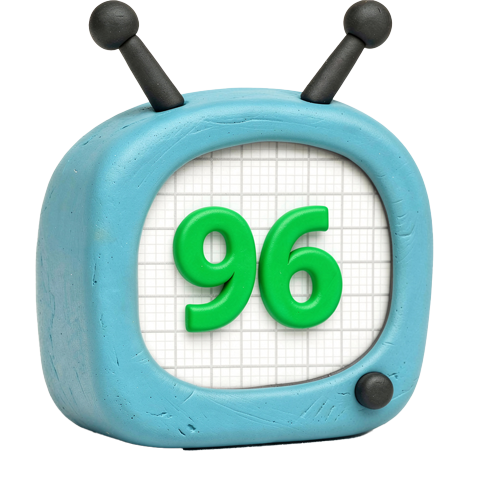
96

No unmoderated chat, no social feeds, and it functions offline. While there are subscription prompts, the app is remarkably clean and privacy-focused.

Enriching
97

It’s a massive database of astronomical knowledge delivered through an intuitive interface. It builds genuine scientific literacy without feeling like a textbook.

Parent Info
✓

Why It Might Be Great

  • AR Magic. Just point the device at the sky and it labels every star, planet, and satellite in real-time. It's the gold standard for 'point and see' tech.
  • Satellite Tracking. You can set notifications for when the International Space Station is flying overhead. Seeing it with your own eyes is a core memory for most kids.
  • Offline Capability. It works in the middle of the woods without Wi-Fi or cellular service, which is exactly where you want to be when you're using it.
  • Time Travel. The cinematic controls let you see where the stars were 500 years ago or where they’ll be tomorrow, making the concept of orbital mechanics feel tangible.
⚠

What to Watch For

  • Subscription Model. While there’s a base version, the 'Plus' or 'Super' tiers are subscription-based. Check your settings before handing it over if you haven't locked down IAP.
  • Night Vision. Remind your kid to use the 'Red Night Mode' in the app. If they don't, the screen's blue light will ruin their eyes' natural adjustment to the dark for 20 minutes.

Conversation Starters

  • "If we could jump on a ship to any of those planets right now, which one would you pick first?"
  • "Do you think people 2,000 years ago saw the same shapes in the stars that we see on the screen?"
  • "How do you think the astronauts on the ISS feel looking down at us while we're looking up at them?"
  • "If you could name a new constellation, what would it look like and what would you call it?"

Ask Anything

Get a personalized guide on any topic