The Microtransaction-Free Oasis
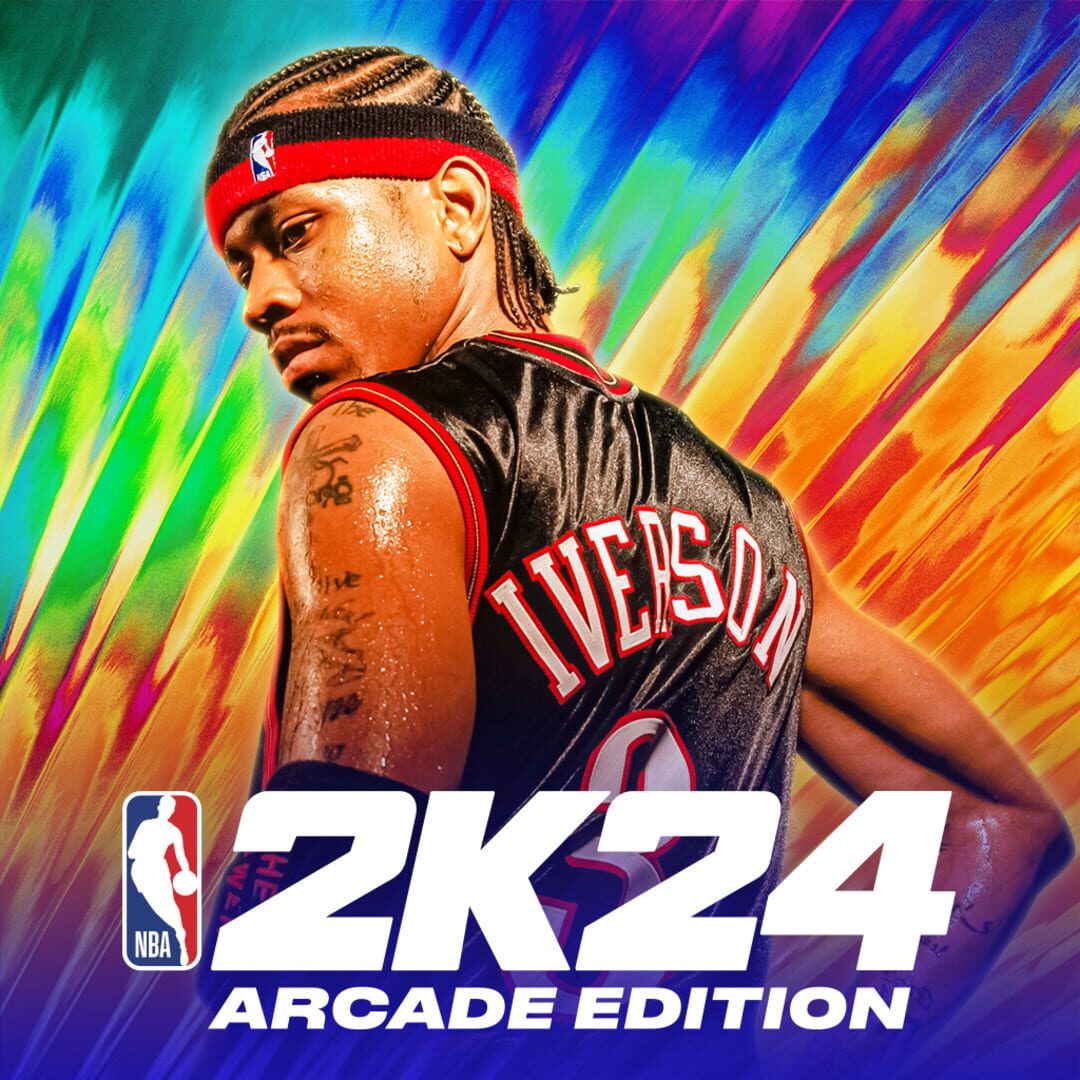
If you’ve ever watched a kid play the console version of NBA 2K, you know the drill: it’s a constant barrage of "VC" (Virtual Currency) prompts, loot boxes, and "deals" that make a $70 game feel like a high-stakes casino. The Arcade Edition is the antidote. Because it lives on Apple Arcade, the developer is literally forbidden from asking for another cent.
This means the "MyCareer" mode—where your kid creates a player and grinds their way to the Hall of Fame—is actually about skill and time spent, not how much you’re willing to blow on digital sneakers. For parents, this is the primary reason to choose this version. It’s the "clean" way to let them obsess over stats and roster moves without worrying about a surprise $50 charge on your Apple ID. If you're still on the fence about the service, it’s worth looking into whether Apple Arcade is worth it for families specifically for this reason.
The "Last Year Was Better" Friction
You’ll see some reviews from long-time players complaining that this version is a step back from the previous year. In the world of annual sports games, this is a tradition as old as the sport itself. Usually, these complaints center on "ghost" touches or slight changes to the shot meter.
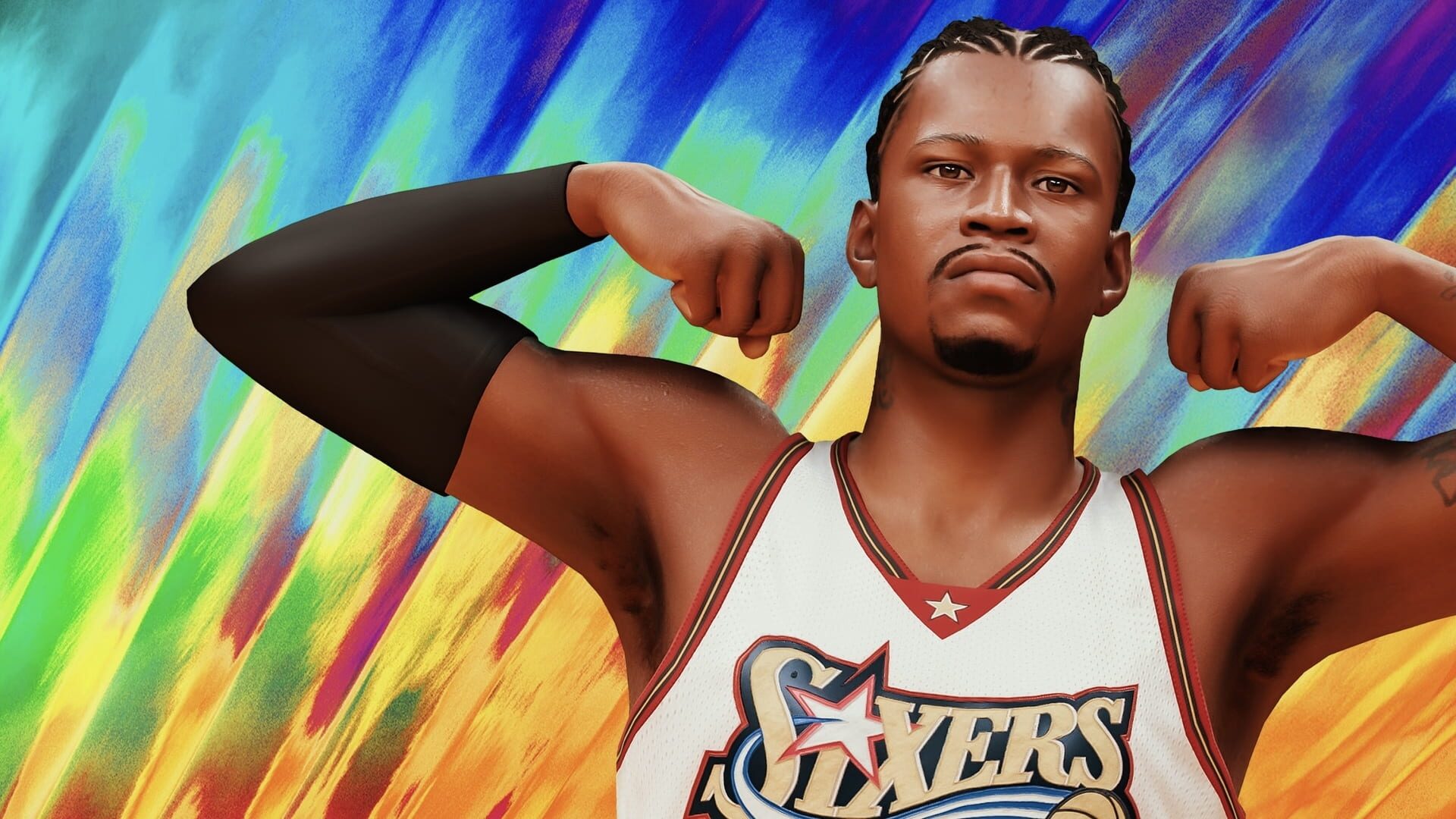
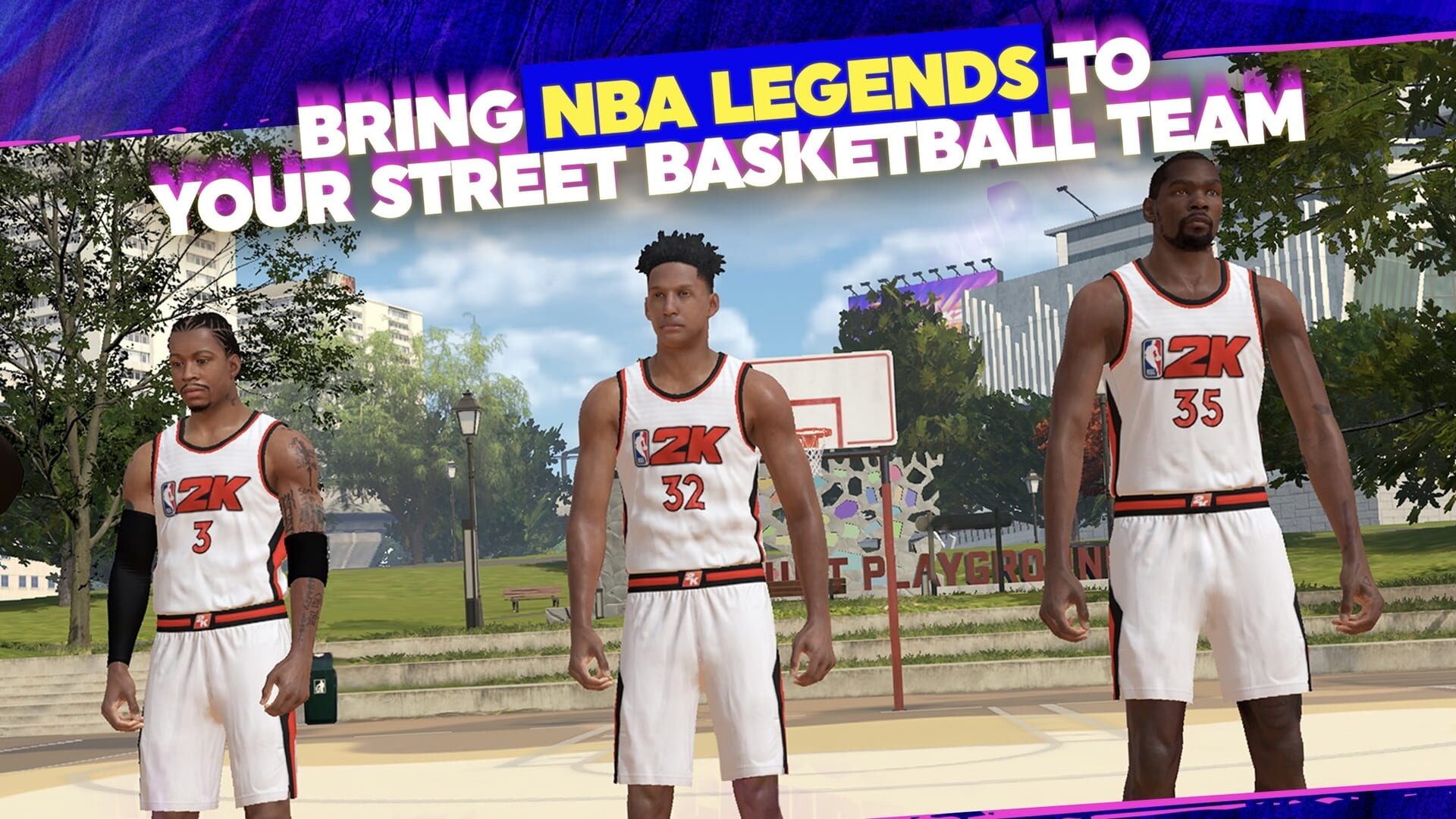
For a casual player or a kid just looking to dunk with LeBron, these gripes are mostly noise. The graphics are still top-tier for a mobile device—if you’re looking over their shoulder, it genuinely looks like a televised game. However, the simulation is deep. If your kid isn't used to sports sims, the learning curve on timing a jump shot can be brutal. It’s not an arcade "button masher"; it requires actual rhythm and a basic understanding of basketball spacing.
Pro Tip: Bring a Controller
While the touch controls are "simplified," playing a high-speed basketball sim on a glass screen is a recipe for frustration. The virtual joysticks are fine for a quick game on the bus, but for anything competitive, they’re clunky.
If your kid is getting serious about their MyCareer season, hook up a Bluetooth controller (like an Xbox or PlayStation one). It transforms the experience from a "mobile game" into a legitimate portable console experience. This is one of the best family-friendly games on Apple Arcade once you remove the friction of touch controls.
The "If Your Kid Liked X" Move
If your kid is already deep into Roblox sports sims or plays Rocket League Sideswipe, this is the logical next step. It’s significantly more "grown-up" and realistic. On the flip side, if they’re looking for the wacky, physics-defying fun of something like Big Top Sports, they might find the strict rules and simulation pace of 2K24 a bit boring.
This game is for the kid who checks NBA box scores before school. It’s for the one who cares about trade rumors and player ratings. It’s less of a "toy" and more of a lifestyle app for young basketball fans. Since Apple Arcade is ad-free, they can sink hours into the management side of the game—trading players and managing team chemistry—without a single pop-up breaking the immersion.