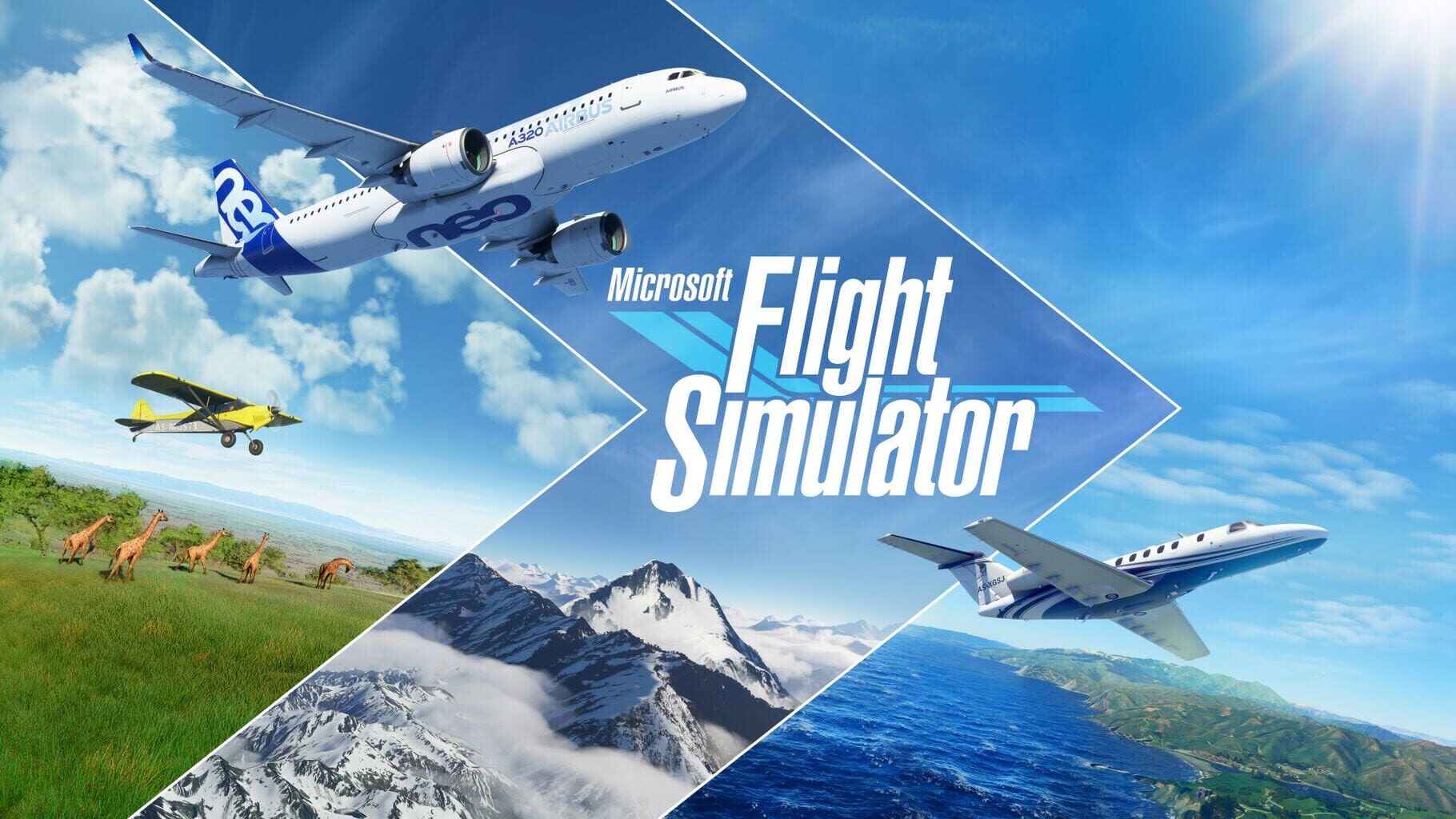
The ultimate "look what this computer can do" flex
Even years after its release, Microsoft Flight Simulator remains the definitive benchmark for home hardware. It isn’t just a game; it’s a 1:1 digital twin of the entire planet. If your kid has ever spent hours on Google Earth zooming in on their own roof or scouting vacation spots, they’ve already played the "lite" version of this.
The magic moment for every player is the same: you spawn at your local municipal airport, find your street, and realize the trees in your front yard are actually there. It’s a level of scale that makes other open-world games feel like tiny backyard sandboxes. For a certain type of kid—the one who builds complex LEGO Technic sets or memorizes dinosaur classifications—this isn't just entertainment. It’s a hobby that happens to live on a screen.
The "boring" barrier to entry
Let’s be blunt: for 90% of kids, this game is a snooze fest. There are no points, no leaderboards, and no missions where you shoot things. If you crash, the screen just fades to black. It’s the anti-Roblox.
The friction starts before you even leave the ground. The initial download is massive, and the loading screens take long enough to go make a sandwich. Once you’re in the cockpit, the learning curve is a vertical wall. If your kid is looking for an arcade experience like Ace Combat, they will be miserable here. This is a title where you spend fifteen minutes just checking fuel levels and adjusting flaps before you even touch the throttle.
However, that friction is exactly why it’s one of the best simulation games for kids who want to feel like they’ve mastered something difficult. There is a genuine sense of competence that comes from successfully landing a Cessna in a crosswind after a forty-minute flight.
How to play it without going broke
This is a premium-priced title that demands high-end hardware, which makes it a risky "maybe" for a birthday gift. The smartest move for parents is to treat it as a trial run. Since it’s a first-party Microsoft title, it’s a staple of the Xbox Game Pass library.
Instead of dropping $70 on a game your kid might find "mid" after two hours, it’s worth checking if Xbox Game Pass is actually saving you money for your specific household. If they love it, you can eventually invest in a dedicated flight stick (the "HOTAS" setups you’ll see on Amazon). If they hate it, you’ve only lost the time it took to download.
If your kid liked X, they might love this
Think of this as the "Final Boss" of specific interests.
- If they liked Minecraft Creative Mode: They’ll appreciate the "go anywhere, do anything" freedom, but they might miss the ability to change the landscape.
- If they liked Kerbal Space Program: They’ll love the technical depth and the way the game respects physics.
- If they liked Euro Truck Simulator: This is the natural progression. It’s the same "zen" of long-distance travel, just with a much better view.
If you want to see the game in action before committing, Common Sense Media has a solid breakdown of the "educational" vs. "frustration" balance. Just know that if your kid does click with it, you’re probably going to be hearing a lot about "nautical miles" and "instrument flight rules" at the dinner table.