FaceTime

FaceTime

app

4+, 2016, Social Networking

WISE
75%

WISE Score

4.2

App Store

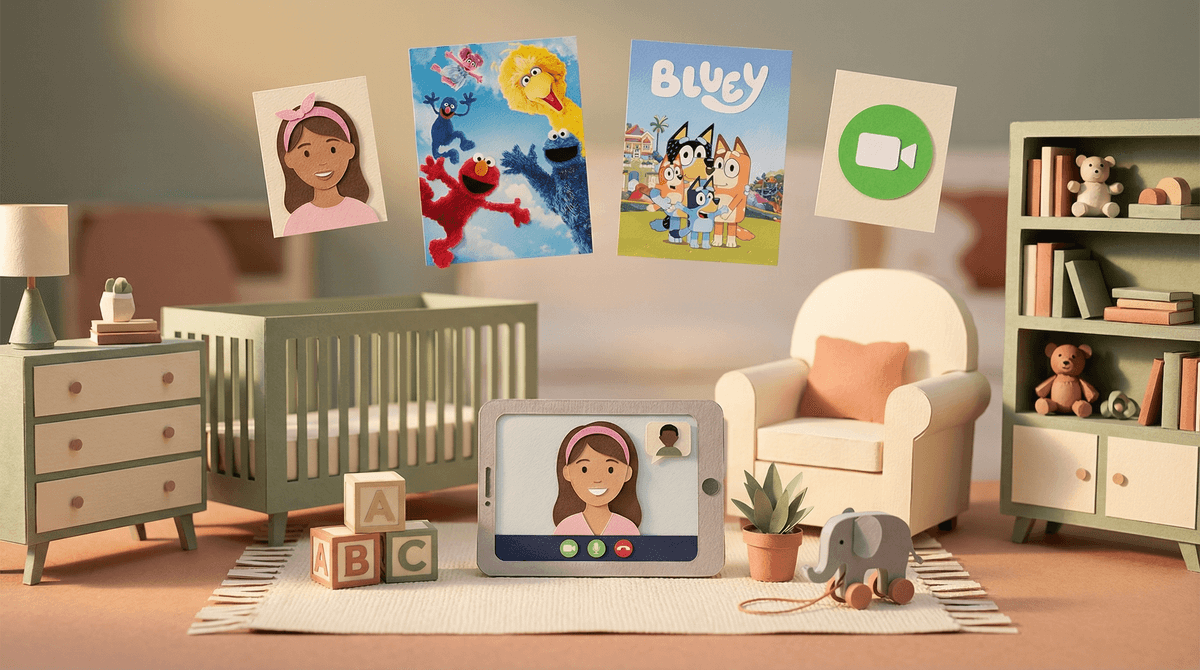
Apple's video-calling app: the digital equivalent of a phone line to Grandma, but with fun filters and the ability to watch movies together.

Screenwise Verdict

FaceTime is one of the better tools in the digital toolkit—it's designed for connection, not consumption. No ads, no feed, no performative nonsense. Just video calls with people you actually know.

That said, it's not plug-and-play safe for young kids. Apple's 4+ age rating is technically accurate but misleading—a 4-year-old shouldn't have unsupervised access. The safety infrastructure is solid (Screen Time, Family Sharing, Unknown Callers filtering), but it requires parents to do the work upfront. If you don't lock down the contacts list and set boundaries, your kid could theoretically get calls from anyone who has their number.

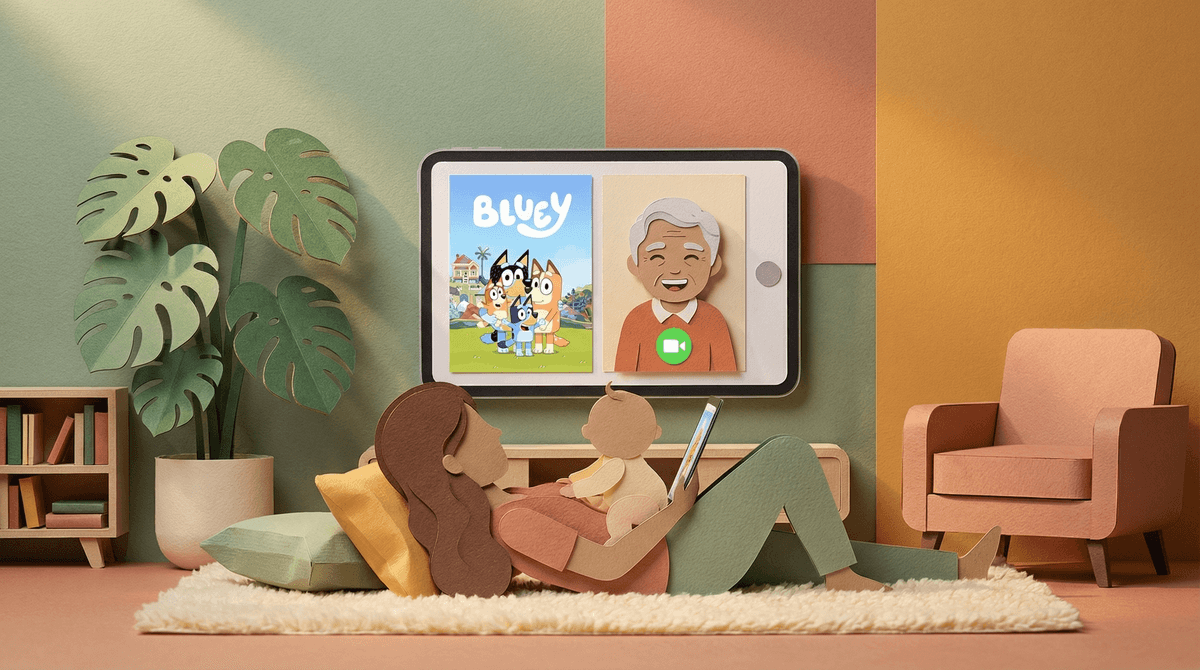
For families with far-flung grandparents, traveling parents, or kids who've moved away from friends, FaceTime is a genuine gift. SharePlay is a thoughtful feature for co-watching movies or listening to music together. The video effects and reactions add a playful touch without being distracting.

Bottom line: Set it up right, supervise younger kids, and FaceTime is a tool that actually brings people together. Which, in the digital landscape, is saying something.


Age Fit

Best for kids 6+ with close parental supervision and a tightly controlled contacts list. Independent use is most appropriate for 13+, when kids can manage their own Apple ID and understand basic digital safety. Younger kids (4-5) can use it for calls with specific family members under direct parent supervision.

WISE Breakdown
Wholesome
88

FaceTime is fundamentally a tool for connection—video and audio calls with family and friends. The core experience models healthy communication and relationship-building. Features like SharePlay (watching movies together), screen sharing, and reactions add warmth and playfulness. Portrait mode, Studio Light, and fun gestures (balloons, confetti) keep the vibe light. No ads, no algorithm pushing content, no performative social dynamics. It's just... talking to people you care about, which is about as wholesome as digital tools get.

Imaginative
62

FaceTime isn't designed to spark creativity or exploration—it's a utility for communication. That said, SharePlay lets families co-watch content or listen to music together, screen sharing can enable collaborative problem-solving or teaching moments, and the video effects (Animoji, stickers, reactions) add a playful layer. Kids might use it to show off Lego builds, perform puppet shows for grandparents, or collaborate on homework. But it's not a creative sandbox; it's a conduit. Imaginative use depends entirely on what the user brings to the call.

Safe
76

FaceTime has strong bones for safety but requires active parental setup. No ads, no user-generated content feed, no comments section, no algorithmic rabbit holes. The 'Unknown Callers' list filters calls from numbers not in contacts. However, safety hinges entirely on Apple's Screen Time and Family Sharing controls—parents must manually restrict contacts, set time limits, and monitor call logs. Apple lists a minimum age of 4+, but children under 13 need a parent-managed Apple ID. Without proper setup, a child could theoretically receive calls from anyone who has their number or Apple ID. The lack of in-app parental controls is a gap; everything lives in the broader iOS settings. For a supervised young child with a locked-down contacts list, it's very safe. For an unsupervised tween with an open contact list, less so.

Enriching
70

FaceTime enables meaningful social connection, which is cognitively and emotionally valuable—kids can maintain relationships with distant grandparents, parents traveling for work, or friends who've moved away. The spatial audio and grid view features help kids learn conversational turn-taking and group dynamics. SharePlay and screen sharing can facilitate collaborative learning (homework help, teaching a new skill). Live Captions with speaker attribution support accessibility and language development. But it's not educational content; it's infrastructure. The enrichment comes from how it's used—a 10-minute bedtime story from Grandma is enriching; a 2-hour unfocused call where everyone stares at screens is not.

Parent Info

Why It Might Be Great

  • Genuinely wholesome use case—staying connected with family and friends, especially those far away
  • No ads, no algorithm, no social performance anxiety—just actual conversation
  • SharePlay is a lovely feature for co-watching movies or listening to music together, even when apart
  • Strong privacy foundation when set up correctly via Family Sharing and Screen Time
  • Live Captions and spatial audio support accessibility and make group calls easier to follow

What to Watch For

  • Safety depends entirely on you configuring Screen Time—lock down that contacts list for younger kids
  • No in-app parental controls; everything lives in iOS settings, which can be confusing to navigate
  • Kids under 13 need a parent-managed Apple ID, which requires Family Sharing setup
  • The 'Unknown Callers' list is helpful but not foolproof—review call logs periodically

Conversation Starters

  • "Who do you most like calling on FaceTime? What do you talk about?"
  • "Have you ever gotten a call from someone you didn't know? What did you do?"
  • "What's the coolest thing you've shown someone on a FaceTime call?"
  • "If you could FaceTime anyone in the world, who would it be and what would you ask them?"

Ask Anything

Get a personalized guide on any topic