The Canva-fication of Video
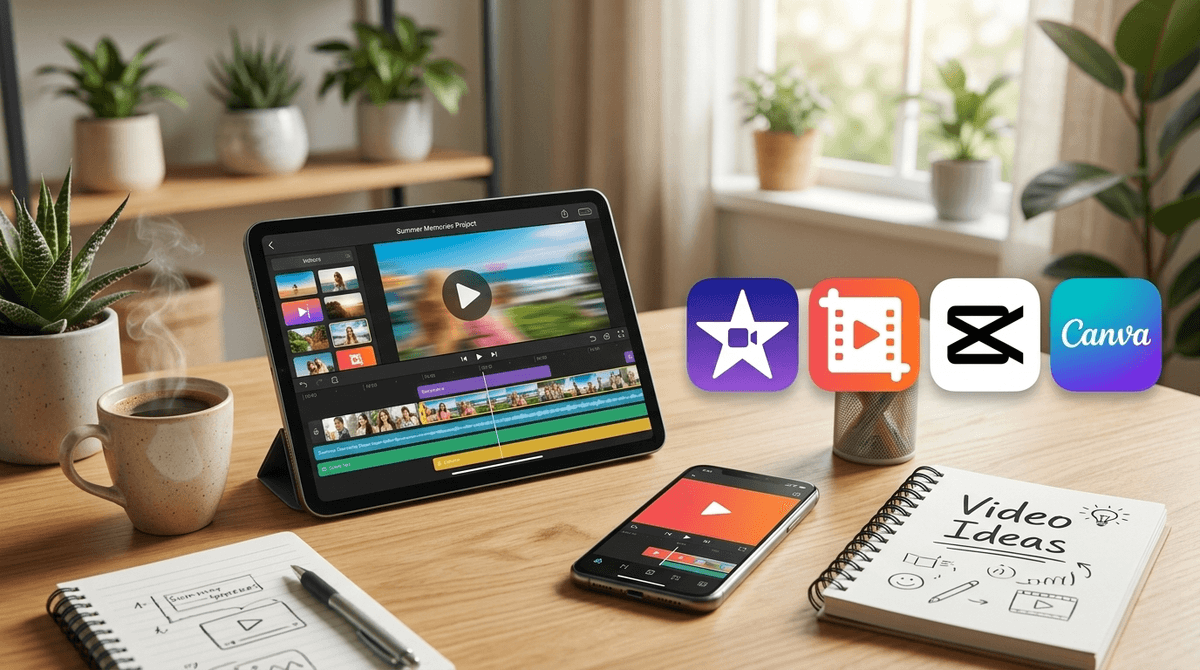
For a long time, video editing was the final boss of digital skills. You either used the ancient, crashing version of Windows Movie Maker or you spent months learning the Intricate shortcuts of Adobe Premiere. Clipchamp sits right in the middle, borrowing the 'drag-and-drop' philosophy that made Canva a hit. It treats video as a series of blocks rather than a complex chemical reaction.
For parents, the biggest draw here is the safety of the sandbox. Unlike CapCut—which is owned by ByteDance (TikTok) and is much more aggressive about social integration—Clipchamp feels like a productivity tool. It’s designed to help you finish a video, not necessarily to keep you scrolling through a feed of other people's creations.
The Subscription Friction
Microsoft bought Clipchamp in 2021, and they’ve spent the time since trying to figure out how to make you pay for it. The free tier is generous enough for a 12-year-old’s history report, but the moment they want 'Premium' stock music or 4K exports, you'll hit a paywall. It’s worth sitting down with them to explain that the free assets are plenty; most of the paid stuff is just fluff for small business owners.
If your kid is on a Mac, they have iMovie, which is arguably better. But if you’re a Windows household, this is the default for a reason. It's stable, it's integrated with OneDrive, and it teaches the fundamental logic of the 'timeline'—a skill that will serve them well whether they become a professional editor or just someone who knows how to make a decent presentation for work.