

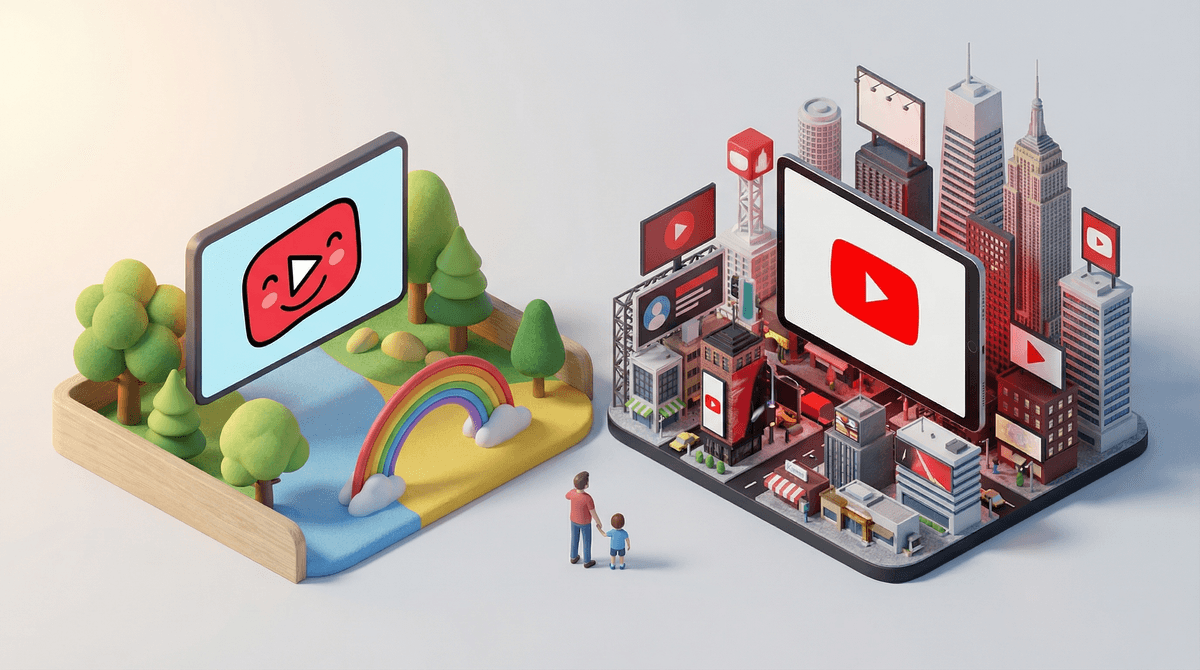
Let's cut through the confusion: YouTube and YouTube Kids are two completely different apps made by the same company, and the differences matter way more than you might think.
YouTube is the regular platform we all know—billions of videos, everything from makeup tutorials to conspiracy theories to actual educational content. It's designed for ages 13+ (technically), but we all know plenty of younger kids are on it.
YouTube Kids is a separate app built specifically for children under 13, with filtered content, simplified navigation, and parental controls baked in from the start. Think of it as YouTube's younger sibling who's not allowed to watch R-rated movies or talk to strangers.
The key thing to understand: these aren't just different settings on the same app. They're completely separate experiences, and which one your kid uses fundamentally changes what they can access and how they interact with content.
Content Filtering
YouTube Kids uses a combination of automated filters, human review, and parental feedback to curate content. The app only shows videos from channels that have been vetted for kids. You can choose between three age-based content levels:
- Preschool (Ages 4 and under)
- Younger (Ages 5-8)
- Older (Ages 9-12)
YouTube has no real content filtering unless you turn on Restricted Mode, which is honestly pretty inconsistent. Your kid can theoretically access anything—gaming videos, news, true crime, beauty influencers, whatever the algorithm serves up.
Comments and Community
YouTube Kids: No comments section. Kids can't comment, and they can't see comments from others. This is huge for safety.
YouTube: Full comment access. Kids can read comments (which, let's be honest, are often a dumpster fire) and post their own if they're logged into an account.
Search Functionality
YouTube Kids: You can actually turn search OFF completely and limit kids to only pre-approved channels. If search is on, it's filtered to kid-appropriate results (though not perfectly—more on that in a minute).
YouTube: Full search access to YouTube's entire library. If they can think it, they can search for it.
Ads
Both platforms have ads, but YouTube Kids ads are supposed to follow stricter guidelines—no food/beverage ads, no products that require parental permission to buy, no clickbait. In practice? The ads on YouTube Kids are still annoying, but they're generally less predatory than regular YouTube.
Autoplay and Recommendations
Both apps use algorithms to recommend "what's next," but YouTube Kids' algorithm is theoretically tuned for kids content. Regular YouTube's algorithm is optimized for engagement—which means it can send kids down some weird rabbit holes fast. The recommendation algorithm is actually a bigger deal than most parents realize .
.
Here's the thing: YouTube Kids isn't perfect. Inappropriate content still slips through. There have been documented cases of disturbing videos disguised as kids content (remember Elsagate?). The filtering isn't foolproof.
But regular YouTube for young kids? That's like dropping them in the middle of Times Square and hoping they only look at the Broadway show posters. The platform wasn't designed for children, and it shows.
The data backs this up: studies show kids on regular YouTube are significantly more likely to encounter inappropriate content, including violence, sexual content, and dangerous "challenges." YouTube Kids has problems, but they're on a completely different scale.
Ages 4-7: YouTube Kids with search turned OFF is your best bet. Curate a collection of approved channels and let them explore within those boundaries. Think Bluey clips, StoryBots, and educational content like Crash Course Kids.
Ages 8-10: YouTube Kids with search enabled, but with regular check-ins on watch history. This is a good age to start teaching them how to evaluate content quality and recognize clickbait.
Ages 11-12: This is the gray zone. Some kids are ready for supervised regular YouTube with Restricted Mode on. Others need to stay on YouTube Kids. It really depends on your kid's maturity and your family's digital boundaries. Consider starting with YouTube Kids set to "Older" content and see how they handle it.
Ages 13+: Technically, they're old enough for regular YouTube. But "old enough" doesn't mean "ready for unsupervised access to everything." This is when you need to have real conversations about content literacy, algorithm awareness, and digital citizenship.
YouTube Kids isn't set-it-and-forget-it safe. You still need to:
- Check watch history regularly
- Approve channels before your kid watches them (if you're being really intentional)
- Block specific videos or channels that slip through
- Talk to your kids about what they're watching
The "kids content" on YouTube is... a lot. Even on YouTube Kids, you'll find:
- Unboxing videos that are basically 10-minute toy commercials
- Gaming content that ranges from wholesome to hyperactive chaos
- "Family vlogs" that may or may not align with your values
- Content that's technically appropriate but still feels like brain rot
You can customize YouTube Kids extensively. Take 20 minutes to set it up properly:
- Create individual profiles for each kid
- Set age-appropriate content levels
- Approve specific channels only (this is the "Collections" feature)
- Turn off search if they're young
- Set a timer (because yes, the app has a built-in timer)
Here's how to set up YouTube Kids parental controls properly.
YouTube Kids is significantly safer than regular YouTube for children under 13, but it's not a substitute for parental involvement. Regular YouTube should be off-limits for younger kids, and even for tweens, it needs supervision and clear boundaries.
The real question isn't "YouTube or YouTube Kids?" It's "How much YouTube, of any kind, do we want in our family's life?" Because even the kid-friendly version is designed to maximize watch time, and that algorithm is really, really good at keeping eyes glued to screens.
If your kid is currently on regular YouTube and they're under 10: Make the switch to YouTube Kids. Yes, they'll complain. Yes, they'll say "but all my friends use regular YouTube." Hold the line. Their developing brains will thank you.
If you're starting fresh with a young kid: Begin with YouTube Kids, search disabled, approved channels only. Treat it like training wheels.
If you have a tween pushing for regular YouTube: Consider it a privilege that's earned through demonstrating good judgment on YouTube Kids first. When you do make the switch, keep Restricted Mode on and have regular conversations about what they're watching.
And honestly? Consider whether YouTube needs to be a daily thing at all. There's a whole world of better screen time alternatives out there—podcasts like Brains On!, creative games like Minecraft, or even (gasp) some good old-fashioned TV shows with actual narrative structure.
YouTube isn't evil, but it's also not babysitter material. Whichever version you choose, stay involved.