

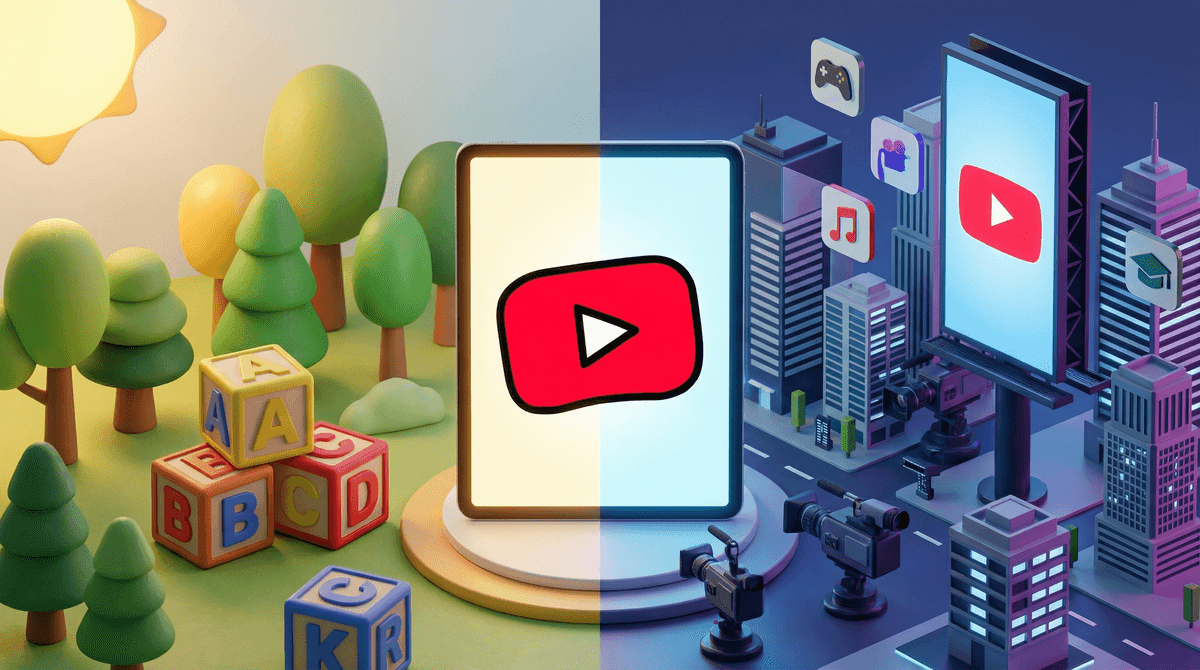
YouTube Kids vs. Regular YouTube: What Every Parent Needs to Know
Look, I get it. You hand your 6-year-old the iPad with YouTube Kids thinking you've made the safe choice, then three days later they're watching some weird video where animated characters are doing... something you can't quite explain but definitely feels off. Meanwhile, your 11-year-old is begging for "regular YouTube" because "literally everyone has it, Mom" and you're wondering if you're being overprotective or if there's actually a real difference here.
Let me break this down, because the YouTube vs. YouTube Kids decision is way more nuanced than the app stores make it seem.
YouTube Kids launched in 2015 as Google's answer to the very legitimate concern that regular YouTube is basically the Wild West of video content. It's a separate app (and website) designed specifically for children under 13, with content that's supposed to be filtered for age-appropriateness.
The app has a few key features:
- Algorithm-filtered content that aims to exclude mature themes
- Parental controls where you can set age ranges (Preschool, Younger, or Older)
- Timer settings so the app literally shuts down after your set time limit
- No comments section (thank goodness)
- Approved content mode where you can hand-select every single channel your kid can watch
Regular YouTube, on the other hand, is the full platform. Everything from legitimate educational content to gaming videos to, well, everything else the internet has to offer. It requires users to be 13+ (though we all know enforcement is... minimal).
Here's the thing nobody tells you: YouTube Kids isn't actually perfectly safe, and regular YouTube isn't necessarily digital poison.
YouTube Kids uses a combination of automated filters, human review, and parental feedback to curate content. But automated filters are only as good as their algorithms, and some seriously weird stuff has slipped through over the years. Remember "Elsagate"? Those bizarre videos featuring popular children's characters in inappropriate situations? Yeah, those were on YouTube Kids.
Meanwhile, regular YouTube has incredible educational content, thoughtful creators making genuinely enriching videos, and communities that can be really positive for older kids and teens. The difference is that it also has literally everything else, with no guardrails.
The real issue is that both platforms are designed to maximize watch time, not child development. The autoplay feature, the endless scroll, the algorithm that learns what keeps your kid glued to the screen—these work the same way whether there's a "Kids" label on the app or not.
Ages 3-5: YouTube Kids with Heavy Supervision
If you're using YouTube at all with preschoolers, YouTube Kids with the "Preschool" setting and Approved Content Only mode is your best bet. But honestly? At this age, you're better off with apps that have actual human curation like PBS Kids or downloaded episodes of specific shows.
The autoplay feature on any YouTube platform can take your preschooler from Daniel Tiger to... who knows what... in about 4 clicks. If you do use it, sit with them. I know that defeats the purpose of "I need 20 minutes to make dinner," but that's the reality.
Ages 6-9: YouTube Kids, But Start Teaching Media Literacy
This is the age where kids start having opinions about what they want to watch, and "Approved Content Only" becomes exhausting to maintain. The "Younger" setting on YouTube Kids is appropriate here, but this is also when you need to start having conversations:
- "Why do you think this video is trying to make you keep watching?"
- "Is this person trying to teach you something or just being silly for views?"
- "How do you feel after watching this for 30 minutes?"
Around age 8-9, some kids are ready for supervised regular YouTube access for specific purposes—following a LEGO building tutorial, watching educational channels like Crash Course Kids, or learning to play an instrument. The key word is supervised. They're not ready to free-range browse.
Ages 10-12: The Transition Zone
This is where it gets tricky. By fifth or sixth grade, a lot of kids have regular YouTube access, either on their own devices or at friends' houses. YouTube Kids starts feeling babyish, and honestly, they're probably aging out of the content there anyway.
This is the age to introduce regular YouTube with serious guardrails:
- Restricted Mode turned on (it's not perfect, but it helps)
- YouTube on shared family devices, not in bedrooms
- Subscriptions to specific channels you've vetted together
- Regular check-ins about their watch history
- Clear rules about what content is off-limits (and why)
Some families create a "YouTube together" routine where you watch and discuss videos as a family. Is it perfect? No. But it's better than pretending they won't access it and then having no framework for when they do.
Ages 13+: Regular YouTube with Ongoing Conversation
Once kids are teenagers, YouTube Kids is no longer age-appropriate, and frankly, they need to learn to navigate regular YouTube (and the broader internet) with critical thinking skills. But "they're 13 now" doesn't mean unlimited, unsupervised access.
This is about teaching discernment: recognizing clickbait, understanding parasocial relationships with creators, noticing when content is making them feel worse about themselves, and knowing when to close the app.
The algorithm is the real problem, not just the content. Both YouTube and YouTube Kids are designed to keep users watching as long as possible. Even if every single video is "appropriate," the endless consumption pattern is the issue. Learn more about how platform algorithms shape behavior .
.
"Educational" doesn't always mean valuable. There are tons of videos labeled educational that are really just screen filler. A 10-minute video of someone slowly unboxing toys while describing colors isn't teaching your toddler much, even if it's categorized as educational.
YouTube Kids has ads (unless you pay for YouTube Premium). These are supposed to be family-friendly, but they're still ads designed to make your kid want stuff. Regular YouTube has way more ads, and they're not filtered for kids.
The comment sections on regular YouTube are often the worst part. Even on innocent videos, scroll down to the comments and you'll find toxicity. This is why YouTube Kids doesn't have comments, and why you should talk to older kids about not reading (or engaging with) comments.
Screen time numbers don't tell the whole story. 30 minutes of following along with an art tutorial is different from 30 minutes of watching toy unboxing videos. Quality matters, even though it's harder to measure.
Here's what I've learned works better than just picking an app and hoping for the best:
Start with "why" not "what." Before deciding YouTube Kids vs. regular YouTube, ask: Why is my kid watching YouTube at all? Entertainment? Learning? Social connection (everyone's talking about a creator)? The "why" should shape your approach.
Use the tools available, but don't trust them completely. Turn on Restricted Mode, set up Approved Content, use the timer features—but also spot-check what your kids are actually watching. The tools are helpful, not foolproof.
Make it a conversation, not a surveillance operation. Instead of secretly monitoring watch history (though you should be able to see it), ask your kids to show you what they're watching. Watch together sometimes. Ask questions. Make it normal to talk about.
Have a plan for when (not if) they see something inappropriate. Because they will. Whether it's on YouTube Kids, regular YouTube, or at a friend's house. What matters is whether they feel comfortable telling you about it.
YouTube Kids is generally safer for younger children than regular YouTube, but it's not a "set it and forget it" solution. Regular YouTube has value for older kids and teens, but needs active parenting and ongoing conversations.
The real question isn't "which app?"—it's "how much, for what purpose, and with what level of involvement?"
Most families I know end up with some combination: YouTube Kids with Approved Content for the youngest, supervised regular YouTube for specific purposes in elementary school, and gradually more independent (but still monitored) access in middle school and beyond.
And honestly? Some families decide YouTube isn't worth the hassle at all and stick with Netflix Kids, Disney+, or downloaded content where they have more control. That's valid too.
If you're trying to figure out what's right for your family:
-
Check your current settings. If your kid is using YouTube Kids, open the app and look at what "age range" is selected and whether Approved Content mode is on.
-
Watch what they're watching. Spend 15 minutes looking at their watch history or watching with them. You might be surprised (in good or bad ways).
-
Have a conversation. Ask your kid what they like about YouTube and why. Listen to their answer. It'll tell you a lot.
-
Decide on family rules together. Where can YouTube be watched? For how long? What happens if they see something that makes them uncomfortable?
-
Revisit regularly. What works for a 7-year-old won't work for a 10-year-old. Check in every few months and adjust.
The goal isn't perfect control—it's raising kids who can eventually make good decisions about their own media consumption. That starts with us being informed, involved, and honest about both the benefits and the risks.
You've got this. And if you need help figuring out what's actually appropriate for your specific kid at their specific age, that's exactly what Screenwise is here for.