

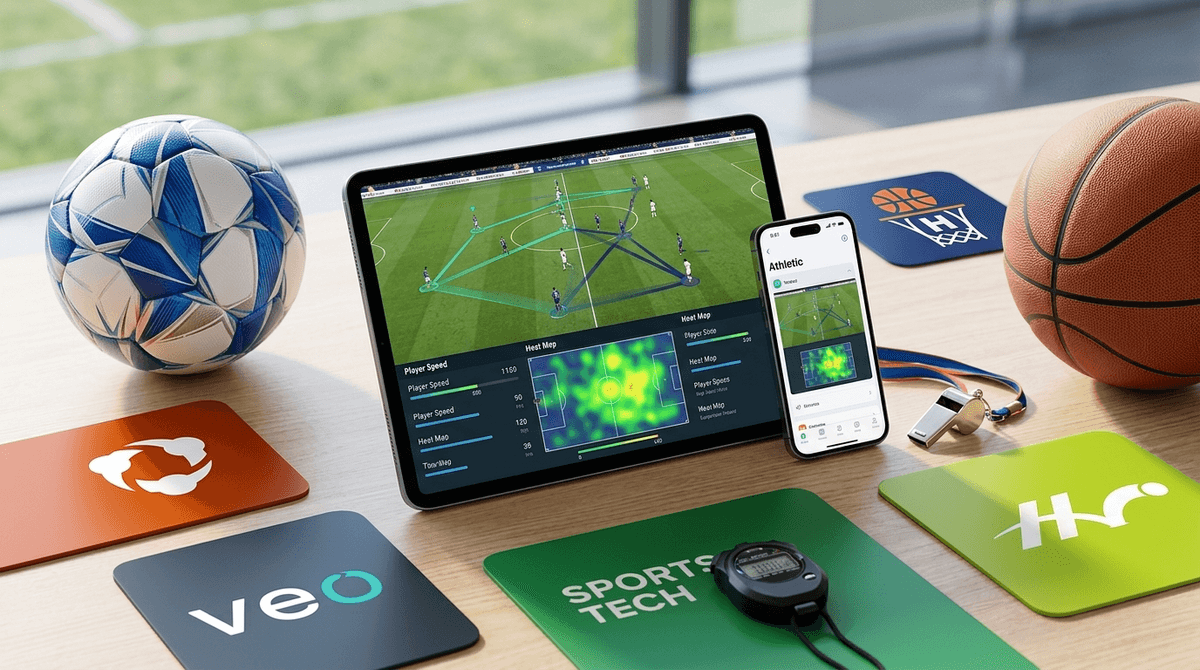
TL;DR: Sports analysis apps have moved from the NFL sidelines straight into our minivans. If your kid is in club or competitive sports, you’re likely already seeing Hudl, Veo, or Trace in your ecosystem. These tools are incredible for skill development and recruiting, but they can also turn a "fun Saturday game" into a "Sunday morning performance review" if we aren't careful.
Quick Links to Top Sports Tech:
- The Industry Standard: Hudl
- The AI Soccer Specialist: Veo
- The Automated Highlight Reel: Trace
- For the Hoop Dreams: HomeCourt
- For Baseball/Softball Swings: Blast Motion
Remember when "watching film" meant sitting in a dark, slightly musty locker room while a coach struggled with a VCR? Those days are gone. In 2026, "game film" is a high-definition, AI-curated experience delivered directly to your kid's smartphone before you’ve even finished the drive home from the tournament.
Video analysis apps use either manual tagging or Artificial Intelligence to track players on the field. They can clip out every time your daughter touches the ball, track your son's shot accuracy in basketball, or analyze the launch angle of a baseball swing.
For the intentional parent, these apps are a double-edged sword. On one hand, they offer objective data that can end the "I was totally open!" arguments. On the other, they can make a child feel like they are under a 24/7 microscope, where every mistake is recorded, replayed, and analyzed.
Kids today are "digital natives," but specifically, they are "video natives." They learn from YouTube and TikTok. Seeing themselves on screen is how they process information.
- The "Cool" Factor: There is a legitimate dopamine hit when an AI like Trace automatically creates a "Player Highlight" reel set to music that they can share on Instagram.
- Objective Learning: It’s hard to argue with the camera. When a kid sees that they were actually standing still during a transition, it clicks in a way that a coach yelling from the sidelines never will.
- The Recruiting Carrot: For high schoolers, these apps are the resume. Hudl is the primary way college recruiters see athletes today. If you aren't on the platform, you're essentially invisible to many programs.
Learn more about how sports recruiting apps work
Best for: Football, Basketball, Volleyball, and High School Recruiting. Hudl is the 800-pound gorilla in the room. Most high school teams use it. It allows coaches to share playbooks, tag game footage, and for athletes to create highlight reels.
- The Vibe: Professional and serious.
- Parent Tip: This is more of a "utility" app. You don't need to be in here every day, but you'll want to help your teen manage their profile so it doesn't look like a ghost town when scouts look.
Best for: Soccer, Rugby, and Lacrosse. Veo uses a specialized 360-degree camera that sits on a massive tripod. It doesn't need a cameraman; the AI follows the ball.
- The Vibe: High-tech and analytical.
- Parent Tip: The "heat maps" and "pass strings" are cool, but don't let your 12-year-old obsess over their "stats" after a loss.
Best for: Soccer parents who want the "Easy Button." Trace is famous for its "Trace-ID." It uses a camera and wearable sensors (tracers) to automatically find every play a specific kid is involved in.
- The Vibe: Personalized and highlight-focused.
- Parent Tip: This is the most "social" of the apps. It’s very easy for kids to spend too much time re-watching their own highlights rather than watching the full game to see where they can improve.
Best for: Individual Basketball training at home. This is an iPhone/iPad app that uses the camera to track shots, dribbling, and agility. It’s basically like turning your driveway into a NBA training facility.
- The Vibe: Gamified and fun.
- Parent Tip: This is a great "active" screen time option. It’s much better than them playing NBA 2K25 on the couch.
Best for: Baseball and Softball. This involves a small sensor that attaches to the knob of the bat. It sends data to an app about swing speed, attack angle, and time to contact.
- The Vibe: Pure data/science.
- Parent Tip: This can lead to "paralysis by analysis." If your kid starts crying because their "on-plane efficiency" dropped 2%, it’s time to put the sensor in the junk drawer for a week.
When should you start using these? Just because the technology exists doesn't mean your 8-year-old needs a breakdown of their "expected goals" (xG).
- Ages 7-10 (The "Just Have Fun" Era): At this age, video should be used sparingly and mostly for "Look how cool that goal was!" moments. If they want to use HomeCourt because it feels like a video game, great. But avoid "film sessions."
- Ages 11-14 (The Developmental Era): This is where tools like Veo start to become useful. Kids at this age are starting to understand tactics. Use video to show them positioning, not to critique their mistakes.
- Ages 15-18 (The Recruiting Era): Now it’s a tool. Hudl becomes their digital resume. This is the time to teach them how to edit their own highlights—which is actually a great digital skill to have.
We’re talking about video of children, often in shorts/uniforms, being uploaded to the cloud. It’s worth a beat of caution.
- Privacy Settings: Most of these apps default to "Team Only" or "Private," but once a kid starts making highlight reels, they often want to go "Public" for scouts. Make sure they aren't including personal info (like their school's address or their home location) in their profile bios.
- The "Creep" Factor: Be aware of who has access to the team's film. Most platforms like Hudl have robust permissions, but it’s worth asking your coach who can see the footage.
- Comments and Social Sharing: Many of these apps allow for comments. Like any social platform, this can lead to "keyboard coaching" or even bullying from teammates or opponents.
Check out our guide on privacy settings for sports apps
This is the "Screenwise" core of the issue. These apps change the rhythm of the sports season.
In the old days, the car ride home was for getting ice cream and forgetting about the strikeouts. Now, the car ride home is often spent with the kid (or the parent) scrolling through the "Moments" on Trace.
The "Performance Review" Trap: If every game is followed by a video breakdown, sports starts to feel like a job. If your kid is already prone to anxiety or perfectionism, these apps can be a nightmare. They can't escape their mistakes because the mistakes are saved in 4K.
How to Talk About It:
- Let them lead: Ask, "Do you want to look at the clips from today, or should we just talk about something else?"
- The 24-Hour Rule: Wait 24 hours after a game before watching "film." Let the emotions settle first.
- Focus on the "Whys," not the "Hows": Instead of saying "You missed that shot," ask "What did you see on the screen there that you didn't see when you were on the field?"
Video analysis apps are the most powerful developmental tools in youth sports today, but they require a "Digital Wellness" mindset.
If you use Hudl or Veo as a way to celebrate progress and learn the "chess match" of the game, they are amazing. If they become a way to nitpick every play and increase the pressure on a 13-year-old, they’ll lead to burnout faster than a 3-a-day practice schedule in August.
Next Steps:
- Audit the Apps: See which apps your child's coach is using and create your own parent account.
- Set Boundaries: Decide as a family when "film time" happens (e.g., "Not at the dinner table").
- Empower the Athlete: Let your teen be the one to "tag" their highlights. It gives them agency over their own sports narrative.