

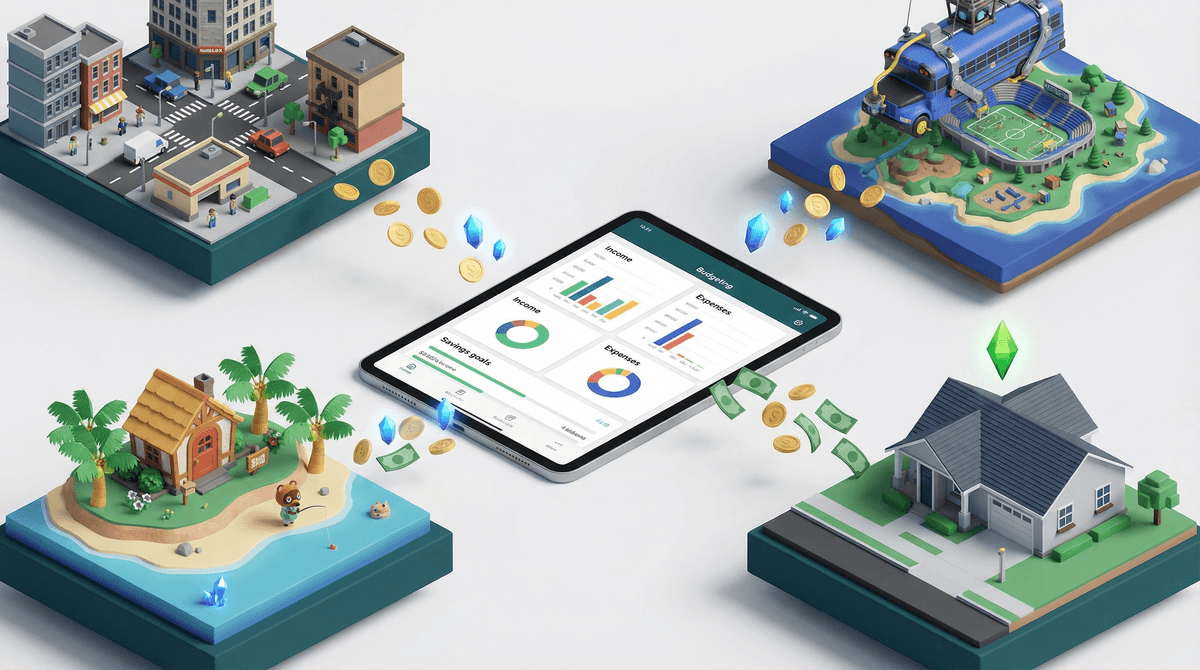
TL;DR: Your kid isn’t just "wasting money" on pixels; they are participating in a complex, high-pressure social economy. Whether it’s Robux or V-Bucks, these currencies drive social status and digital identity. To manage it without becoming the "no" parent, you need to understand the Stranded Currency trap and how to pivot from "stop asking me for money" to "let's manage your digital budget."
Quick Links for the Economy-Heavy Hits:
- Roblox - The king of user-generated markets.
- Fortnite - Where "skins" are the ultimate social currency.
- Minecraft - Marketplace-driven economics for the creative set.
- Animal Crossing: New Horizons - A surprisingly deep lesson in the "Stalk Market" (turnips).
- The Sims 4 - The classic "work-to-pay-bills" life simulator.
Fictional economics refers to the systems of exchange within digital worlds. It’s not just about gold coins in a treasure chest anymore. In 2026, kids are navigating sophisticated markets involving:
- Hard Currency: Money you buy with a credit card (Robux, V-Bucks).
- Soft Currency: Money you earn by playing (gold, XP, "Bells").
- The Secondary Market: Trading items with other players, which often involves real-world value.
To a 10-year-old, a "limited edition" cape in Minecraft has as much social value as a pair of Jordans does on the playground. If you don't have the right "skin," you’re a "default"—and in the brutal world of middle school gaming, being a default is a one-way ticket to being teased.
The allure isn't just "buying stuff." It's about agency. In the real world, kids have zero economic power. They can't buy a car, they can't choose their furniture, and they certainly can't redesign their outfits every ten minutes.
In Roblox, they can be a tycoon, a fashion designer, or a real estate mogul. The stress for parents comes from the "drip-feed" nature of these costs. It’s rarely a one-time $60 purchase; it’s a $4.99 charge here and a $9.99 charge there that feels like death by a thousand paper cuts.
This is the "No-BS" part of the guide: Game developers are masters of psychological pricing. Have you ever noticed that a cool skin in Fortnite costs 1,200 V-Bucks, but you can only buy V-Bucks in bundles of 1,000 or 2,800?
That is Stranded Currency.
If your kid buys the 2,800 bundle to get the 1,200 skin, they are left with 1,600 V-Bucks. They feel "rich," but they don't quite have enough for the next big thing, which costs 2,000. This creates a perpetual cycle of needing "just a few more" to clear out the balance. It’s the digital version of the hot dog bun problem (8 buns, 6 hot dogs), and it’s designed to keep your credit card on file.
If your kid is constantly begging for Robux, you have a massive opportunity to teach them about budgeting before they ever get their first real paycheck.
Roblox Studio (Ages 9+)
Instead of just consuming, suggest they create. Roblox allows kids to build their own games and items. If other players buy them, your kid earns Robux. This is a legitimate introduction to the creator economy. Is it "entrepreneurship"? Sort of. It's more like a digital lemonade stand with better scaling.
Animal Crossing: New Horizons (Ages 7+)
If you want a low-stakes way to teach the stock market, this is it. Every Sunday, a character sells turnips. The price changes daily. Your kid has to decide: sell now for a small profit, or hold out for a bigger one and risk the turnips rotting? It’s a perfect, stress-free lesson in market volatility.
The Sims 4 (Ages 12+)
For older kids, The Sims 4 is the ultimate "how much does life cost?" simulator. If they want the cool modern mansion, they have to work the entry-level job, pay the electricity bill, and manage their time. It’s a blunt instrument for teaching that "money out" requires "effort in."
Ages 5-8: The "Magic Money" Phase
At this age, they don't understand that the iPad is linked to your bank account. They think the "Buy" button is a magic wand.
Ages 9-12: The Social Pressure Phase
This is the peak of "all my friends have this skin."
Ages 13+: The Creator Phase
Teens are savvy. They might be looking at "Play-to-Earn" schemes or skin gambling sites (which are predatory and often illegal).
- Strategy: Talk about the "Real Bucks" conversion. Show them how many hours of mowing lawns or babysitting it takes to buy a $20 skin. If they want to earn money via Roblox Studio, help them understand the "DevEx" (Developer Exchange) rates, which are significantly lower than the purchase rates.
Not all virtual economies are created equal. Some are "pay-to-win," and others are essentially gambling.
- Loot Boxes: If your kid is paying for a "mystery chest" where they don't know what they're getting, that’s gambling-lite. Games like Genshin Impact rely heavily on these "Gacha" mechanics. Be extremely wary of these.
- Third-Party Trading Sites: If your kid says they found a site to get "Free Robux" or "Cheap Skins," it is a scam. Period. These sites are designed to phish for account credentials or credit card info.
- Predatory FOMO: "Only available for the next 2 hours!" is a common tactic in the Fortnite Item Shop. Teach your kids to recognize that "artificial scarcity" is just a marketing trick.
Instead of saying, "That's a waste of five dollars," try asking:
- "What does that skin do for your character?"
- "How long did it take you to save up for that?"
- "If you buy this now, what are you giving up later this month?"
You aren't judging the purchase; you're acknowledging that the currency has value to them. When you respect their digital economy, they are much more likely to listen when you set boundaries on it.
Fictional economics is the training wheels for the real-world economy. Your kid is learning about inflation, supply and demand, and the "sunk cost fallacy" every time they log into Roblox.
The goal isn't to stop them from spending; it's to stop them from spending mindlessly. By moving to a fixed digital allowance and encouraging "creator" behavior over "consumer" behavior, you turn a potential bank-account-drainer into a legitimate life lesson.
- Check your settings: Ensure your "Ask to Buy" features are toggled ON for all devices.
- Audit the "Stranded Currency": Ask your kid to show you their current balances in Fortnite or Roblox. Use it as a math lesson.
- Set a "Cooling Off" Rule: For any digital purchase over $10, implement a 24-hour wait period. If they still want it tomorrow, then you can discuss the budget.
Read our full guide on setting up parental controls for spending
See the safest way to buy Robux