

TL;DR
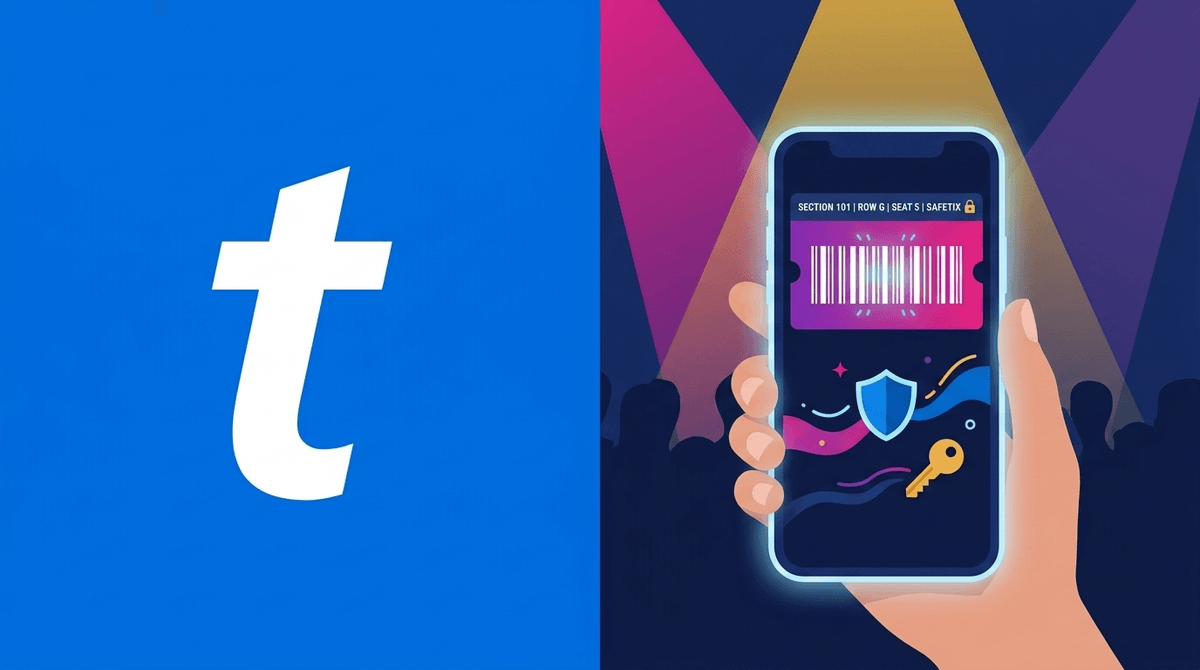
Concerts in 2026 aren't just about earplugs and overpriced t-shirts anymore. If your teen is heading to their first big show, the "ticket" is now a living, breathing digital entity called SafeTix that lives in the Ticketmaster app.
- No screenshots: They won't work. The barcode refreshes every few seconds.
- Transfer early: Send the ticket to your teen’s own account 24-48 hours before the show.
- The "Digital Tether": Ensure Life360 or Find My is active, and pack a high-capacity power bank.
- Crowd Safety: Teach them the "diagonal exit" and the "arms up" posture for crowd surges.
Learn more about preparing your teen for their first solo outing
Remember when we used to print out a PDF or, heaven forbid, hold a physical ticket stub? Those days are as "Ohio" (weird/cringe) as a wired telephone. In 2026, the barrier to entry is entirely digital, and Ticketmaster has doubled down on security features that are great for stopping scalpers but can be a massive headache for parents trying to manage logistics from the minivan.
Whether they’re screaming for the latest K-pop sensation or heading to a festival, the tech is the gatekeeper. If the phone dies, the night is over before it starts. If the transfer doesn't go through, they’re stuck at the gate while their friends are inside.
The biggest change parents need to understand is SafeTix. This isn't just a QR code you can text to your kid. It’s an encrypted, rotating token. If you look at the ticket in the Ticketmaster app, you’ll see a blue line sliding across the barcode. That’s the security refresh.
Why this matters for you: You cannot just "screenshot" the ticket and send it to your teen. The scanner at the venue will reject it. To get them in, you must use the official "Transfer" button within the app. This requires your teen to have their own Ticketmaster account.
The Transfer Protocol
- Do it early: Don't wait until you're at the drop-off zone. Ticketmaster servers often lag when 50,000 people are all trying to log in at the same stadium.
- Verify the email: Make sure they accept the transfer. Once you hit "send," the ticket is in limbo until they click "accept" in their email or app.
- The Wallet trick: Once they have the ticket, tell them to add it to their Apple Wallet or Google Wallet. This allows the ticket to work even if the stadium's Wi-Fi is spotty or cellular data is jammed (which it always is).
We’ve all seen the headlines about crowd surges. While 2026 venues are equipped with better AI-monitored heat mapping to prevent "crushes," the "Pit" is still a high-energy environment.
Crowd Surge 101
If your teen is in a general admission (GA) area, they need to know the basics of crowd physics:
- The "Boxer" Stance: If things get tight, keep feet staggered and arms up in front of the chest (like a boxer). This creates a "breathing box" and prevents the chest from being compressed.
- Move Diagonally: Never try to move straight back against a crowd. Move diagonally toward the edges where the pressure is lower.
- The Buddy System 2.0: It’s easy to lose friends in a surge. Pick a "North Star" landmark (like the sound booth or a specific exit sign) as a meeting point if they get separated.
For more on physical safety at large events, check out this 2026 Parent’s Concert Guide.
While we want them to have independence, 2026 tech allows us to be the "invisible safety net."
Set a "Place Alert" for the venue. You’ll get a notification when they arrive and, more importantly, when they leave. In 2026, Life360 has improved "Event Mode" which high-res updates their location every 30 seconds during the concert window.
Expect them to be on these. The pressure to document the "vibe" is real. Talk to them about the "One Song Rule": Pick one favorite song to record, then put the phone away and actually watch the show. It saves battery and, honestly, keeps them from being "that person" blocking everyone’s view.
Have them download the setlist beforehand. It’s a small thing, but knowing the order of songs helps them gauge when the show is ending so they can start heading toward the exit before the 50,000-person bottleneck happens.
In 2026, a dead phone isn't just an inconvenience; it’s a total loss of the ticket, the ride home, and the GPS.
- Hardware: Don't send them with a cheap $10 gas station charger. Get a MagSafe or high-wattage power bank.
- Smartwatch Backup: If they have an Apple Watch with cellular, make sure the ticket is synced there too. It’s the ultimate fail-safe.
- Analog Backup: Write your phone number and the hotel/home address on a piece of paper and tuck it into their phone case or shoe. It sounds "Skibidi" (bad/weird) to them, but if the tech fails, they need a way to reach you.
If this is their first big show, watching a few things together can help set expectations about crowd sizes and the "fame" machine.
- Even if they aren't Swifties, this is the gold standard for understanding stadium logistics and the sheer scale of modern concerts.
- Great for seeing the "behind the scenes" of how much work goes into a production.
- A bit of a throwback vibe, but good for talking about the reality of the music industry and the "rockstar" lifestyle.
- A heavier look at the pressures of fame—maybe better for older teens (Ages 15+).
Instead of a lecture on "staying safe," try framing it as "maximizing the fun."
"Hey, I want you to have the best time at the show. Let's make sure the Ticketmaster app is ready to go so you aren't stuck in the 'problem' line at the gate for an hour. Also, let's look at the venue map together—where’s the best spot for me to grab you where we won't get stuck in two hours of traffic?"
Concerts are a rite of passage. In 2026, the tech is more complex, but the goal is the same: let them scream their heads off to their favorite songs and come home with a core memory. By handling the SafeTix transfer early and ensuring they have a "digital survival kit," you can be the parent who enables the fun rather than the one who's stressed out in the parking lot.
- Download the Ticketmaster app and ensure your account is verified.
- Confirm the transfer to your teen's account at least 24 hours before doors open.
- Check the "Digital Tether"—make sure Life360 is updated and permissions are set to "Always."
- Read our guide on how to set up a first smartphone if this concert is the reason they're finally getting their own device.