

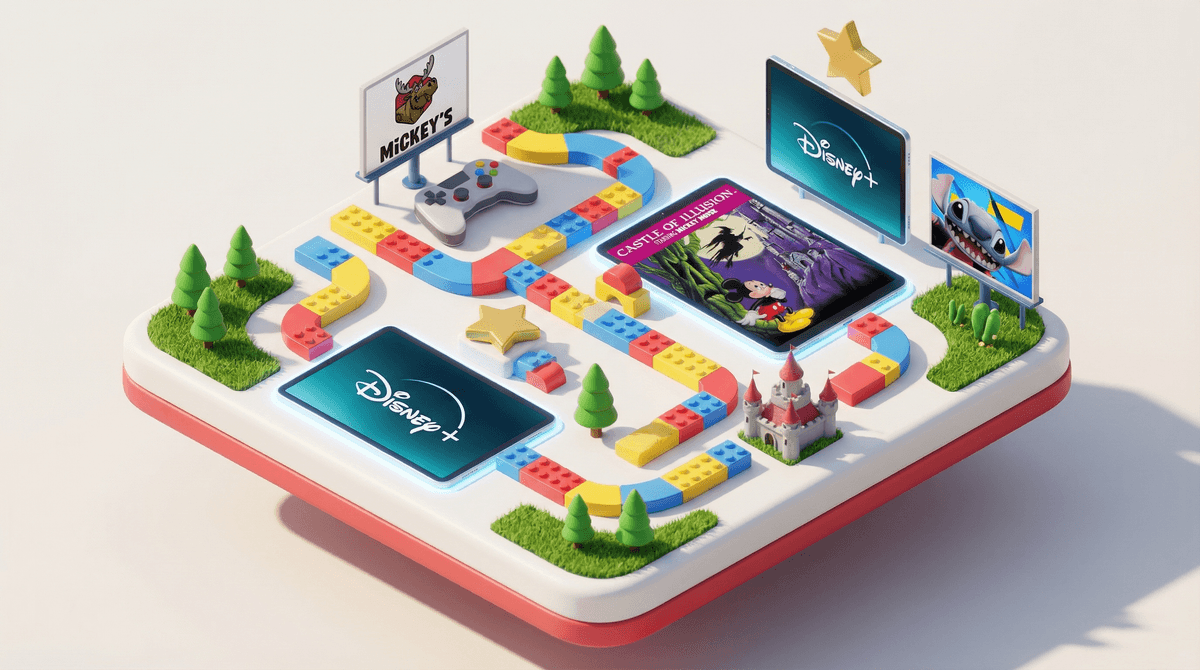
The Ultimate Guide to Mickey Mouse Clubhouse Video Games
TL;DR: Mickey Mouse Clubhouse games span from toddler learning apps to surprisingly decent platformers for early elementary kids. The sweet spot? Ages 2-6, where these games actually deliver solid educational content without feeling like homework. Here's what's worth your time (and what's skippable):
Best picks by age:
- Ages 2-4: Mickey Mouse Clubhouse: Road Rally (LeapFrog)
- Ages 3-5: Mickey's Wildlife Count Along (Disney Junior app)
- Ages 4-7: Disney Junior Play (free app with rotating Clubhouse games)
- Ages 5-8: Castle of Illusion Starring Mickey Mouse (classic platformer remake)
Mickey Mouse Clubhouse games fall into two distinct categories, and knowing the difference will save you from some serious buyer's remorse:
1. Educational preschool games - These are the "Hot Dog Dance" games tied directly to the TV show. Think counting, shapes, problem-solving, and that signature call-and-response format ("Oh Toodles!"). Most are designed for ages 2-6.
2. Classic Mickey platformers - These are actual video games featuring Mickey as a character, not as a teacher. They're more action-oriented, require better hand-eye coordination, and honestly? Some of them are legitimately fun even for adults.
The Clubhouse-branded stuff is almost exclusively in that first category. If your kid has aged out of the show's target demo (roughly 2-5 years old), they've probably aged out of most Clubhouse games too.
Ages: 2-4 | Platform: LeapFrog devices
This is the gold standard for toddler Mickey games, assuming you're already in the LeapFrog ecosystem. Kids drive around collecting shapes and numbers while Mickey and friends provide encouragement. The physical controller aspect makes it easier for little hands than touchscreens, and the educational content is actually well-designed.
The catch: It only works on LeapPad devices, which means you're either already committed to that platform or you're not. Don't buy a LeapPad just for this game, but if you have one gathering dust, this is worth the download.
Ages: 3-6 | Platform: iOS, Android, Amazon Fire
This free app (with optional subscription) is probably where most parents should start. It rotates through different Disney Junior shows including Clubhouse, offering mini-games that are actually pretty well-executed for the free-to-play model.
What works: The games change regularly, so kids don't get bored as quickly. No ads. The subscription ($5.99/month) unlocks more content, but the free version has enough to keep a preschooler entertained during grocery store meltdowns.
What doesn't: The subscription model feels a bit aggressive for what you're getting. Most kids will play each mini-game a few times and move on. Compare this to a one-time purchase game and do the math for your family.
Also worth noting: This includes other Disney Junior properties like Bluey and Spidey and His Amazing Friends, so if your kid is into multiple shows, the value proposition improves.
Ages: 3-5 | Platform: iOS, Android
This one's specifically about counting and number recognition, wrapped in a safari theme. Mickey takes kids on a wildlife adventure where they count animals, match numbers, and solve basic math problems.
The educational piece: It's actually aligned with pre-K math standards, which is more than you can say for a lot of "educational" apps. The progression system adapts to your child's skill level, so it grows with them (within reason—we're still talking preschool math here).
The reality check: Your kid needs to already be interested in counting for this to land. If they're not there yet developmentally, it'll feel like forced learning. If they're past it, they'll be bored in ten minutes.
Ages: 5-8 | Platform: PlayStation, Xbox, PC, iOS, Android
Now we're talking actual video games. This is a remake of the classic 1990 Sega Genesis game, and it's genuinely charming. Mickey navigates through a magical castle to rescue Minnie from an evil witch, bouncing on enemies and collecting gems.
Why it's different: This requires actual gaming skills—timing, coordination, pattern recognition. It's not educational in the "learning shapes" sense, but it builds spatial reasoning and problem-solving. Plus it's just... fun? The art style is gorgeous, the music is catchy, and the difficulty curve is perfect for early elementary kids learning how platformers work.
Parent perspective: This is a great "first real video game" for kids transitioning from pure educational apps. It's challenging enough to feel like an accomplishment but forgiving enough that they won't rage-quit. And honestly, the nostalgia factor for millennial parents is real.
Content note: There's mild cartoon peril (a witch, some spooky imagery), but nothing that would bother a kid who watches the average Disney movie.
Ages: 3-6 | Platform: Nintendo DS (yes, really)
This one's older—2008, for the Nintendo DS—but if you have an old DS lying around, it's worth mentioning. Kids help Mickey and friends with outdoor activities like fishing, camping, and bug collecting. Each activity teaches basic skills like matching, sequencing, and following directions.
The retro factor: The DS is basically ancient technology at this point, but some families still have them. The physical buttons make it easier for kids who struggle with touchscreen precision. Plus, no internet connection means no surprise in-app purchases or ads.
The downside: The graphics look dated even by kids' game standards, and finding a physical copy might require eBay hunting. Only pursue this if you're already a DS household.
There are Mickey Mouse-themed experiences on Roblox, but here's the thing: they're user-generated and completely inconsistent in quality. Some are just Mickey-skinned obstacle courses, others are weird fan projects that barely resemble the actual characters.
The age question: Roblox itself is rated 9+, which is already way beyond the Clubhouse target audience. If your kid is old enough for Roblox, they're probably too old for Clubhouse content anyway. Check out our guide to age-appropriate Roblox games if you're navigating that world.
Ages 2-3: Stick with the LeapFrog Road Rally or the simplest Disney Junior Play games. At this age, they're mostly learning cause-and-effect (I touch this, something happens). Keep sessions short—10-15 minutes max.
Ages 4-5: This is the Clubhouse sweet spot. Mickey's Wildlife Count Along, Disney Junior Play, and any of the problem-solving focused games will hit right in their developmental zone. They can handle 20-30 minute sessions now, but watch for frustration cues.
Ages 6-7: If they're still into Mickey (and many are!), Castle of Illusion is your move. It's a real game with real challenges. They might also enjoy the classic Mickey Mouse games on Nintendo Switch if you're in that ecosystem.
Ages 8+: Real talk—most kids have moved on from Mickey by now. If they haven't, that's totally fine, but you might want to explore why. Are they seeking comfort content? Do they have developmental differences that make the Clubhouse format particularly appealing? Or do they just genuinely love Mickey? All valid, just worth understanding.
Here's where I'll be straight with you: these games are still screen time. Yes, they're educational. Yes, they're better than YouTube Kids autoplay. But they're not a substitute for hands-on learning activities.
The research: The American Academy of Pediatrics recommends no more than one hour of high-quality programming for kids ages 2-5. These games fall into that bucket. "High-quality" means co-viewing or co-playing when possible, talking about what's happening, and connecting it to real-world experiences.
Practical approach: Use these games strategically—long car rides, doctor's office waiting rooms, that 20-minute window when you need to make dinner and your toddler has decided the kitchen is lava. They're tools, not babysitters (though let's be honest, sometimes we need babysitters, and that's okay too).
Most Mickey Clubhouse games are either:
- One-time purchases (Castle of Illusion)
- Free with subscriptions (Disney Junior Play)
- LeapFrog ecosystem (already a closed system)
The Disney Junior Play subscription is the main thing to watch. Set up parental controls on your device so kids can't accidentally subscribe or upgrade. Here's how to lock down in-app purchases on every major platform.
If you're in the market for preschool learning games but want to branch out from Mickey:
- PBS Kids Games: Free, ad-free, excellent educational content from shows like Daniel Tiger and Wild Kratts
- Endless Alphabet: Vocabulary building that's actually engaging
- Toca Boca games: Open-ended play, no rules, just creativity
- ABCmouse: Comprehensive learning platform if you want something more structured
For kids ready for real platformers beyond Castle of Illusion:
- Kirby games: Forgiving, colorful, perfect for beginners
- Yoshi's Crafted World: Gorgeous, co-op friendly, low-stress
- Sonic Mania: Classic platforming with modern polish
Mickey Mouse Clubhouse games serve a specific purpose for a specific age range. For kids ages 3-6 who love the show, they're solid educational tools that actually deliver on their learning promises. The Disney Junior Play app is your best starting point—free, accessible, regularly updated.
If your kid is ready for more challenging gameplay, Castle of Illusion is a legitimately good platformer that respects young players' intelligence while still being age-appropriate.
But here's the thing: no Mickey game is going to transform your child's development. They're supplementary tools. The real learning happens when you play together, talk about what's happening, and connect digital experiences to real-world activities.
Next steps:
- Download Disney Junior Play and try the free version
- If your kid loves it and you're using it regularly, consider the subscription
- For kids 5+, grab Castle of Illusion during a sale (it goes on sale frequently)
- Set up device parental controls before installing anything
- Explore other preschool learning games to keep variety in the rotation
And remember: if your kid is happy watching Mickey on Disney+ and playing with physical toys, that's a completely valid choice too. Not every piece of media needs a corresponding game.