

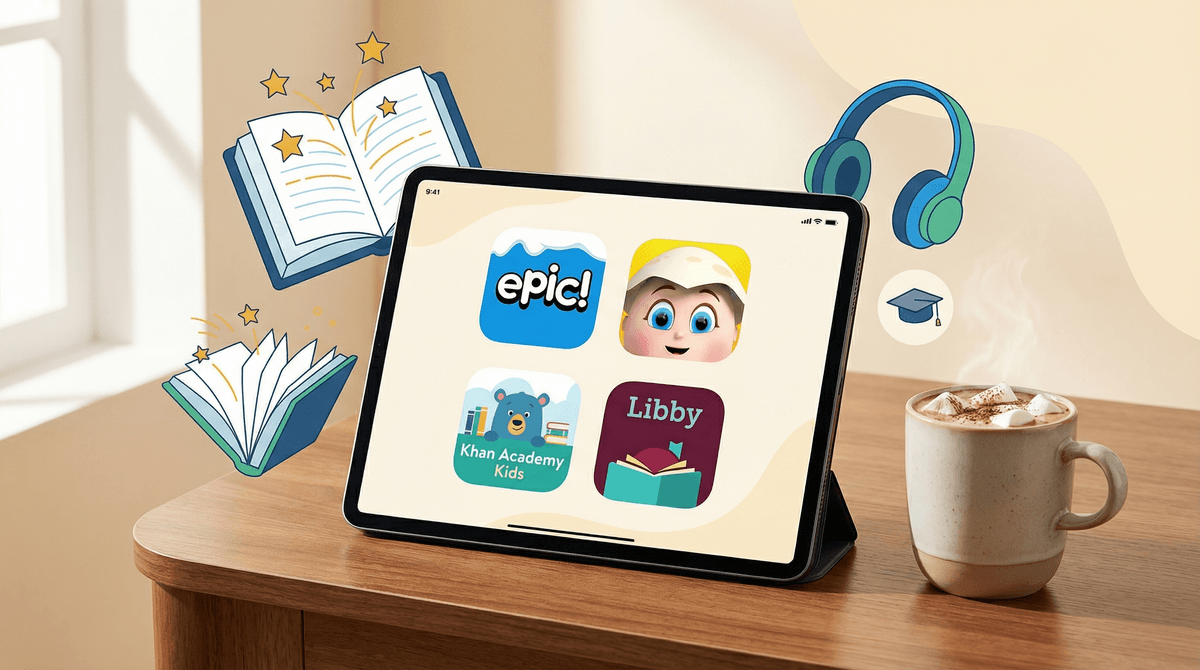
The Best Reading and Story Book Apps for Kids in 2026
The reading app landscape is crowded, but a few standout options actually deliver on their promises:
- Epic! – Massive library (ages 3-12), best for volume readers
- Reading Eggs – Structured phonics lessons (ages 2-13), best for learning to read
- Libby – Free library books (all ages), best for your wallet
- Storyline Online – Free read-alouds by celebrities (ages 3-8), best for bedtime
- Khan Academy Kids – Free comprehensive learning (ages 2-8), best all-around for early readers
Let's break down what actually works, what's overpriced, and which apps are secretly just selling you a subscription to mediocre content.
Before we dive in, let's establish what we're looking for. A good reading app should:
- Actually teach reading (not just entertain with animations)
- Offer age-appropriate content that matches your kid's reading level
- Track progress so you can see if it's working
- Not be a nightmare of ads and in-app purchases
- Engage without overstimulating – we're trying to build a love of reading, not recreate TikTok
The market is full of apps that promise to turn your kid into a bookworm but really just want your credit card. Some are worth it. Many are not.
Ages: 3-12 | Cost: $12.99/month or $79.99/year
Epic! is basically Netflix for kids' books, and for once, that comparison actually holds up. With 40,000+ books, audiobooks, and videos, it's the go-to for families with kids who blow through books like they're going out of style.
What makes it great:
- Legitimately massive library including popular series (Dog Man, Wings of Fire, Diary of a Wimpy Kid)
- Reading level filters that actually work
- Offline reading (crucial for car trips)
- Multiple profiles so siblings aren't getting each other's recommendations
- Read-to-me and read-along options for emerging readers
The catch: At $13/month, it's not cheap. But if your kid reads 3-4 books a week, you're saving money compared to buying physical books or even most Kindle purchases. Do the math for your family.
Parent tip: The "unlimited" badge is your friend – it means the book doesn't count against daily reading limits (yes, there are limits on the free educator accounts, but not on paid family subscriptions).
Ages: 2-13 | Cost: $12.99/month
If your kid is still learning to read (not just reading for fun), Reading Eggs is the structured program you want. It's not flashy, but it works.
What makes it great:
- Systematic phonics instruction that follows actual reading science
- Progress tracking that shows you exactly what skills they're mastering
- Adaptive learning that adjusts to your kid's pace
- Covers everything from letter recognition to reading comprehension
- Includes Reading Eggspress for older kids (ages 7-13)
The catch: It's very structured, which means some kids find it boring compared to game-based apps. If your kid already reads well, they'll probably find it tedious.
Parent tip: The placement test at the start is crucial – don't skip it. Starting at the wrong level kills engagement fast.
Ages: All | Cost: Free (with library card)
Libby is the app that connects to your local library system, and it's honestly wild that more parents don't know about it. Free books, free audiobooks, no ads, no subscriptions.
What makes it great:
- Completely free with a library card (which is also free)
- Access to thousands of books and audiobooks
- Works with multiple library systems if you have cards from different libraries
- Clean interface, no gamification nonsense
- Supports actual libraries instead of tech companies
The catch: Popular books often have wait lists, just like physical library books. Also, the selection depends on your library system – some are better than others.
Parent tip: Many library systems let you get a digital card online instantly. Some states even offer statewide digital library cards. Google your state + digital library card to see what's available.
Ages: 3-8 | Cost: Free
Storyline Online features videos of actors reading children's books aloud. It's simple, it's free, and it's genuinely lovely. Viola Davis reading Lubna and Pebble? Chris Pine reading The True Story of the 3 Little Pigs? Yes please.
What makes it great:
- High-quality production with beautiful illustrations
- Talented readers who actually know how to perform a story
- Completely free, no ads, no subscriptions
- Great for bedtime or quiet time
- Includes activity guides for each book
The catch: Limited library compared to other apps – about 60 books total. But what's there is excellent.
Parent tip: This is perfect for kids who are resistant to reading but love videos. It's a bridge between screen time and book time.
Ages: 2-8 | Cost: Free
Khan Academy Kids isn't just a reading app – it covers math, social-emotional learning, and creative play too. But its reading content is strong enough to compete with paid apps.
What makes it great:
- Completely free, forever (funded by donations)
- No ads, no subscriptions, no in-app purchases
- Personalized learning paths
- Covers phonics, sight words, and comprehension
- Original books plus licensed content
- Works offline
The catch: Because it covers multiple subjects, it's not as deep in reading content as dedicated reading apps. Once your kid is reading chapter books, they'll outgrow it.
Parent tip: The "Library" section has hundreds of books organized by reading level. Don't just let your kid bounce around the activities – actually explore the library section.
Ages: All | Cost: Free (with library card)
Similar to Libby but with a different lending model – no wait lists, but limited monthly borrows (usually 5-10 depending on your library). Great as a complement to Libby.
Let's be real about a few apps that get a lot of buzz but don't quite deliver:
ABCmouse – It's fine, but it's expensive ($12.99/month) for what you get. The reading content is buried in a lot of other activities, and the interface is cluttered. If you want comprehensive learning, Khan Academy Kids does it better for free.
Amazon Kids+ – The reading selection is good (it includes access to some Epic! content), but the overall app experience is trying to do too much. If you're already deep in the Amazon ecosystem, maybe. Otherwise, skip it.
Raz-Kids – Popular in schools, but it's really designed for classroom use. The home version is clunky and overpriced for what you get.
Ages 2-5 (Pre-readers): Start with Khan Academy Kids or Reading Eggs. Focus on letter recognition, phonics, and read-alouds. Storyline Online is perfect for this age.
Ages 5-7 (Early readers): This is where Reading Eggs really shines. Supplement with Epic! for independent reading practice. Look for books with the "read-to-me" feature.
Ages 8-12 (Independent readers): Epic! or Libby are your best bets. At this age, access to high-interest books is more important than structured lessons. Let them explore genres and series.
Ages 13+ (Teen readers): Libby is the move. Teens can navigate wait lists and have strong enough preferences that they'll benefit from the full library catalog. Many libraries also offer access to Hoopla which has a good YA selection.
Screen time vs. reading time: Yes, reading on a screen is still reading. The research shows that comprehension is slightly better with physical books, but the difference is small enough that it's not worth stressing about. A kid reading on an iPad is infinitely better than a kid not reading at all.
The subscription trap: Most of these apps offer free trials that auto-renew. Set a calendar reminder to cancel if you're just testing it out. Also, many offer discounts if you pay annually instead of monthly.
Independent reading still matters: Apps are great for access and engagement, but don't let them completely replace physical books and library visits. The tactile experience of books, the ability to flip back and forth, and the social experience of browsing at a library all matter.
Reading logs and rewards: Some apps (especially Epic!) have built-in reward systems. These can be motivating, but watch out for kids who start gaming the system by "reading" books just to rack up points. Quality over quantity.
If you can only pick one app:
- Your kid is learning to read: Reading Eggs
- Your kid already reads and you can spend money: Epic!
- Your kid already reads and you're budget-conscious: Libby
- Your kid is under 8 and you want free: Khan Academy Kids
The truth is, the best reading app is the one your kid will actually use. Try a few, see what sticks, and don't be afraid to cancel subscriptions that aren't working. Reading apps should make reading more accessible and enjoyable, not add stress to your parenting plate.
And remember: even the best app is just a tool. The real magic happens when kids discover that reading is fun, whether that's on a screen, in a physical book, or listening to an audiobook while building Lego. The format matters way less than the habit.
- Start with free options – Try Libby, Khan Academy Kids, and Storyline Online before spending money
- Use free trials strategically – Sign up for Epic! or Reading Eggs during school breaks when kids have more reading time
- Check your library's digital offerings – Many libraries offer more than just Libby, including access to specialized kids' reading platforms
- Ask your kid's teacher – They often have insight into what's actually working for kids at that age and reading level
Want more recommendations? Check out our guides on educational apps for kids and audiobooks for kids.