

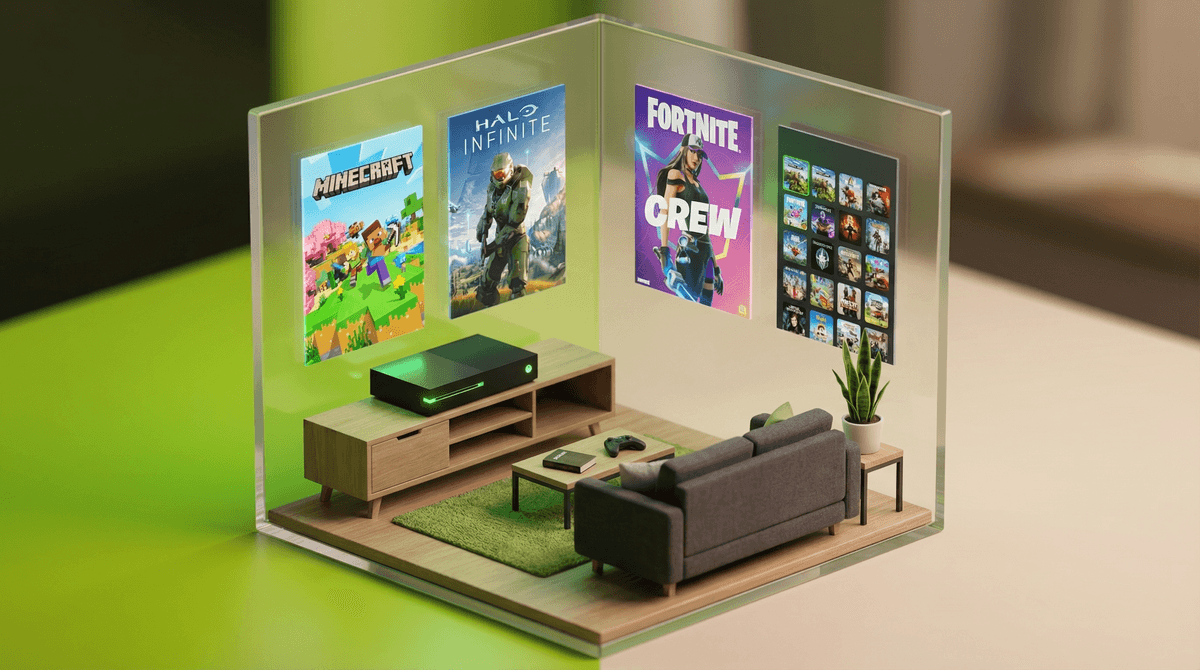
So the big green box has arrived. Maybe it was the holiday gift, maybe you caved after months of "but everyone has one," or maybe you're genuinely excited to play some games yourself (no judgment—Halo Infinite is legitimately fun).
Xbox is Microsoft's gaming console, currently in its Series X and Series S versions (though plenty of families still have the Xbox One). Think of it as a specialized computer that connects to your TV, designed primarily for gaming but also capable of streaming Netflix, Disney+, and other apps.
Here's what makes Xbox different from other consoles: Game Pass. It's basically the Netflix of gaming—a subscription service with hundreds of games your kids can download and play. This is both amazing (no begging for $60 games constantly) and potentially overwhelming (so many options, how do you know what's appropriate?).
Let's be real about what's driving this request. For most kids ages 8-14, Xbox means:
Social connection. Gaming is how this generation hangs out. They're not just playing games—they're in party chat, coordinating strategies, laughing at inside jokes. It's their version of talking on the phone for hours like we did (or our parents did).
Specific games their friends are playing. Usually it's Fortnite, Minecraft, Roblox, Rocket League, or whatever sports game is current (FC 25, NBA 2K25). The console itself is just the gateway to the actual social experience.
Status and belonging. By middle school, gaming literacy is social currency. Not having access can genuinely feel isolating, even if that's hard to articulate.
Okay, before anyone plays anything, you need to spend 20 minutes in the settings. I know, I know—but this is the foundation of everything.
Create a Family Account Structure
Xbox has pretty robust parental controls, but only if you set them up correctly:
- You need your own adult Microsoft account (not your kid's)
- Create a child account for each kid linked to your account
- Set age-appropriate content filters (the system defaults are actually pretty reasonable)
The child account is key—it's what allows you to control screen time limits, approve purchases, see activity reports, and manage who they can communicate with.
Privacy and Communication Settings
This is the big one. By default, Xbox assumes kids want to chat with everyone. You need to actively lock this down:
- Set communication to "Friends only" or even "Block" initially
- Disable voice chat with strangers (you can always loosen this later)
- Turn off video sharing and broadcasting unless you're comfortable with your kid streaming
- Review friend requests together at least initially
Learn more about Xbox privacy settings and why they matter .
.
Screen Time Controls
Xbox lets you set daily time limits and specific hours when gaming is allowed. You can set different limits for weekdays vs. weekends, which most families find helpful. The console will give warnings before time runs out (reducing mid-game meltdowns slightly).
Xbox Game Pass is genuinely one of the best values in gaming—$10-17/month for access to hundreds of games. But it's also a bit like giving your kid access to every movie on every streaming service and saying "pick something appropriate."
The good news: Game Pass has excellent family-friendly options. Stardew Valley, Spiritfarer, A Short Hike, It Takes Two (great for co-op with your kid), and tons more.
The challenge: It also has mature games with graphic violence, strong language, and adult themes. Your content filters should catch most of these, but not all.
Pro tip: Spend 15 minutes browsing Game Pass together and creating a "approved games" list. Let your kid have agency within boundaries—they can choose from the pre-approved options.
Ages 6-9: At this age, you're probably looking at games like Minecraft, LEGO games, Rocket League, and platformers. Communication should be heavily restricted—friends only or disabled entirely. Consider keeping the Xbox in a common area.
Ages 10-12: This is when Fortnite and other battle royale games become the obsession. Voice chat with friends becomes more important socially. You'll want to know their friend group and have conversations about online behavior and what to do if someone is mean or inappropriate.
Ages 13+: Teens want more autonomy, and gaming is legitimately part of their social life. The goal shifts from total control to teaching good judgment. You're probably negotiating about M-rated games like Call of Duty or Grand Theft Auto—and these conversations are worth having thoughtfully rather than just saying no.
Gaming isn't inherently bad. There's solid research showing that gaming can build problem-solving skills, spatial reasoning, and genuine friendships. The issue isn't gaming itself—it's when it crowds out sleep, physical activity, schoolwork, and face-to-face connection.
"Just one more game" is real. Unlike TV episodes that end, many games don't have natural stopping points. A Fortnite match takes 20 minutes. Quitting mid-game means letting down teammates. Build in transition warnings: "You can start one more match, then we're done."
In-game purchases are everywhere. Even "free" games like Fortnite and Roblox make money through cosmetic items and battle passes. Require approval for all purchases and have honest conversations about how these games are designed to make you want to spend money.
You can play too. Seriously. Playing It Takes Two or Minecraft with your kid is quality time. You'll understand their world better, and they'll love showing you the ropes.
The patterns you establish now will be way easier to maintain than rules you try to impose later:
Physical location matters. Xbox in the family room = natural monitoring. Xbox in the bedroom = you have no idea what's happening.
Clear expectations. Before the Xbox turns on: homework done? Chores done? Had some physical activity? These aren't punishments—they're just the order of operations.
No gaming until you can see their face. If they're coming home from school and going straight to the screen, you're missing the transition time that helps you stay connected.
Build in breaks. The "20-20-20 rule" is good for eyes: every 20 minutes, look at something 20 feet away for 20 seconds. Also just good for perspective.
Protect sleep. Gaming before bed is stimulating and the blue light is real. Many families have a "screens off 1 hour before bed" rule. The Xbox can enforce this automatically if you set it up.
An Xbox isn't inherently good or bad—it's a tool that can facilitate connection, creativity, and fun, or it can become a source of conflict and unhealthy habits. The difference is almost entirely about the boundaries and conversations you establish from the start.
You don't need to become a gaming expert overnight. You just need to be present, curious, and willing to set some guardrails. Ask your kid to show you what they're playing. Learn the names of their gaming friends. Notice when gaming is adding to their life versus replacing it.
- Set up family accounts and parental controls before anyone plays anything
- Browse Game Pass together and create an approved starter list
- Establish house rules about when gaming happens and what needs to happen first
- Schedule a time to play together (seriously, try It Takes Two)
- Check in after a week to see how it's going and adjust as needed
And remember: you can always ask questions, adjust settings, and change your mind. Get answers to your Xbox parenting questions is here for those 10pm "wait, what is Apex Legends and should my kid be playing it?" moments.
You've got this.