

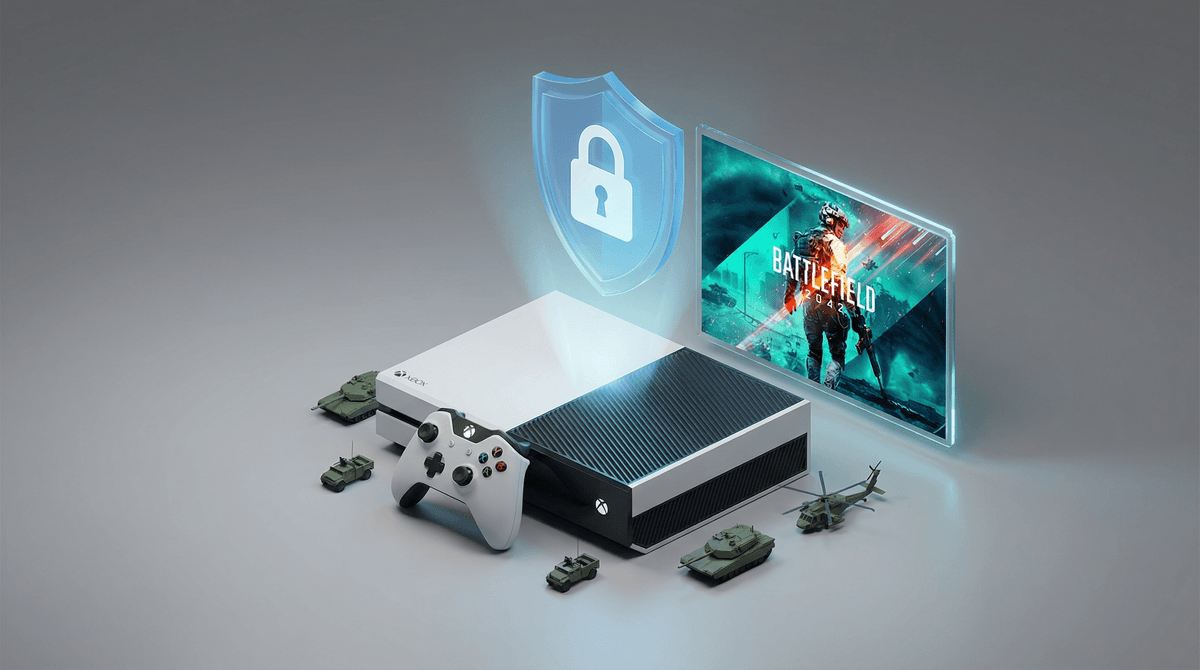
Parental Controls for Battlefield 6 on Xbox: A Parent's Guide
Battlefield 6 (officially called Battlefield 2042) is a Mature-rated (17+) multiplayer shooter with intense combat, realistic weapon violence, and frequent strong language in voice chat. If your teen is playing, here's what you need to lock down on Xbox:
- Disable voice/text chat through Xbox Family Settings to avoid toxic interactions
- Set communication limits to Friends Only or Block All
- Monitor playtime with Xbox Screen Time controls
- Review purchase permissions — this game has microtransactions
- Check the ESRB rating details to understand what M-rated actually means
Let's break down exactly how to configure these settings and what you're actually dealing with.
First: there's technically no "Battlefield 6." The latest mainline entry is Battlefield 2042, which is the sixth main installment but dropped the numbering. It's a large-scale, online-only first-person shooter where 128 players battle across massive maps with vehicles, weapons, and destructible environments.
The rating: ESRB Mature 17+ for Blood, Strong Language, and Violence.
The reality: This is a realistic military shooter. Players shoot other players with guns, explosives, and vehicles. There's blood spatter, but it's not gratuitous gore. The bigger concern for most parents isn't the gameplay violence — it's the online interactions.
Battlefield sits in an interesting middle ground between Call of Duty (fast-paced, arcade-style) and tactical military sims. Here's the appeal:
- Squad-based teamwork — playing with friends requires coordination
- Vehicle combat — tanks, helicopters, jets add variety beyond just shooting
- Massive scale — 128 players creates chaotic, cinematic moments
- Friend group pressure — if their friends are playing, they want in
About 60% of 14-15 year olds and 75% of 16-17 year olds have played at least one M-rated shooter, according to Pew Research data. This isn't to say "everyone's doing it so it's fine" — but it helps contextualize that you're not alone in navigating this decision.
Let's be honest about what matters here:
1. Violence Content
The game depicts realistic modern warfare. You're shooting at human-shaped targets (other players), and there's blood. It's not realistic in the sense of showing graphic injuries, but it's not cartoony either.
If your family has watched war movies together or your teen has played games like Halo or Fortnite, the violence level here is more realistic but not necessarily more intense.
2. Online Toxicity
This is the real issue. Voice chat in competitive shooters can be a cesspool. Expect:
- Frequent profanity (the game itself has some, but players are worse)
- Trash talk, insults, slurs
- Occasionally racist, homophobic, or misogynistic language
- Rage-quitting, griefing, and generally poor sportsmanship
The game doesn't create this behavior, but the competitive nature and anonymity enable it. See voice chat safety tips for online games .
.
3. Time Sink
Matches run 20-30 minutes. "Just one more game" easily becomes two hours. The progression systems (unlocking weapons, attachments, cosmetics) are designed to keep players engaged long-term.
4. Microtransactions
The game includes a Battle Pass system and cosmetic purchases. While not pay-to-win, there's constant pressure to buy seasonal content.
Xbox has robust parental controls, but they're scattered across different menus. Here's your step-by-step:
Option 1: Xbox Family Settings App (Easiest)
Download the Xbox Family Settings app on your phone. This is genuinely the best way to manage everything.
- Add your teen's account to your family group
- Set content restrictions:
- Go to Content Restrictions → Age Ratings
- You can block M-rated games entirely, OR allow specific titles
- If you're letting them play Battlefield, set the rating to "Mature"
- Manage communication:
- Go to Privacy & Online Safety
- Set "You can communicate outside of Xbox with voice & text" to Block
- Set "You can communicate with voice, text, or invites" to Friends Only (or Block entirely)
- Screen time limits:
- Set daily limits (e.g., 2 hours on weekdays, 4 on weekends)
- Schedule "off" times (like after 9 PM or during homework hours)
- Purchase approval:
- Require approval for all purchases
- Set spending limits
- Review purchase history weekly
Option 2: On the Xbox Console
Press the Xbox button → Profile & System → Settings → Account → Family Settings → Manage Family Members → [Select teen's profile]
-
Privacy & Online Safety → Xbox Privacy → View Details & Customize
- "Others can communicate with voice, text, or invites" → Friends only or Block
- "You can communicate outside of Xbox" → Block
- "Others can see your game and app history" → Friends (so you can monitor)
-
Content Restrictions → Access to Content
- Set age restrictions to your comfort level
- Note: If you block M-rated games, they can't launch Battlefield at all
Option 3: In-Game Settings
Even with Xbox-level controls, check in-game:
- Launch Battlefield 2042
- Go to Settings → Audio
- Mute voice chat entirely OR set to Party Only (so they only hear friends in their Xbox party, not random players)
- Settings → Gameplay → Disable text chat if available
There's no magic number here, but here's a framework:
Under 14: Hard pass. The combination of realistic violence, online toxicity, and time investment isn't developmentally appropriate for most middle schoolers. Check out alternatives like Splatoon 3 for team-based shooters without the intensity.
14-15: Case-by-case. If your teen:
- Has shown maturity with online interactions
- Can self-regulate screen time
- Understands the difference between game violence and real-world consequences
- Plays primarily with known friends (not randoms)
Then this might work with strict controls. Voice chat should be off or friends-only. Play time should be limited and monitored.
16-17: More reasonable, but still requires boundaries. At this age, most teens can handle the content, but the online environment and time management remain concerns. Keep communication controls tight and have regular check-ins.
18+: They're adults. You can still have house rules about shared spaces and schedules, but content decisions are theirs.
Play Together First
If you're on the fence, ask your teen to show you a match. Watch for 20 minutes. You'll immediately understand:
- The violence level (is this acceptable for your family?)
- The communication environment (what's happening in voice chat?)
- The time commitment (how long are matches?)
- Your teen's behavior (are they raging? Being toxic? Having fun?)
It's Not Just About the Rating
The M-rating is a guideline, not a law. Some mature 15-year-olds can handle this responsibly. Some 18-year-olds can't. Focus on:
- Your teen's maturity level
- Your family's values around violence
- Their ability to self-regulate
- The friend group they're playing with
The "Everyone Else Is Playing It" Argument
Yeah, probably true. But "everyone else" isn't your parenting concern. That said, if your teen is socially isolated because they're the only one not playing the game their friend group is into, that's worth considering.
Maybe the compromise is: they can play with friends in a party (voice chat limited to that group), but only for X hours per week, and you review the setup together monthly.
Alternatives Worth Considering
If Battlefield feels like too much, but your teen wants a team shooter:
- Overwatch 2 (T-rated, hero shooter, less realistic violence)
- Splatoon 3 (E10+, team-based, colorful, no voice chat with randoms)
- Halo Infinite (T-rated, sci-fi setting, less realistic than Battlefield)
- Valorant (T-rated, tactical shooter, but still has toxic community issues)
Check out our full guide on shooters for teens.
Battlefield 2042 is a realistic, M-rated military shooter with intense online competition. The violence content is less concerning than the online environment and time investment for most families.
If you decide to allow it:
- Lock down communication settings FIRST
- Set clear time limits
- Require purchase approval
- Check in regularly (not just "how was your game?" but actually watch sometimes)
- Reserve the right to revoke access if behavior changes
If you decide against it:
- Explain your reasoning clearly (not just "because I said so")
- Offer alternatives that meet the same social/gaming needs
- Revisit the conversation in 6-12 months as they mature
There's no perfect answer here. You know your kid, your family values, and what you're comfortable with. The goal isn't to shield them from everything forever — it's to build good digital habits, critical thinking, and self-regulation that'll serve them long after they've moved on from Battlefield.
- Download the Xbox Family Settings app — seriously, it makes everything easier
- Have a conversation with your teen about why you're setting these controls (not just imposing them)
- Set a trial period — "Let's try this for a month with these rules and see how it goes"
- Check out our guide to online gaming safety for more context
And if you're still unsure? That's fine. Saying "not yet" is a completely valid parenting decision. They'll survive without Battlefield 6. I promise.