

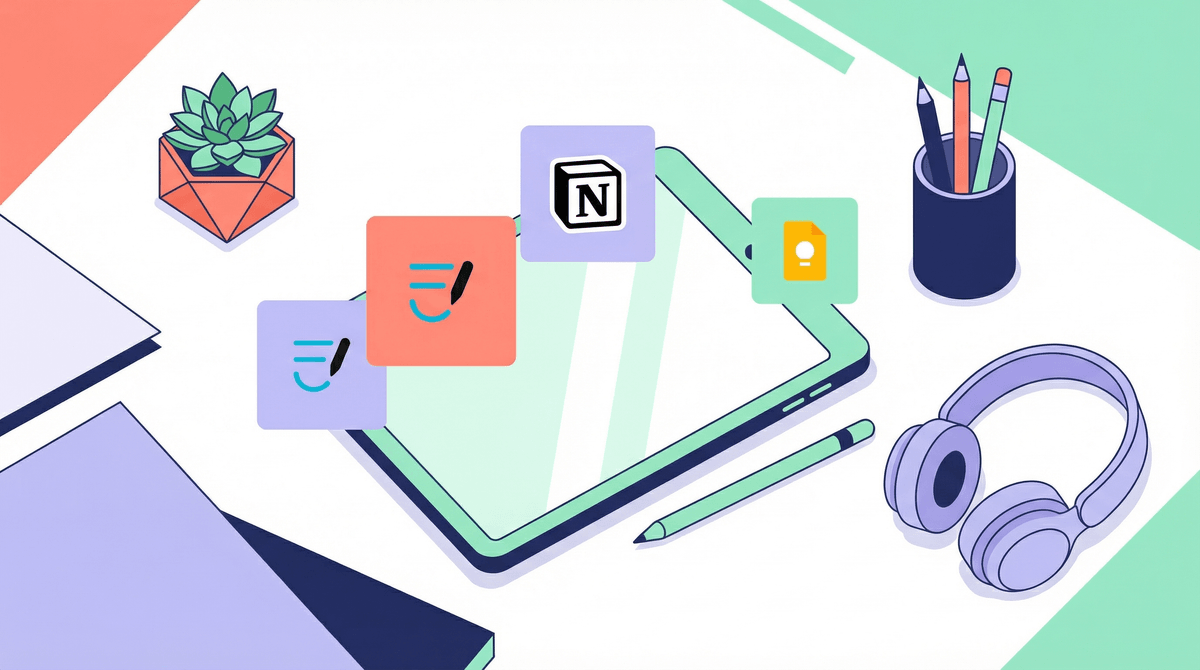
Here's the thing: your middle schooler is juggling more than we ever did at that age. Between six different classes, three group projects, sports schedules, and that one teacher who exclusively posts homework on Google Classroom at 9 PM, the organizational load is real. Note-taking apps are digital tools designed to help kids capture, organize, and retrieve information—think of them as the evolved form of the binder system we grew up with, minus the papers exploding everywhere.
The main players in this space are Notion, Google Keep, Apple Notes, Microsoft OneNote, and simplified options like Notability or GoodNotes. Each has different strengths, and honestly? The "best" one is whichever your kid will actually use.
Middle school is when executive function skills are supposed to be developing—but let's be real, that frontal lobe is still under construction. A good note-taking system can be scaffolding for organizational skills that haven't fully kicked in yet. The goal isn't to make your tween a productivity guru (they're 12, not a startup founder). It's to give them a fighting chance at remembering that the science fair project is due Thursday, not Friday.
The research backs this up: Studies show that digital note-taking can improve information retention when done actively (not just copying slides verbatim), and organizational tools reduce cognitive load, freeing up mental energy for actual learning. But here's the catch—these tools only work if they match your kid's brain and workflow.
Ages 10-12 (5th-6th grade)
Start simple. Really simple. Apple Notes or Google Keep are perfect here—they open fast, sync across devices, and don't have seventeen features your kid needs to learn. The goal at this age is building the habit of writing things down digitally, not mastering a complex system.
What works: Color-coding by subject, quick voice-to-text for capturing thoughts, simple checklists for homework. What doesn't work: trying to get them to build elaborate folder hierarchies. They're still figuring out where their gym shoes are.
Ages 13-14 (7th-8th grade)
Now we can get a bit more sophisticated. Microsoft OneNote or Notion become viable options if your kid shows interest in more structure. OneNote's notebook/section/page hierarchy mirrors physical binders, which helps with the mental model. Notion is more flexible but has a steeper learning curve—it's amazing for the right kid, overwhelming for others.
Real talk: Some kids at this age will create beautiful, color-coded Notion dashboards with embedded calendars and habit trackers. Others will have one giant note titled "stuff" with everything jumbled together. Both are fine. Organization is a spectrum, not a moral virtue.
Go with Apple Notes or Google Keep if your tween:
- Loses interest in complex systems quickly
- Just needs to capture info fast and find it later
- Is already drowning in too many apps and passwords
- Has a phone/iPad but limited device access
Consider OneNote if your tween:
- Likes structure and categories
- Takes handwritten notes on an iPad with Apple Pencil
- Has multiple subjects that need clear separation
- Your school uses Microsoft 365 (seamless integration)
Try Notion if your tween:
- Is naturally organized and likes customizing systems
- Enjoys tinkering with tools (this is the kid who mods Minecraft)
- Needs to manage group projects with classmates
- You're willing to sit down and help them set up templates
Go with Notability or GoodNotes if:
- Your kid has an iPad and Apple Pencil
- They're visual learners who benefit from drawing diagrams
- Handwriting helps them remember better than typing
- You can swing the one-time purchase cost ($10-15)
The Setup Actually Matters
Don't just download an app and expect your kid to figure it out. Spend 20 minutes together creating a basic structure: one notebook/folder per subject, a simple naming convention for notes (like "Science - Ch 4 - Ecosystems"), maybe a dedicated space for homework due dates. This initial investment pays off.
Check-Ins Beat Surveillance
Instead of demanding to see every note (exhausting for both of you), do a weekly "system check" where you ask: "Is this working for you? What's getting lost? What's annoying?" Adjust as needed. The goal is building a system they own, not one you police.
Digital Doesn't Mean Distraction-Free
Yes, the same device with their notes also has TikTok, Snapchat, and that group chat that never stops. If focus is an issue, learn more about app limits and focus modes that let notes apps through while blocking social media during homework time.
The Handwriting Debate
Research shows handwriting can improve memory retention versus typing—but only if the notes are actually taken. A kid who won't handwrite but will type is better off typing. Don't die on this hill unless you're seeing serious comprehension issues.
Watch for Perfectionism Traps
Some kids (often girls, often high-achievers) can get sucked into making their notes Instagram-worthy instead of functional. If your tween is spending 45 minutes color-coding headers instead of studying, that's a problem. Beautiful notes are nice; useful notes are better.
The best note-taking app for your tween is the one they'll actually open when they need to remember something. Start simple, add complexity only if they're asking for it, and remember that organizational skills are learned, not innate. Your kid isn't lazy because they forget things—their brain is literally still developing the circuitry for planning and organization.
Give them tools, give them time, and give them grace when the system falls apart (it will, repeatedly). That's not failure—that's learning.
-
Ask your kid what's not working in their current system (paper planner? Random sticky notes? Pure chaos?). Start there.
-
Try one app for two weeks before switching. System-hopping creates more chaos, not less.
-
Set up templates together for common note types: class notes, homework tracking, project planning.
-
Make it social: If their friends use a certain app, that's actually a feature, not a bug. Collaborative notes and shared study guides are real benefits.
-
Revisit quarterly: What works in September might not work in January. Digital tools should evolve with your kid's needs, not become another rigid system they're failing at.
And hey, if your tween ends up with a system that looks nothing like what you'd design? That's perfect. It's theirs, not yours.