

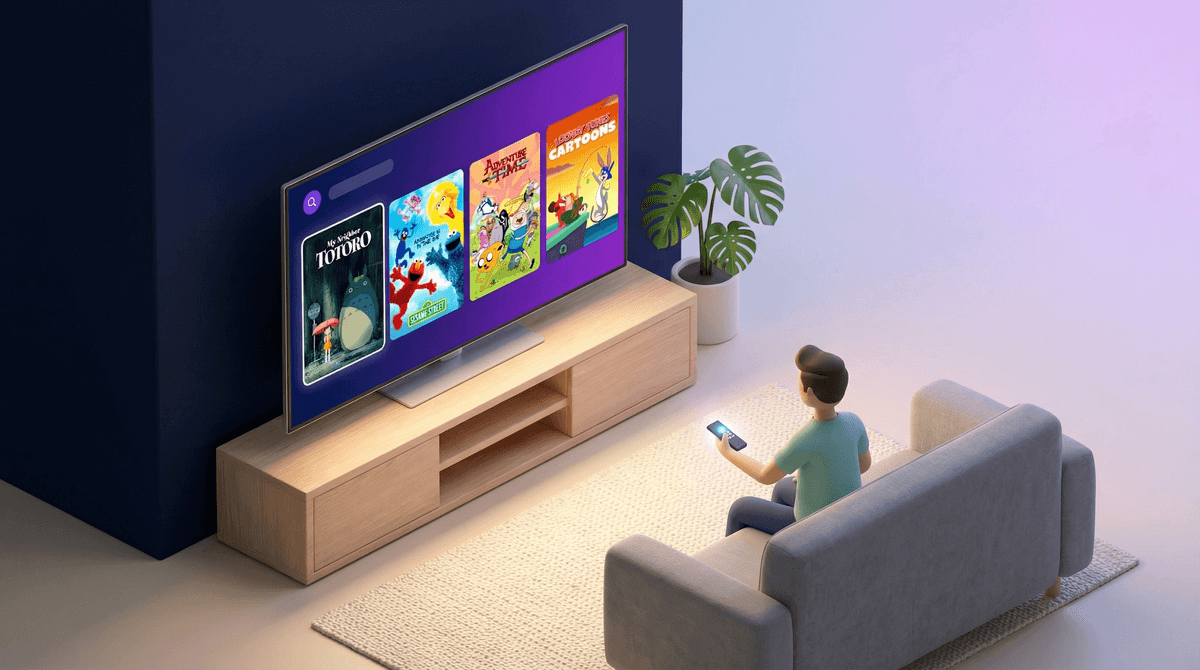
Kids TV on Max: What Parents Need to Know About HBO Max's Family Content
So your kid wants to watch something on Max (formerly HBO Max), and you're standing there scrolling through the interface wondering if you're about to accidentally let them stumble onto a Game of Thrones episode or a true crime documentary. Fair concern.
Max is... complicated for families. It's not Disney+ with its wall-to-wall kid safety. It's not Netflix with its well-established kids profile. It's a platform that houses both Bluey and The Wire, Sesame Street and Succession. That's a wide range, and it requires some actual parental navigation.
Max is Warner Bros. Discovery's streaming platform, combining content from HBO, Discovery, Cartoon Network, Adult Swim, Turner Classic Movies, and more. When it rebranded from HBO Max to just "Max" in 2023, it merged even more content libraries together.
For families, this means you get access to some genuinely excellent kids content—Cartoon Network shows, Looney Tunes, Sesame Street, and solid family movies. But you also get, well, everything HBO has ever made, which includes some of the most adult-oriented prestige TV in existence.
The platform offers Kids Profiles that filter content to age-appropriate ratings, but the default experience is very much designed for adults.
Let's start with what Max does well:
Cartoon Network classics and current hits: Shows like Adventure Time, The Amazing World of Gumball, and Craig of the Creek are all here. These are smart, funny, and genuinely well-made shows.
Sesame Street: The full library is here, which is a huge win for families with younger kids.
Studio Ghibli films: Max has exclusive streaming rights to films like Spirited Away, My Neighbor Totoro, and Kiki's Delivery Service. These are beautiful, thoughtful films that work across age ranges.
Classic Looney Tunes and Hanna-Barbera: If you want to introduce your kids to Bugs Bunny, Scooby-Doo, or The Flintstones, it's all here.
DC superhero content: Lots of Batman, Superman, and Justice League animated series and movies—though quality and age-appropriateness varies widely.
Here's where Max gets messy. The platform's content rating system exists, but it's not as robust or kid-focused as other streamers.
Kids Profiles filter to TV-Y, TV-Y7, TV-G, G, and PG content. That's good! But here's the problem: once kids age out of a Kids Profile (or if you don't set one up properly), they're in the full adult library with minimal guardrails.
Unlike Disney+ or even Netflix, Max doesn't have that "are you sure you want to leave the kids section?" moment. You're just... in the full catalog. And the full catalog includes graphic violence, explicit sex scenes, and mature themes that would make most parents want to throw the remote out the window.
The interface doesn't always make age-appropriateness obvious. You'll see a PG-13 movie next to an R-rated show next to a kids cartoon, and the visual distinction isn't always clear until you click in.
Set up Kids Profiles immediately: This is non-negotiable. Go to your account settings, create a Kids Profile for each child, and make sure they're using it. The Kids Profile locks content to age-appropriate ratings and removes the search function (so kids can't go looking for stuff outside their profile).
PIN-protect your adult profile: Max lets you set a PIN on profiles. Use it. Otherwise, kids can just switch to your profile and access everything.
Preview before you assume: Just because something is animated doesn't mean it's for kids. Adult Swim content (Rick and Morty, etc.) lives on this platform, and it's very much not kid-friendly despite being cartoons. Check out our guide on how to talk to kids about mature animation.
Max's autoplay can be aggressive: Like most platforms, Max will autoplay the next episode or suggest related content. In a Kids Profile, this is usually fine. Outside of it? You might end up with your 8-year-old watching a trailer for a horror series because they clicked on a superhero show.
Discovery content is hit-or-miss: Since the merger, Max includes a lot of Discovery Channel, TLC, and HGTV content. Some of this is fine for families (home renovation shows, nature documentaries), but some of it is reality TV with mature themes. Don't assume "documentary" means "educational and appropriate."
Ages 3-6: Stick to Sesame Street, Looney Tunes Cartoons, and select Studio Ghibli films like My Neighbor Totoro. Keep them in a Kids Profile, period.
Ages 7-10: Craig of the Creek, The Amazing World of Gumball, and DC animated series like Batman: The Animated Series work well. Still recommend keeping them in a Kids Profile, but you can co-watch some PG content outside of it.
Ages 11-13: This is where it gets nuanced. Some kids this age can handle PG-13 content, but Max's PG-13 can range from "mild action" to "pretty intense." Preview first. Shows like Young Justice or movies like the Harry Potter series are generally solid. But don't let them loose in the full catalog unsupervised.
Ages 14+: You're in judgment call territory. Some teens can handle HBO's prestige dramas with mature themes; others aren't ready. Know your kid, preview content, and have conversations about what they're watching. Here's how to talk to teens about mature content .
.
Max has some genuinely great content for kids, but it requires active parenting. This is not a "set it and forget it" platform like Disney+. You need to set up Kids Profiles, use PINs, and stay involved in what your kids are watching.
If you're willing to do that work, Max can be a valuable addition to your streaming lineup. The Cartoon Network library alone is worth it for many families, and the Studio Ghibli films are treasures.
But if you want a platform where you can let your kids browse freely without worry? This isn't it. Max is a platform built for adults that happens to have kids content, not the other way around.
- Set up Kids Profiles now: Don't wait. Go into settings and create them before your kids use the platform.
- Explore the Cartoon Network hub: It's a good starting point for quality kids content.
- Check out our guide on setting up parental controls across streaming platforms for a broader look at managing family streaming.
- Preview anything outside the Kids Profile: Seriously. Five minutes of preview can save you from an awkward conversation or a scared kid.
Max can work for families, but it takes intentionality. Which, honestly, is kind of the theme of modern parenting anyway.