

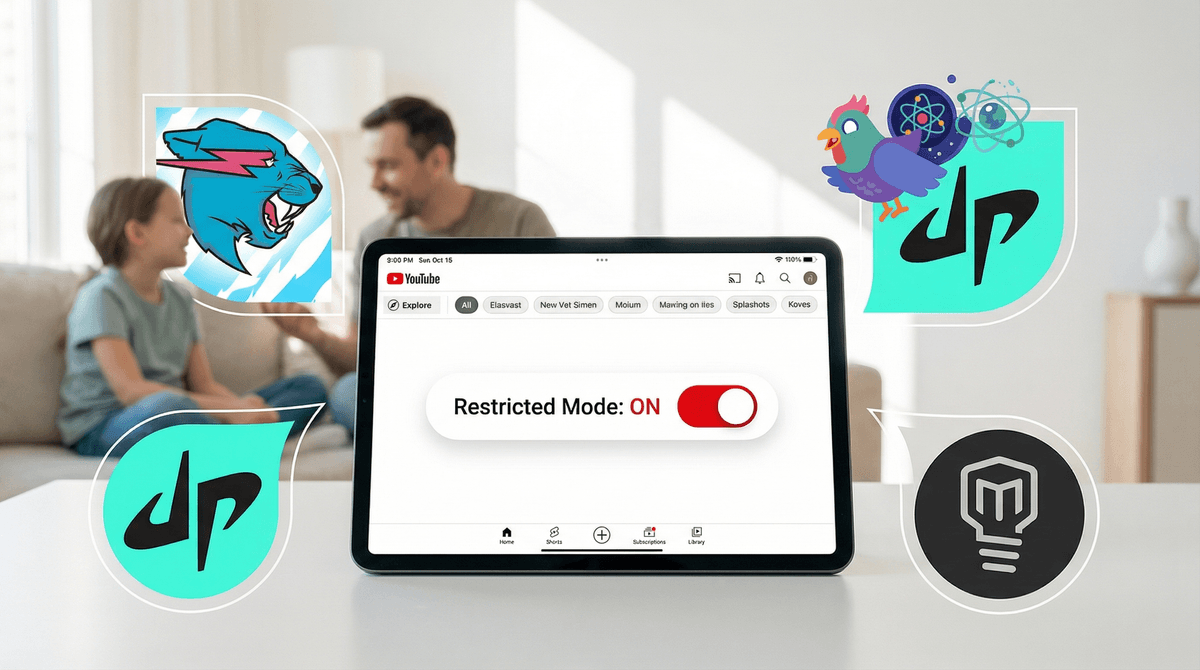
Is YouTube Safe for Your 10-Year-Old? A Parent's Guide to Controls, Content Filters & Real Risks
YouTube at 10 is complicated. YouTube Kids feels too babyish for most fifth graders, but regular YouTube is genuinely risky without supervision. The sweet spot? A supervised Google account with Restricted Mode and content filters turned on, combined with actual conversations about what they're watching. No algorithm is perfect—stuff still slips through. Your best defense is staying involved.
Quick wins:
- Set up a supervised Google account (not YouTube Kids, not unsupervised)
- Turn on Restricted Mode
- Use the "Don't recommend channel" feature liberally
- Check watch history weekly (yes, weekly)
- Talk about clickbait, thumbnails, and why algorithms want them watching forever
YouTube isn't Netflix. There's no team of humans deciding what shows up in the kids' section. It's 3.7 million videos uploaded every day, filtered by an algorithm that's optimized for watch time, not child development.
The platform has three main tiers:
- YouTube Kids (under 13, heavily filtered)
- Supervised accounts (13+, with parental controls)
- Regular YouTube (13+, minimal restrictions)
Most 10-year-olds are technically supposed to be on YouTube Kids. But if your kid is in fifth grade, they're probably telling you YouTube Kids is "for babies." And honestly? They're not entirely wrong. The content skews young, and the interface feels like a Fisher-Price version of the real thing.
But regular YouTube without any guardrails? That's where things get dicey.
Let's be real about what "safe" means on YouTube. Even with Restricted Mode enabled and a supervised account, here's what still gets through:
Gaming content with swearing and mature themes. Your kid searches for Minecraft tutorials and ends up watching a streamer who drops F-bombs every 30 seconds. The algorithm doesn't always catch this because the video isn't flagged as explicit—it's just a dude playing a game.
Clickbait and anxiety-inducing thumbnails. "DON'T WATCH THIS AT 3AM" or "SCARIEST THING I'VE EVER SEEN" with a screaming face. These aren't technically inappropriate, but they're designed to trigger fear and compulsive watching. The algorithm loves them because they get clicks.
Prank and challenge videos that normalize cruelty. Videos where people "prank" their partners by pretending to cheat, or challenges that involve mild harm or humiliation. These often don't get flagged because they're framed as "comedy."
Inappropriate comments. Even if the video itself is fine, the comment section can be a cesspool. Supervised accounts should have comments disabled by default, but it's worth double-checking.
Endless "YouTube Shorts" rabbit holes. The TikTok-style short videos are algorithmically addictive and harder to monitor because kids can swipe through dozens in minutes. They're also where a lot of the edgier content hides—quick hits that don't trigger the same content filters as longer videos.
If your 10-year-old is going to be on YouTube, a supervised Google account is your best bet. It's the middle ground between YouTube Kids (too restrictive) and regular YouTube (too open).
Here's what you get:
- Content filters that block most explicit content (but not all)
- Watch and search history you can review
- Ability to block specific channels and videos
- Restricted Mode that filters out mature content (imperfectly)
- No ability to upload, comment, or live stream (huge win)
How to Set It Up
- Go to families.google.com
 and create a supervised account
 - Choose "YouTube settings" and select "Explore" mode (ages 9+, more content than YouTube Kids but still filtered)
- Turn on Restricted Mode in YouTube settings
- Disable YouTube Shorts if you want to avoid that rabbit hole (Settings → General → Shorts)
- Set up weekly email reports so you get a summary of what they're watching
The Weekly Check-In (Non-Negotiable)
Every Sunday (or whatever day works), sit down and scroll through their watch history together. Not as a "gotcha" moment, but as a conversation starter:
- "What's this video about?"
- "Is this creator someone you watch a lot?"
- "Did this video make you feel weird or uncomfortable?"
If you see something questionable, don't freak out. Just talk about it. "I noticed you watched a video with a really intense thumbnail. Was it actually scary, or was that just clickbait?" This teaches them to be critical consumers, not just passive scrollers.
YouTube Kids is legitimately safer for younger kids (ages 5-8), but it has limitations:
Pros:
- Heavily filtered content (only approved videos and channels)
- No comments section
- Timer feature to limit watch time
- Designed for younger kids with bigger buttons and simpler navigation
Cons:
- Feels babyish to most 10-year-olds (and they're not wrong)
- Limited content selection—popular creators they want to watch aren't there
- Still not perfect—inappropriate videos have slipped through in the past (remember Elsagate?)
- No educational value in teaching them to navigate the real internet
If your 10-year-old is mature and you're willing to do the supervised account setup, YouTube Kids probably isn't the right fit anymore. But if they're on the younger or less digitally savvy side, it's still a solid option for another year or two.
Not all YouTube is brain rot. There are genuinely great educational and entertaining channels that 10-year-olds love. Here are some that consistently deliver quality content:
Science & Learning
- Mark Rober – Former NASA engineer doing wild science experiments (glitter bomb thieves, squirrel obstacle courses)
- Kurzgesagt – In a Nutshell – Animated explainers on science, space, and philosophy
- SciShow Kids – Science topics explained for younger audiences (still great at 10)
- Crash Course Kids – Educational videos on science, history, and more
Gaming (Clean and Age-Appropriate)
- DanTDM – Family-friendly gaming content, mostly Minecraft and Roblox
- Aphmau – Minecraft roleplays and challenges, very popular with this age group
- PrestonPlayz – High-energy gaming videos, generally clean
Creative & DIY
- 5-Minute Crafts – DIY projects and life hacks (some are silly, but kids love them)
- Moriah Elizabeth – Art and craft videos, very popular with tween girls
Just Fun
- Dude Perfect – Trick shots and sports challenges, wholesome and entertaining
- MrBeast – Big-budget challenges and giveaways (mostly fine, though the consumerism angle is worth discussing)
Setting up parental controls is step one. Teaching your kid to be a critical consumer of content is the real work.
Talk About the Algorithm
"YouTube's job is to keep you watching as long as possible. That's how they make money. So they're going to recommend videos that are exciting, dramatic, or a little bit scary—because those keep you clicking. That doesn't mean those videos are good for you."
Talk About Clickbait
Show them examples of clickbait thumbnails and titles. "Do you think this video is actually going to be as crazy as the thumbnail suggests? Let's watch 30 seconds and see." Teach them to spot the patterns.
Talk About Parasocial Relationships
"It feels like you know this YouTuber because you watch them every day, but they don't know you. That's okay! Just remember they're performing for millions of people, not just talking to you."
Talk About When to Stop Watching
"If a video makes you feel anxious, scared, or uncomfortable, it's okay to stop watching. You don't have to finish it just because you started it."
1. You can't outsource this to technology. No filter is perfect. No parental control is foolproof. The algorithm will always be one step ahead. Your involvement is the only real safeguard.
2. Your kid will see stuff you don't want them to see. Even with all the controls in place, something will slip through. A friend will show them a video at school. They'll accidentally click on something. This is not a failure—it's an opportunity to talk about what they saw and how it made them feel.
3. YouTube is designed to be addictive. The autoplay feature, the endless scroll, the "just one more video" loop—it's all intentional. Set time limits (30 minutes a day is reasonable for a 10-year-old) and stick to them. Use Screen Time on iOS or Digital Wellbeing on Android to enforce this if needed.
4. The comment section is a nightmare. Even on wholesome videos, the comments can be toxic, sexualized, or just plain mean. Disable them if you can, or at least talk to your kid about why they shouldn't read (or post) comments.
5. YouTube Shorts are the new problem. If TikTok felt like a concern, YouTube Shorts is the same thing but harder to monitor. Each video is 15-60 seconds, so kids can watch dozens in a sitting without you noticing. Consider disabling Shorts entirely until middle school.
Not every family needs YouTube in their lives. If you'd rather skip it altogether, here are some alternatives to YouTube that offer similar content with better controls:
- Kidoodle.TV – A curated streaming app with only parent-approved content (subscription required)
- PBS Kids Video – Free, high-quality educational shows and clips
- [Common Sense Media's YouTube channel](https://screenwiseapp.com/media/common-sense-media-app – Curated playlists of age-appropriate YouTube content
- Podcasts – If your kid loves learning, podcasts like Brains On! or Wow in the World are screen-free and just as engaging
Is YouTube safe for your 10-year-old? Not on its own, no. But with a supervised account, active parental involvement, and ongoing conversations about what they're watching, it can be a manageable part of their digital life.
The goal isn't to shield them from everything forever—it's to teach them how to navigate a messy, imperfect internet. That means setting boundaries, checking in regularly, and being willing to have awkward conversations about clickbait, algorithms, and why some videos make them feel weird.
YouTube isn't going anywhere. Your kid's friends are watching it. They're going to want to watch it too. The question isn't whether to allow it, but how to do it in a way that keeps them safe while teaching them to think critically about what they consume.
- Set up a supervised Google account if you haven't already (here's how)
- Turn on Restricted Mode and choose "Explore" content level
- Schedule a weekly check-in to review watch history together
- Have the algorithm conversation this week—don't wait
- Block channels liberally—if something feels off, trust your gut and hit "Don't recommend channel"
And if you're still not sure whether YouTube is right for your family, See if YouTube makes sense for your family and we can help you figure out what makes sense for your specific situation.