

iPad Screen Time Restrictions for Toddlers: A Parent's Guide
The AAP recommends no screen time before 18 months (except video chatting), 1 hour max per day for ages 2-5, and co-viewing whenever possible. But real life is messier than guidelines. Here's what actually works:
- Use Screen Time features built into iPadOS to set daily limits, block apps during meals/bedtime, and require approval for downloads
- Create a charging station outside bedrooms - physical distance is your friend
- Front-load the "good stuff" - PBS Kids, Khan Academy Kids, Toca Boca games before YouTube rabbit holes
- The 3 C's rule: Co-view, Curate, and Create boundaries that actually stick
Let's get into it.
Toddlers and iPads are a uniquely difficult combo because:
- Tablets are designed to be addictive - even for developing brains that can't regulate dopamine yet
- You're exhausted - and sometimes Bluey is the only thing standing between you and a complete meltdown (yours or theirs)
- Everyone has opinions - your pediatrician says no screens, your mom says you watched TV for 6 hours a day and turned out fine, and Instagram is full of Montessori influencers making you feel like a failure
- The research is legitimately mixed - some studies show harm, others show benefits, most show "it depends"
The truth? Screen time for toddlers isn't inherently evil, but it's also not neutral. The quality of content, the context of use, and what screens are replacing matter way more than raw minutes.
The American Academy of Pediatrics updated their guidelines in 2016 because they realized their previous "no screens ever" stance was unrealistic. Here's what we know:
Before 18 months: Avoid screens except for video chatting (FaceTime with grandma counts as social interaction, not passive consumption). The concern isn't that screens will fry their brain - it's that they're missing out on the hands-on, face-to-face interactions that actually build neural pathways.
Ages 2-5: Limit to 1 hour per day of "high-quality programming" (which basically means Daniel Tiger, Bluey, Sesame Street - not toy unboxing videos or algorithmically-generated nonsense).
The displacement effect: This is the real concern. Every minute on an iPad is a minute not spent running around, building with blocks, or having a conversation. For toddlers, who learn primarily through physical play and social interaction, that trade-off matters.
Sleep disruption: Blue light before bed genuinely does mess with melatonin production. The AAP recommends no screens 1 hour before bedtime, and keeping devices out of bedrooms entirely.
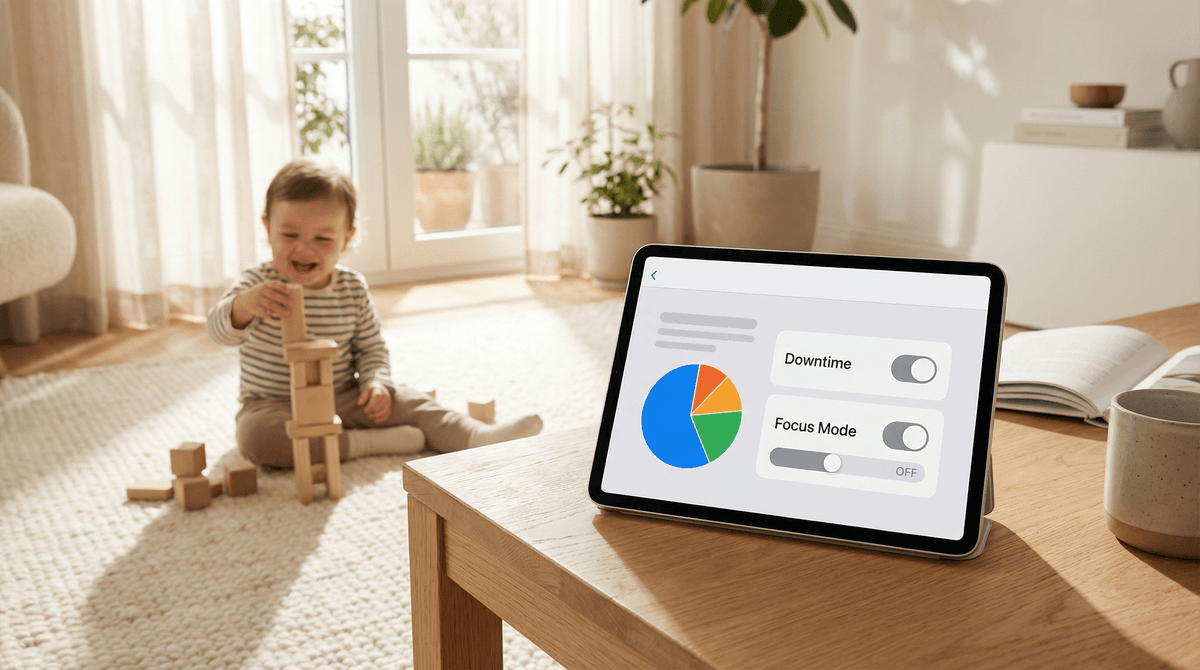
Apple's Screen Time features are genuinely good - if you actually use them. Here's the setup:
Step 1: Enable Screen Time
Go to Settings → Screen Time → Turn On Screen Time. Set it up for your child, not yourself. This lets you control their device from your phone.
Step 2: Set Downtime
Downtime blocks everything except apps you specifically allow (like Phone or FaceTime). Set this for:
- Bedtime (e.g., 7pm - 7am)
- Meal times if needed
- Any other "no screen" windows
Pro tip: During downtime, even if they know your passcode, they can't override it without your explicit approval.
Step 3: App Limits
Set daily time limits for specific categories:
- Entertainment: 30-60 minutes (this includes YouTube, Netflix, Disney+)
- Games: 15-30 minutes
- Educational: You can leave this unlimited or cap it at 60 minutes
The trick: Set limits for categories, not individual apps. Otherwise they'll just bounce between YouTube Kids and Netflix when one runs out.
Step 4: Content & Privacy Restrictions
This is where you lock down the iPad properly:
- iTunes & App Store Purchases: Require password for every purchase (yes, even free apps)
- Allowed Apps: Turn off Safari if you don't want open web browsing
- Content Restrictions: Set age limit to 4+ or 9+ depending on your kid
- Web Content: Enable "Limit Adult Websites" at minimum
- Siri: Disable web search if you're worried about inappropriate queries
Step 5: Communication Limits
If your toddler has an iPad with cellular (or you've set up Family Sharing), you can control who they can communicate with during screen time and downtime. For toddlers, this should be locked down tight.
Not all screen time is created equal. Here's what's actually good for toddlers:
Educational Apps That Don't Suck
-
Khan Academy Kids (Ages 2-8): Completely free, no ads, actually educational. Covers reading, math, social-emotional learning. This is the gold standard.
-
PBS Kids Games (Ages 2-8): Free app with games based on PBS shows. Daniel Tiger emotions games are genuinely helpful for teaching feelings vocabulary.
-
Toca Boca apps (Ages 3-9): Not free, but worth it. Open-ended digital play - Toca Kitchen, Toca Hair Salon, Toca Life World. No points, no levels, just creativity.
-
Endless Alphabet (Ages 2-5): Adorable monsters teach letters and vocabulary. The free version has 6 words, full version is worth the $9.
-
Sago Mini apps (Ages 2-5): Gentle, cute, open-ended. Sago Mini World is a subscription with 40+ games, but the standalone apps are one-time purchases.
Shows Worth Co-Viewing
If you're going to hand over the iPad for video time, at least make it something you won't hate:
-
Bluey (Ages 2-8): The only kids show that makes parents cry. Teaches emotional regulation, imaginative play, and honestly better parenting advice than most parenting books.
-
Daniel Tiger's Neighborhood (Ages 2-5): Those jingles will haunt your dreams, but they work. "When you feel so mad that you want to roar, take a deep breath and count to four."
-
Sesame Street (Ages 2-5): Still good after 50+ years. The new episodes on HBO Max are genuinely funny for adults too.
-
Puffin Rock (Ages 2-6): Slow-paced, gentle, narrated by Chris O'Dowd. Perfect for winding down.
What to Avoid
-
YouTube Kids - even with restrictions, the algorithm is a nightmare. Read more about why YouTube Kids isn't as safe as it sounds.
-
Toy unboxing videos - pure brain rot disguised as content. Ryan's World made $30 million in 2020 teaching toddlers to want more plastic crap.
-
Anything with in-app purchases - unless you want a $200 charge for Smurfberries or whatever
-
Most "educational" apps - if it's just digital flashcards with bells and whistles, your kid would be better off with actual flashcards (or better yet, no flashcards at all)
Technology restrictions only work if you have the emotional fortitude to enforce them. Here's what actually helps:
Make It Predictable
Toddlers do better with routines. Instead of negotiating screen time every day, create a predictable schedule:
- "iPad time is after lunch for 30 minutes"
- "We watch one episode of Bluey before bath time"
- "Weekends you can have iPad time in the morning while I make breakfast"
When it's predictable, there's less negotiation. When it's arbitrary, you're inviting a meltdown.
Use Timers
The Screen Time limits help, but also use a visual timer your toddler can see. The Time Timer (physical or app) shows time as a shrinking red circle - much easier for toddlers to understand than numbers.
When the timer goes off, the iPad goes away. No exceptions, no negotiations. If you give in once, you've taught them that whining works.
Create a Charging Station
iPads live in a specific spot when not in use - ideally somewhere your toddler can't reach. Not in their bedroom, not in the playroom. Physical distance reduces the "I want iPad" requests.
Co-View Whenever Possible
This is the biggest difference-maker. Sitting next to your toddler while they watch Daniel Tiger and talking about what's happening turns passive consumption into active learning.
"Oh look, Daniel is feeling frustrated! What do you think he should do?"
Yes, this defeats the purpose of screens as a babysitter. But if you're going to do screen time, co-viewing is what makes it educational rather than just... time-filling.
Offer Better Alternatives
This sounds obvious, but: have other activities ready to go. When iPad time ends, don't just say "no more iPad" - redirect to something else.
Keep a rotation of activities that are genuinely engaging: playdough, water play, magnetic tiles, duplo blocks. If the alternative to iPad is "sit quietly while mom does email," of course they're going to beg for more screen time.
The 1-hour guideline is an average, not a hard limit. If you're on a 4-hour flight and your toddler watches Encanto twice, you're not ruining their brain.
The key is: don't let the exception become the rule. One long travel day doesn't mean iPad time triples forever.
That said, if you're in survival mode - new baby, moving, family emergency, pandemic homeschooling - give yourself grace. Sometimes screen time is harm reduction. A toddler watching Bluey for 2 hours is better than a toddler with a completely dysregulated, burnt-out parent.
The "right" amount of screen time for your toddler depends on:
- What they're watching (Bluey vs. YouTube autoplay)
- What they're missing (outdoor play vs. staring at a wall while you cook dinner)
- Your family's values and capacity
The AAP's 1-hour guideline is a reasonable target, but it's not a moral failing if you exceed it sometimes. What matters more:
✅ High-quality content over algorithmic garbage
✅ Co-viewing when possible
✅ Consistent boundaries that you actually enforce
✅ Balance with physical play, social interaction, and sleep
✅ No screens in bedrooms or within an hour of bedtime
Use the built-in Screen Time restrictions to set limits you can actually stick to. Curate a small library of quality apps and shows. And remember: you're not competing with Instagram's Montessori moms. You're just trying to raise a human in a world where iPads exist.
- Set up Screen Time restrictions today - it takes 10 minutes and genuinely works
- Audit your toddler's current apps - delete anything with in-app purchases or ads
- Download 2-3 quality apps from the list above to have ready as alternatives
- Establish one new boundary - maybe "no iPad during meals" or "iPad charges in the kitchen overnight"
- Talk to your co-parent about getting on the same page (inconsistency is the enemy)
If you want to dig deeper into specific apps or shows, Find apps and shows for your kid to get personalized recommendations based on your kid's interests and your family's values.
And if you're feeling guilty about screen time? Read this about why screen time guilt is mostly bullshit.
You've got this.