

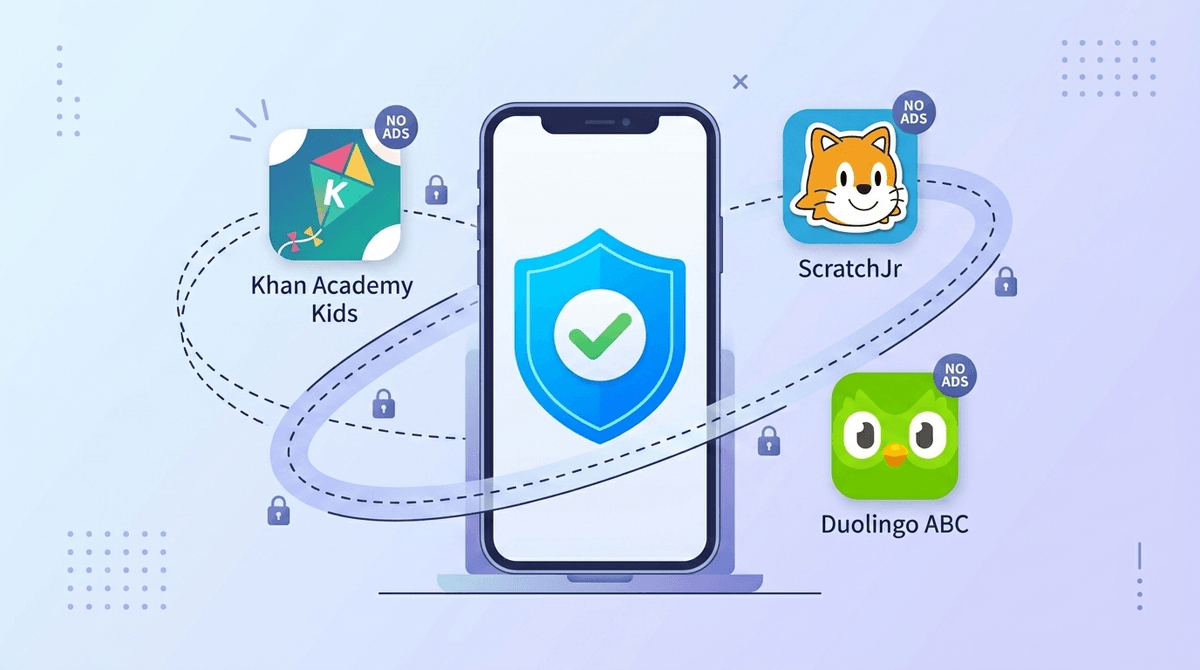
TL;DR: Most "educational" apps are actually data-harvesting machines in a graduation cap. If you want tools that actually teach without selling your kid's location or search history, stick to non-profits and "pay-once" models.
Quick Links to Privacy-First Favorites:
- Best for Preschool: Khan Academy Kids
- Best for Reading: Epic!
- Best for Math: Zearn
- Best for Coding: ScratchJr
- Best for Creativity: Toca Boca World (Paid version)
We’ve all been there. You’re trying to cook dinner, the toddler is entering "destructive tornado" mode, and you reach for the iPad. You tell yourself it’s fine because they’re playing a "math game." It feels like a parenting win—until you realize that "free" math game is currently pinging a server in another country with your child’s device ID, IP address, and how long they spent staring at a specific ad for a sugary cereal.
In 2026, the "educational" label has become a bit of a Wild West. Just because an app teaches the ABCs doesn't mean it isn't also a data broker's dream. With the 2025 COPPA (Children's Online Privacy Protection Act) updates finally hitting the fan, the industry is being forced to clean up its act, but many apps are still using "dark patterns" to skirt the rules.
Here is how to navigate the trail and find the tools that actually respect your kid’s digital footprint.
In the world of tech, if you aren't paying for the product, your kid’s data is the product. Most free educational apps on the App Store survive on behavioral advertising. They track what your kid clicks on, how they play, and what they’re interested in to build a profile that follows them across the internet.
The 2025 COPPA updates have made it harder for companies to collect biometric data and precise geolocation without explicit (and annoying) parental consent, but many "free" apps still use third-party trackers. These trackers are like little digital breadcrumbs that tell advertisers exactly who is behind the screen.
When choosing apps, look for the "No In-App Ads" and "No Third-Party Tracking" labels. Often, the best way to protect your kid’s privacy is to actually pay the $5 or $10 for the "Pro" version or a subscription. It’s the difference between a classroom and a billboard.
If you’re looking to stock your kid’s tablet with high-quality, low-tracking content, these are the gold standards.
Ages 2-8 This is the holy grail of early childhood apps. It is 100% free, has zero ads, and no subscriptions. Because Khan Academy is a non-profit, they aren't beholden to shareholders who want to monetize your kid’s attention. It covers everything from reading to social-emotional learning. It’s the "Ohio" of apps—but in the good way (meaning it's the GOAT, for those of us trying to keep up with the slang).
Ages 6-12 If your kid’s school uses Zearn, you’re in luck. It’s one of the most rigorous math platforms out there, and they have a massive focus on data privacy. They don't sell student data, and they don't use it for targeted advertising. It’s a great example of a tool that was built for the classroom first, where privacy standards are (usually) much higher.
Ages 2-12 Think of Epic! as the Netflix of kids' books. While it is a paid subscription, that cost buys you a walled garden. There are no ads popping up between chapters of Diary of a Wimpy Kid. They are very transparent about what they collect (mostly just reading progress to give recommendations), and they don't share it with outside brokers.
Ages 5-7 Before they move on to the full Scratch website, ScratchJr is a brilliant way to teach coding logic. It’s an offline-first app, meaning it doesn’t require an account or a constant internet connection to work. No connection = no data trail. It’s pure, local creativity.
Ages 3-6 The "Endless" series (including Endless Reader) is a fantastic example of the "pay-once" model. You buy the app, you get the content, and the developer leaves you alone. No "Skibidi" nonsense, no flashy ads, just monsters teaching vocabulary.
You might be thinking, "Who cares if a company knows my 7-year-old likes dinosaurs?"
The issue isn't just the dinosaurs; it's the Persistent Identifier. This is a unique string of numbers that identifies your kid's device. If an educational app collects this and shares it with an ad network, that network now knows that "Device X" belongs to a child who lives in your zip code, uses a specific iPad, and is at a Grade 2 reading level. As they grow up, that profile gets thicker.
The 2025 COPPA updates specifically target "Dark Patterns"—those annoying pop-ups that trick kids into clicking "Allow Tracking" or making accidental purchases. The new rules also demand that apps provide a "clear and conspicuous" link to delete a child's data.
When you're looking at a new app in the store, do a 30-second "Privacy Vibe Check":
- The "Data Linked to You" Section: In the App Store, scroll down to the "App Privacy" section. If you see "Contact Info," "Search History," or "Usage Data" linked to the user in a simple math game, that’s a massive red flag.
- Social Media Logins: If an educational app asks you to "Sign in with Facebook" or "Sign in with Google," it’s often a data-sharing handshake. Create a dedicated "junk" email for your kids' apps or use "Sign in with Apple" which hides your real email.
- The "Free" vs. "Freemium" Distinction: If an app is free but filled with "gems," "coins," or "energy bars," it’s not an educational tool; it’s a dopamine-loop machine. Apps like Roblox claim to be educational (entrepreneurship!), but they are built on a foundation of microtransactions that can drain your bank account faster than you can say "Ohio."
Ages 3-6: The "Offline" Era
At this age, kids don't need to be "online." Stick to apps that work in Airplane Mode. Toca Boca World and Sago Mini World are great because once you download the content, you can shut off the Wi-Fi. This is the ultimate privacy shield.
Ages 7-10: The "Account" Era
This is when they start wanting to save progress and play with friends. If they’re using Minecraft or Prodigy Math, sit down and set up the account with them. Use a nickname, don't put in their real birth year (use Jan 1st of their birth year), and opt-out of all marketing emails.
Ages 11+: The "Transparency" Era
By middle school, they’re going to find the "brain rot" content on YouTube or TikTok. This is the time to talk about Digital Footprints. Explain that "free" apps are actually tracking them. Use it as a lesson in economics: "If you aren't paying for it, you are the product."
Privacy in 2026 isn't about being a luddite or hiding in a bunker; it's about being an intentional consumer. There are incredible tools out there—like Duolingo ABC or Starfall—that do the right thing.
The goal isn't perfection; it's just reducing the "data leak" where we can. If your kid plays one "trashy" game for 10 minutes, the world won't end. But for the apps they spend hours on every week? Those are the ones worth auditing.
- Audit the iPad: Delete any "free" apps that haven't been opened in a month. They’re often still collecting data in the background.
- Check the Settings: Go to Settings > Privacy & Security > Tracking on your iOS devices and make sure "Allow Apps to Request to Track" is turned OFF.
- Talk to your community: Use the Screenwise survey to see what other parents in your school are using. If everyone is on a specific app, it’s easier to vet it together.
Take the Screenwise survey to see your community's top-rated apps