

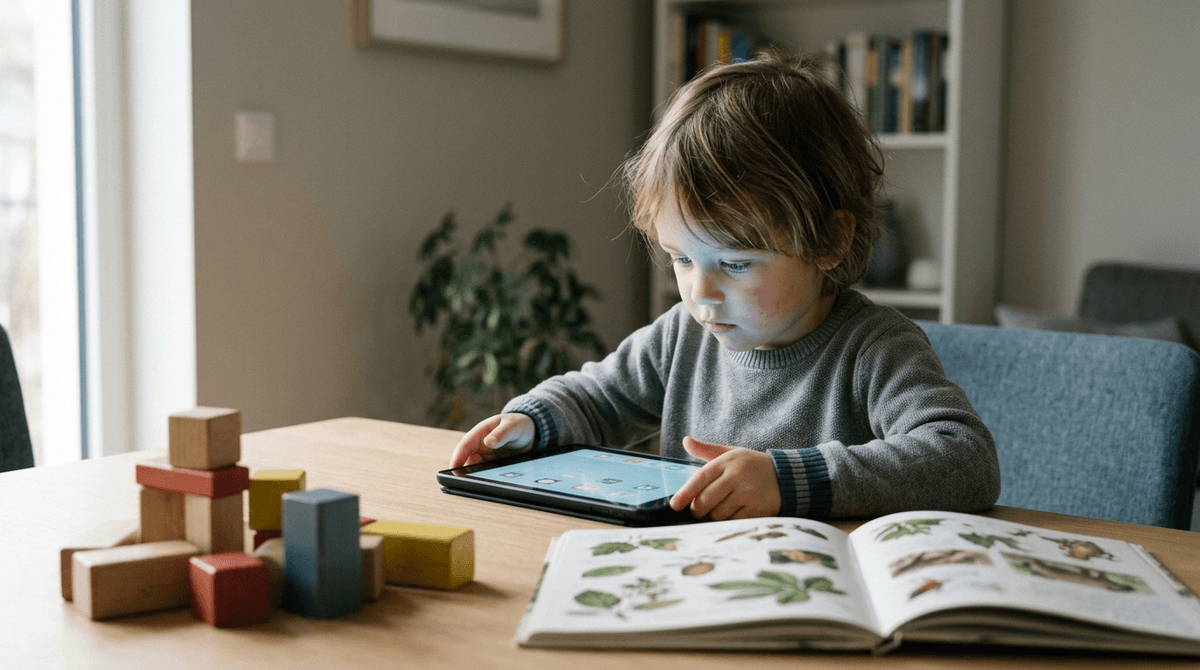
The "educational" label in the app store is a marketing term, not a pedagogical seal of approval. Most top-rated apps for preschoolers prioritize passive rote memorization and mindless tapping over the active, meaningful engagement children need to actually learn.
Stop trusting the "Educational" category at face value. Most top-selling apps for young children are designed for rote repetition rather than meaningful learning, often functioning more as "digital candy" than actual brain food.
Parents frequently use the "Educational" tag to justify screen time, assuming the content is inherently beneficial. This study reveals that much of this software is effectively hollow, designed more to keep a child occupied than to build cognitive skills. If you are choosing apps based on store rankings or "free" status, you are likely downloading tools that teach kids how to tap buttons rather than how to think or solve problems.
Understanding this gap allows you to stop feeling guilty about "non-educational" play and start being more skeptical of the apps that claim to be "school-ready." Most of these tools lack "scaffolding"—the ability to adjust difficulty or provide helpful feedback—which is a cornerstone of how children actually master new concepts.
Researchers wanted to see if the explosion of digital "learning" tools actually aligned with established developmental science. While the app stores are flooded with learning claims, there is no formal vetting process to ensure these apps follow how children learn best.
The authors applied the "Four Pillars of Learning" framework—which posits that learning should be active, engaged, meaningful, and socially interactive—to the 100 most popular apps. They sought to fill the gap between what app developers market as "educational" and what developmental psychologists know to be effective for the preschool brain.
Most apps are failing the learning test by a significant margin. Researchers conducted a systematic audit of top-downloaded apps and found a massive disconnect between marketing claims and software design.
- Free apps are lower quality. Apps that cost nothing up-front scored significantly lower on educational quality than paid apps, often relying on "tap-to-play" mechanics that require zero critical thinking.
- Rote skills dominate. The vast majority of apps focus on simple identification—pointing at a letter or a shape—rather than conceptual understanding or creative problem-solving.
- Scaffolding is missing. Most apps fail to provide helpful feedback when a child gets an answer wrong. Instead of guiding the child toward the right answer, the apps often just let them guess indefinitely or move on.
- Social interaction is absent. Despite social engagement being a primary driver of preschool learning, almost no apps included features that encouraged children to interact with a peer or a parent.
The app store economy incentivizes "sticky" apps over "smart" ones. High rankings often reflect an app's ability to keep a child quiet and occupied, which parents reward with high ratings, but "quiet" does not equal "learning."
If an app is free, the "educational" value is almost always secondary to keeping the child in a repetitive loop. The researchers are essentially implying that the app marketplace is a "wild west" where the word "educational" has been stripped of its scientific meaning and repurposed as a sales tactic to alleviate parental guilt.
This study was a content analysis of software design, not a clinical trial of children. The researchers evaluated what the apps could do based on their features, not how much children actually learned while using them.
Additionally, the app marketplace moves at a breakneck pace. Because this data was published in 2021, some specific apps may have updated their interfaces or been replaced by newer titles. However, the underlying trend—that marketing outpaces pedagogy—remains a consistent reality of the digital economy.
- If you are choosing between a free app and a $2.99 version of a similar tool, buy the paid app. The small upfront cost usually correlates with better design, fewer distracting "gamified" loops, and a more meaningful educational experience.
- If you want to test an app’s quality, watch your child play for five minutes and count how many times they "mindlessly tap" to progress. If the app allows them to move forward by clicking randomly until they hit the right spot, it isn't teaching them the underlying concept.
- If your child is using a "learning" app and gets stuck, stay close by to provide the "scaffolding." Since most apps don't offer helpful hints when a child fails, your verbal prompts are the only thing that will turn a moment of frustration into a learning opportunity.
- If you want to maximize the value of any digital tool, talk about it while they use it. Ask questions like, "Why did you pick that color?" or "What do you think happens next?" Your interaction is the "social pillar" that the software is almost certainly missing.
Don't let a "Teacher Approved" or "Educational" badge fool you into thinking an app is high-quality. You are a better judge of your child’s engagement than an algorithm; if an app feels like a series of mindless chores, it probably is. Stick to a few trusted, paid apps that require your child to make actual choices, and remember that no app can replace the learning that happens when you talk to them about what's on the screen.
Marisa Meyer, Jennifer M. Zosh, Caroline McLaren et al. (2021). How educational are “educational” apps for young children? App store content analysis using the Four Pillars of Learning framework. Journal of Children and Media. doi:10.1080/17482798.2021.1882516 — tandfonline.com