

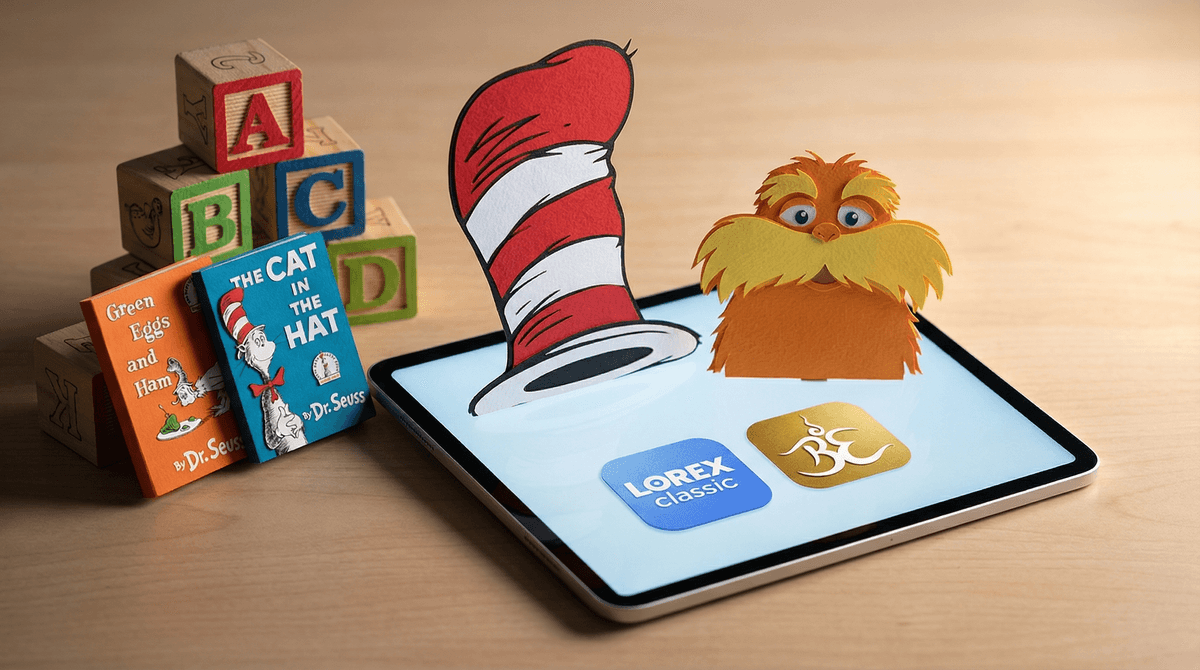
Dr. Seuss apps are interactive reading apps that bring classic Seuss books to digital life—think The Cat in the Hat, Green Eggs and Ham, and One Fish Two Fish Red Fish Blue Fish. Published primarily by Oceanhouse Media, these apps turn beloved picture books into "read-along" experiences with narration, word highlighting, interactive elements on every page, and built-in mini-games.
Each book typically gets its own app (yes, you buy them separately), and they're designed for kids roughly ages 3-7—the early reader sweet spot. Tap a word and hear it pronounced. Tap the Lorax and watch him wiggle. It's like if your kid's favorite board book came alive, except now it's on a screen and costs $3.99 instead of $8.99.
The main players here are Oceanhouse Media's Dr. Seuss collection (the gold standard with 50+ titles) and a few other publishers who've released Seuss-adjacent apps. You'll find them on iOS, Android, and sometimes Amazon Fire tablets.
Look, kids love Dr. Seuss because the rhythm is infectious and the illustrations are weird in the best way. The apps amplify that appeal by making everything touchable. Every page becomes a little treasure hunt—what happens if I tap the fish? What about the tree? Oh wow, the Thing 1 and Thing 2 bounce!
The read-along narration is also genuinely helpful for emerging readers. Words highlight as they're spoken, which helps with word recognition and phonics in a low-pressure way. Your kid can listen first, then try reading themselves, then listen again. It's the kind of scaffolding that actually works.
And honestly? The mini-games are pretty benign. We're talking simple memory matching, spot-the-difference, basic puzzles—nothing that's going to trigger a dopamine spiral or require in-app purchases to progress. They're more like dessert after the reading meal than the main course.
The Good Stuff
These apps are legitimately educational. They support early literacy in ways that passive screen time doesn't—interactive reading with audio support is backed by research as a solid learning tool for pre-readers and early readers. The word highlighting, the ability to tap for pronunciation, the repetition—it all helps.
They're screen time you can feel okay about. If your kid is going to be on a device anyway, Dr. Seuss apps are about as wholesome as it gets. No ads, no chat features, no surprises. Just Seuss.
The production quality is excellent. Oceanhouse Media did this right—the narration is professional, the animations are charming without being overwhelming, and the interface is intuitive enough that most 4-year-olds can navigate independently.
The Reality Check
They're not magic literacy pills. Yes, they support reading development, but they're not a replacement for actual books, bedtime stories, or a parent reading with a kid on the couch. The tactile experience of turning pages, the focus that comes without a backlit screen, the lack of distractions—physical books still matter .
.
Each book is a separate purchase. This adds up fast. At $3.99-$4.99 per title, building a collection gets expensive compared to hitting up the library. Some parents love this because it means curating exactly what you want; others find it annoying.
The interactive elements can be distracting. For some kids, the tap-everything-on-every-page approach turns reading time into chaos. Instead of following the story, they're just poking around looking for animations. This isn't inherently bad—exploration is learning too—but it's worth noting if your goal is focused reading practice.
Screen time is still screen time. Even "good" screen time counts toward daily limits. The American Academy of Pediatrics recommends no more than an hour of quality programming for kids 2-5, and these apps fall into that bucket. They're better than YouTube Kids autoplay, but they're not a free pass.
Ages 2-3: Honestly? Physical books are better here. The fine motor skills required for targeted tapping can be frustrating, and the interactive elements might be overstimulating. If you do use these apps, do it together—think of it as shared reading time, not independent play.
Ages 4-6: This is the sweet spot. Kids have the motor skills to navigate, they're working on letter recognition and phonics, and the read-along feature genuinely helps bridge the gap between being read to and reading independently. Great for car rides, quiet time, or when you need 15 minutes to make dinner.
Ages 7+: Most kids this age are reading independently and might find the apps a bit babyish. That said, struggling readers or kids who just love Seuss might still enjoy them. No shame in that.
Set them up as a reading activity, not just screen time. Frame it as "book time on the tablet" rather than "iPad time." Subtle, but it matters for how your kid approaches it.
Start with "Read to Me" mode, then graduate to "Read it Myself." Most apps have both options. The progression helps build confidence.
Do some together first. Sit with your kid for the first read-through, talk about the story, point out the interactive elements. Then let them explore independently.
Use the games as a reward for reading, not the main event. If your kid just wants to skip to the games, that's a sign to maybe take a break from the app and go back to physical books for a while.
Don't buy the whole library at once. Start with 2-3 favorites and see how much your kid actually uses them. You can always add more.
If you like the concept but want options, check out:
Dr. Seuss apps are genuinely good as far as kids' apps go. They're educational, well-made, and free of the predatory nonsense that plagues so much children's digital content. They support early literacy in real ways and give kids a sense of independence with reading.
But they're not essential. If your kid loves Dr. Seuss and you're looking for quality screen time options, these are solid. If you're trying to minimize screens or your kid does fine with physical books, you're not missing out on anything critical.
Think of them as a tool in the toolkit—useful in the right context, but not the only tool you need. A long car ride? Perfect. Daily reading practice? Maybe mix it up with real books too. Keeping a 4-year-old entertained at a restaurant? Sure, better than YouTube.
Just remember: even the best app is still a screen, and even the best screen time should be balanced with the analog stuff—books, play, boredom, all of it.
- Try before you buy: Many of these apps offer a free "lite" version or a single free book to test out
- Check your library: Some library systems offer free access to digital book apps through Libby or other platforms
- Set boundaries: Decide how these fit into your family's overall screen time limits before downloading
- Learn more about screen time guidelines for young kids