

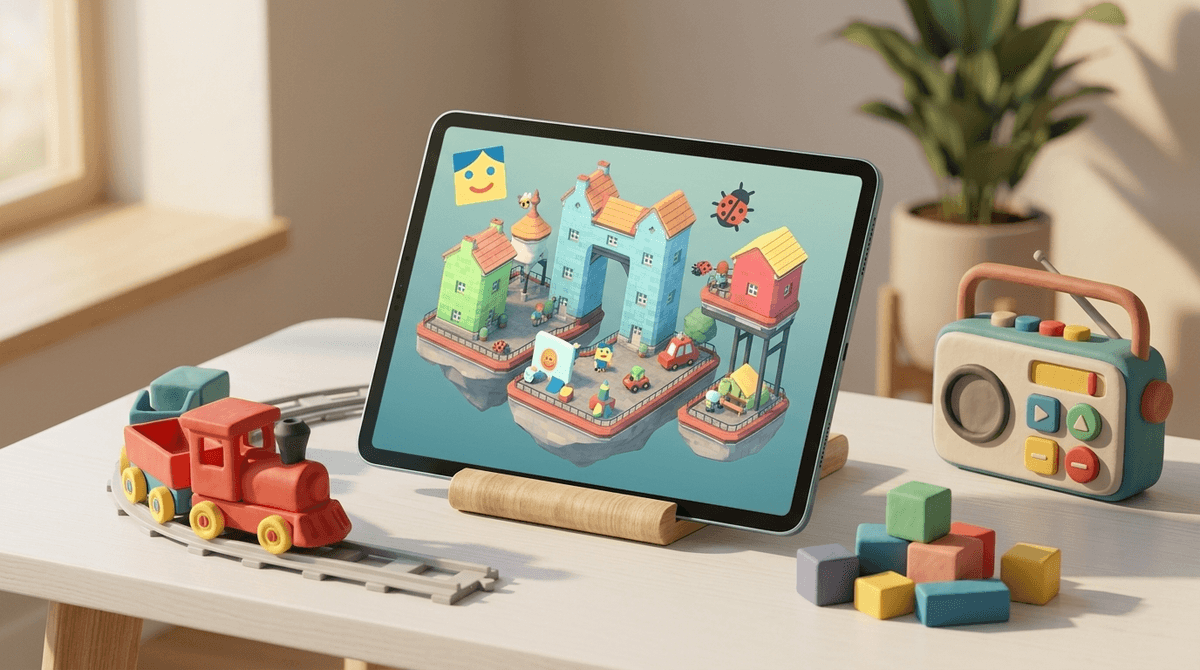
TL;DR: The Top Picks for Pre-Readers If you’re just looking for the download list to keep a preschooler occupied while you actually finish a hot coffee, here are the heavy hitters:
- For pure imagination: Toca Life World
- For low-stress building: Townscaper
- For Montessori-style play: Pok Pok Playroom
- For the "mini" creators: Sago Mini World
- For tactile LEGO fans: LEGO DUPLO World
We’ve all been there. You want to give your kid a 20-minute "digital break" so you can take a shower or jump on a Zoom call, but most games for "younger kids" are either mindless "tap-to-win" dopamine factories or they require a PhD in linguistics to navigate the menus.
There is a very specific, often frustrating window in parenting—roughly between ages 3 and 6—where a kid has the manual dexterity to use a tablet and the imagination to build a whole universe, but they can’t yet read the word "Settings," let alone "Inventory" or "Quest Log."
When a kid hits a text wall, one of two things happens: they start screaming for you to come help, or they start clicking random buttons until they’ve accidentally spent $49.99 on "Super Sparkle Gems."
The good news? There’s a whole genre of "silent" games—intuitive digital playgrounds that use icons, colors, and spatial logic instead of text boxes. These aren't just "babysitter apps." When done right, they’re basically digital versions of a box of blocks or a bin of dress-up clothes.
Roleplay is the bread and butter of the pre-reading set. These games don't have "levels" or "scores." They are just places where stuff happens because the kid makes it happen.
This is the gold standard. If you haven't seen it, think of it as a massive, interactive sticker book. Kids can move characters from the hair salon to the grocery store, put a hat on a cat, or make a character eat a giant burger.
- Why it works: Everything is drag-and-drop. There are zero instructions because the interface is so intuitive.
- The No-BS Take: Toca Boca is brilliant, but they are also masters of the "upsell." Your kid will see buildings they can’t enter unless you pay real money. It’s not "brain rot," but it is a lesson in digital FOMO.
Learn more about managing in-app purchases on tablets

If Toca is for the 5-year-old, Sago Mini is for the 3-year-old. The characters (Harvey the dog, Jinja the cat) are adorable, and the activities are incredibly gentle. It’s about exploring a forest or building a robot out of spare parts.
- Why it works: It’s almost impossible to "fail." It’s pure exploration.
Some kids just want to see how high they can stack things. While Minecraft is the king of building, it can actually be pretty overwhelming for a kid who can't read the inventory menus yet. Here are the better entry points.
This is arguably the most beautiful "game" on this list. There are no goals. You just tap the screen, and a colorful building pops up out of the ocean. Tap again, and it gets taller. Tap next to it, and a bridge forms.
- Why it works: There is literally no text. The game uses an algorithm to make everything look intentional. If you build a circle, it turns into a courtyard. If you build a tower, birds land on it. It’s peaceful, creative, and requires zero reading.
We know LEGO is the ultimate creative toy, and the app version for the DUPLO age group is surprisingly solid. It’s less about "gaming" and more about digital construction and basic problem-solving (like putting the right animal on the train).
- Why it works: It uses the same visual language as the physical blocks your kid already has on their floor.
If you want to move away from "characters" and more toward "creating," these apps are the digital equivalent of a fresh box of 64 crayons.
This app won an Apple Design Award for a reason. It’s a collection of "toys"—a marble run, a radio you can tune, a drawing board. There are no sounds other than the ones the toys make. No flashing lights, no rewards, no "Good Job!" pop-ups.
- Why it works: It’s based on the Montessori method. It encourages "deep play" rather than the frantic clicking often found in Roblox.
This is a bit more "busy" than Pok Pok, but it’s great for kids who love to color and design. They can "paint" 3D creatures and then watch them walk around.
- Why it works: It bridges the gap between 2D drawing and 3D interaction.
We often talk about "screen time" as a monolithic thing—it’s either "good" or "bad." But for a 4-year-old, the type of interaction matters more than the minutes.
When a kid plays a game that requires reading they don't have, they become a passive consumer. They just click until something happens. When they play a game designed for their literacy level, they become an active creator. They are making choices: Should the house be blue? Does the cat go in the bathtub? How high can I build this tower?
This is the foundation of digital literacy. You’re teaching them that the screen is a tool they control, not just a window they stare into.
Even though these games are "safe," there are a few things to keep in mind for the under-6 crowd:
- The "Ipad Neck" is Real: At this age, their skeletons are basically made of cartilage. If they’re hunched over a tablet on the floor, it’s not great. Try to have them use it at a table or propped up.
- Sound Design: Many of these games (especially Toca Life World) have repetitive music that will drive you to the brink of insanity. Headphones are an option, but then you lose the ability to hear what’s happening in the game. Volume limits are your friend.
- The Exit Strategy: Pre-readers don't have a great sense of time. "Five more minutes" means nothing to them. Using a visual timer (a physical one or an app) helps them see the time "disappearing" so the transition away from the screen isn't a total meltdown.
Check out our guide on setting healthy screen boundaries for toddlers
Even in "no-reading" games, there are often hidden traps:
- Parental Gates: Most of these apps have a "Parental Gate" (e.g., "Type the numbers 8, 4, 1 to enter"). Once your kid learns their numbers, they will bypass this in three seconds.
- Ads for Other Apps: Some "free" creative games are just delivery systems for ads for other, worse games. Stick to the "freemium" or paid versions of the apps listed above to avoid the "brain rot" ad loops.
You don't need to wait until your kid is reading Harry Potter for them to engage in meaningful digital creation. By choosing games that rely on spatial logic, iconography, and open-ended play, you’re giving them a sandbox rather than a TV show.
If you’re moving away from YouTube Kids (which, let’s be real, can get weird fast) and toward these creative games, you’re making a great move for their development.
Next Steps:
- Download Townscaper and try it yourself for 5 minutes. It’s oddly therapeutic.
- Set up your device's "Guided Access" (on iOS) or "App Pinning" (on Android) so your kid can't wander out of the creative game and into your work emails.
- Ask your kid to "tell you the story" of what they built. It turns screen time into a language-building exercise.
Find creative app recommendations based on your kid's specific interests