

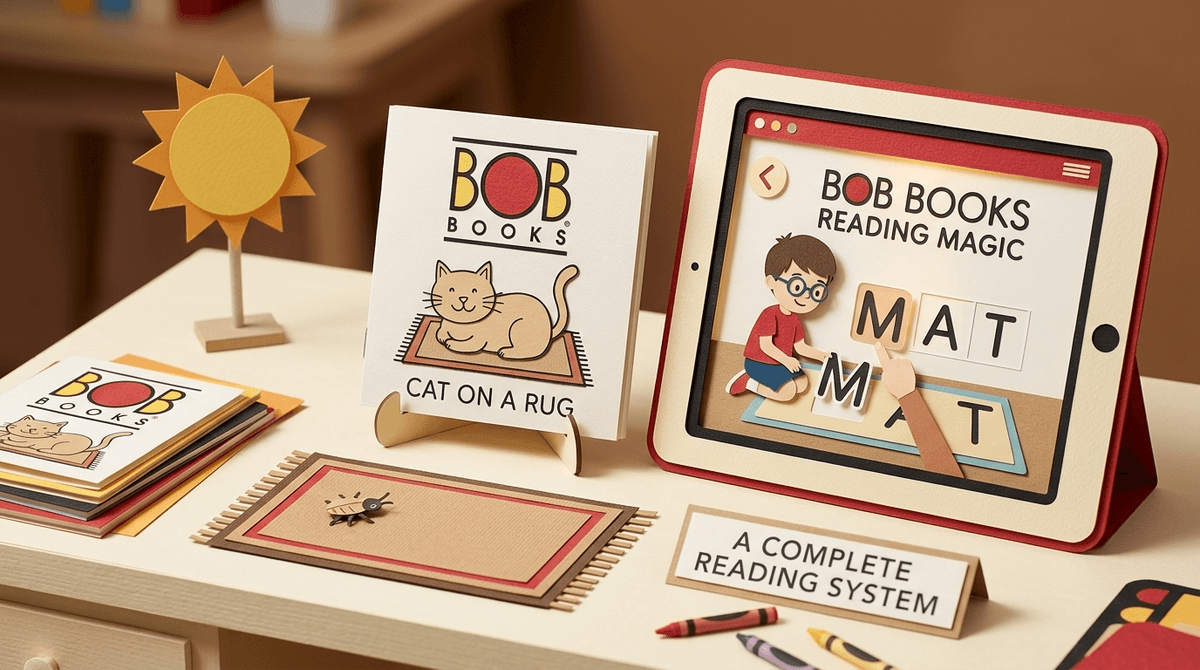
TL;DR: Bob Books are the gold standard for "decodable" readers—books that actually use the phonics rules kids are learning, rather than throwing "The cat sat on the rhinoceros" at a kid who just learned the letter 'C.' If you want to bridge the gap between "identifying letters" and "actually reading a story," this is the path. Pair the physical books with the Bob Books Reading Magic apps for a low-stimulation, high-reward digital supplement.
We’ve all been there. You’re sitting on the floor, your preschooler is "reading" a book they’ve clearly just memorized, and you’re wondering when the actual reading starts. Then you pick up a standard "Level 1" reader from the library and realize it’s full of words like "adventure" and "neighborhood."
That’s not a Level 1 reader. That’s a trap.
In the world of early literacy, there is a lot of "brain rot" content—apps that flash lights and give digital stickers for just tapping the screen randomly. But Bob Books are the opposite. They are the "slow food" of the literacy world. They aren't flashy, the drawings look like something you’d doodle on a napkin, and the plots are... well, they’re about a bug sitting on a rug.
But for a four-year-old? Being able to read "Mat sat" all by themselves is a bigger flex than getting a legendary pet in Roblox.
Created by Bobby Lynn Maslen in the 1970s, Bob Books are small, square booklets sold in sets. They are designed specifically for phonics-based instruction.
The genius is in the constraint. Set 1, Book 1 uses only four letter sounds: M, A, T, and S. That’s it. By the time your kid finishes the first book, they have successfully read a "whole book" using only those sounds. It builds a level of confidence that "look-and-say" or "whole language" books just can't touch.
While the physical books are the core, the Bob Books Reading Magic apps have brought this methodology into the digital age without losing the "low-stim" vibe that makes the books work.
Learn more about the Science of Reading and why phonics matters
If you’re trying to be intentional about screen time, you’re probably wary of "educational" apps that are basically just gambling simulators for toddlers. Fortunately, the Bob Books apps are some of the most respectful digital tools for kids.
This app covers the material in the first set of books. Kids drag letters to spell words, and as they complete a word, the black-and-white illustration "comes to life" with a little bit of color and animation. It’s rewarding but doesn't over-stimulate. It’s perfect for ages 3-5.
Once they’ve mastered the basics, this app moves into slightly more complex phonics patterns. It maintains the same interface, which is great because you don't have to re-teach the "how to use this app" part.
Sight words are those "rule-breaker" words that you just have to memorize (like "the" or "was"). This app uses the same Bob Books style to help kids recognize these words in context.
We spend a lot of time worrying about when our kids will start asking for TikTok or whether they’re spending too much time on YouTube Kids. But the most critical "digital wellness" move you can make in the early years is building literacy.
Why? Because a kid who can read is a kid who can eventually navigate a UI, read a privacy setting (one day!), and—most importantly—entertain themselves without a video feed. Bob Books provide the foundational "win" that makes kids want to be readers.
The "No-BS" Review of the Illustrations
Let’s be real: the art in Bob Books is "mid" at best if you're comparing it to Bluey. They are line drawings. They are simple. But this is a feature, not a bug. High-production-value illustrations often distract kids from the text. In a Bob Book, there’s nothing to look at but the words and a simple visual cue. It forces the brain to do the hard work of decoding.
- Ages 3-4: Start with the Bob Books Reading Magic #1 app. It’s great for fine motor skills (dragging letters) and letter-sound recognition.
- Ages 4-5: Introduce the physical Bob Books Set 1. This is the "bridge" year.
- Ages 5-6: Move into the Bob Books Sight Words app and higher-level book sets.
Check out our guide on the best first tablets for preschoolers
If your kid finds Bob Books a bit too "old school" or dry, there are other digital-first options that are still high-quality and phonics-based:
- Khan Academy Kids: Totally free, zero ads, and incredibly high quality. It’s a bit more "game-y" than Bob Books but still very educational.
- Duolingo ABC: If you use Duolingo for yourself, you’ll recognize the "streak" mechanics. It’s very engaging for kids who need a bit more "push."
- Starfall: The "OG" of reading websites. It looks like it hasn't been updated since 2005, but the phonics progression is rock solid.
- Reading Eggs: A very popular subscription-based app. It’s much higher stimulation than Bob Books, so keep an eye on "screen addiction" behaviors here.
The biggest mistake parents make with Bob Books is starting too early. If your kid doesn't know their basic letter sounds (A says "ah," B says "buh"), the books will be frustrating.
Pro-tip: Use the "Three-Second Rule." If your child is stuck on a word for more than three seconds, just give it to them. We want to build momentum and confidence, not turn reading time into a deposition.
Also, if you're looking for "non-brain-rot" shows to supplement the reading journey, check out:
- Alphablocks: A BBC show that is literally phonics in cartoon form.
- StoryBots: Great for general curiosity and vocabulary building.
Bob Books are not "cool." They won't win any design awards in 2025. But they work. In a world of "Ohio" memes and Skibidi Toilet chaos, there is something deeply grounding about sitting with your kid and a tiny, black-and-white book about a cat named Mat.
The apps are a fantastic way to keep that learning going in the car or on a plane without handing your kid a digital firehose of dopamine. They are a "safe" digital choice in an often unsafe digital world.
- Assess: Does your kid know their letter sounds? If yes, grab Bob Books Set 1.
- Download: Try the Bob Books Reading Magic Lite (the free version) to see if they vibe with the interface.
- Balance: Use the physical books for bedtime and the apps for "independent" time.
- Survey: Take the Screenwise survey to see how your child's literacy development fits into your overall digital wellness plan.