

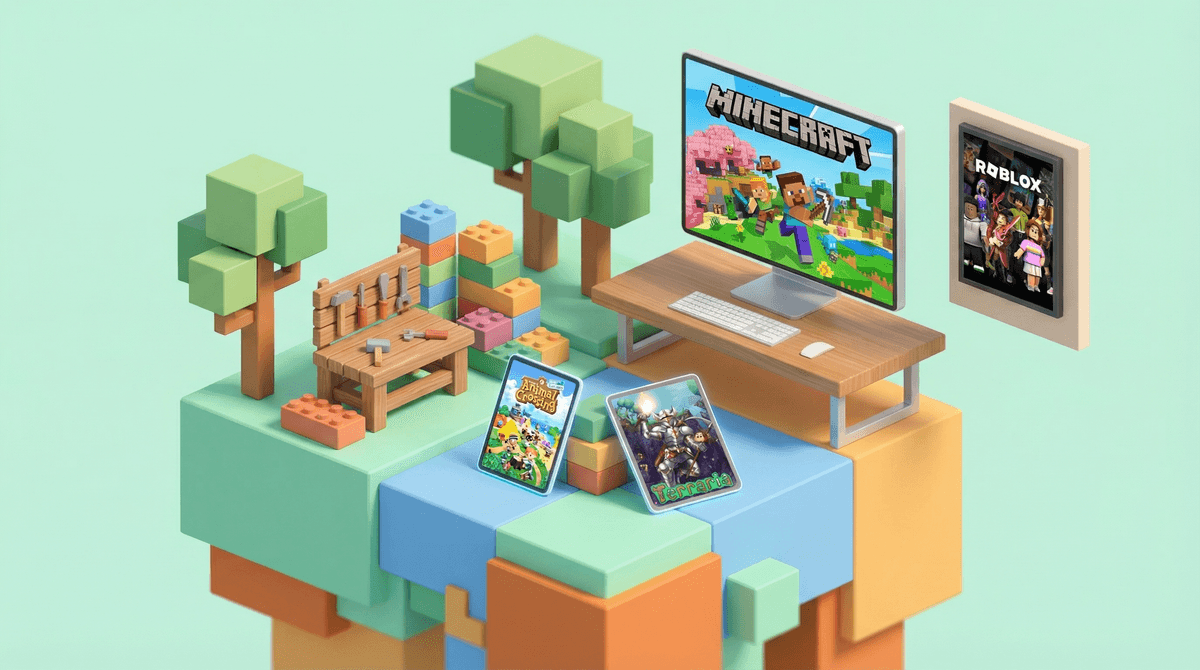
If your kid is obsessed with Roblox, you're not alone—it's basically the default hangout spot for kids right now. But here's the thing: Roblox isn't the only game in town when it comes to building, creating, and playing in open-ended digital worlds.
Sandbox and creation games are exactly what they sound like—digital playgrounds where kids can build, experiment, and create without following a rigid storyline. Think of them as the video game equivalent of LEGOs or an art studio. Kids aren't just consuming content; they're making it, problem-solving, and often learning actual skills like basic coding, spatial reasoning, and resource management.
The appeal is obvious: these games give kids agency and creative control in a way that traditional games (or, let's be honest, most of real life) don't. But not all sandbox games are created equal, and if you're looking for alternatives to Roblox—whether because of safety concerns, the constant Robux requests , or just wanting to diversify their digital diet—there are some genuinely great options worth exploring.
Let's get this out of the way first: Minecraft is the OG sandbox game, and it's still fantastic. If your kid hasn't tried it yet, this is probably where you should start.
Ages: 7+ (younger kids can play in Creative mode with supervision)
What makes Minecraft special is its versatility. In Creative mode, kids have unlimited resources and can build whatever they imagine—no combat, no dying, just pure creation. In Survival mode, they need to gather resources, manage health, and fend off monsters, which adds problem-solving and strategic thinking to the mix.
The learning potential here is real. Kids naturally pick up concepts like geometry, resource management, and even basic electrical circuits through the game's "redstone" system. The modding community is massive, which means older kids can learn actual programming by creating their own modifications.
The parent perspective: Minecraft is significantly calmer than Roblox. There's no chat with strangers by default (unless you enable Realms or servers), and the content is consistent—you're not navigating thousands of user-generated games of wildly varying quality. The monetization is also more straightforward: you buy the game once (around $30), and while there are optional marketplace purchases, they're not constantly in your face.
Terraria is like Minecraft's scrappier, more combat-focused cousin. It's 2D instead of 3D, which actually makes it easier for some kids to grasp spatially.
Ages: 10+ (there's more combat and some mildly creepy enemies)
This one has more structure than Minecraft—there are bosses to defeat, progression systems, and a crafting tree that's honestly pretty complex. Kids who love the building aspect of Minecraft but want more challenge and direction often gravitate here. The combat can get intense, and some of the boss designs are a bit spooky, so this isn't for the easily frightened.
The parent perspective: Terraria is a one-time purchase (usually $10-20 depending on platform), no ongoing costs. The multiplayer is typically done through private servers with friends, not public lobbies with strangers. It's more "gamey" than Minecraft, with clearer objectives and progression, which some kids (and parents) actually prefer.
If your kid is drawn to the creative and social aspects of Roblox but you'd love something with zero combat and a genuinely wholesome vibe, Animal Crossing: New Horizons is your answer.
Ages: 6+ (though younger kids may need help with reading)
This is sandbox gaming at its most chill. Kids design their island, decorate their home, catch bugs and fish, and interact with adorable anthropomorphic animal neighbors. There's no way to "lose," no violence, and the worst thing that can happen is a wasp sting that makes your character's face puffy for a bit.
The parent perspective: This requires a Nintendo Switch, which is an investment if you don't already have one. But the game itself is a one-time purchase with no microtransactions (though there is optional DLC). The online component requires a Nintendo Switch Online subscription, but even then, kids can only visit islands of people they're already friends with—there's no random matchmaking with strangers. It's probably the safest multiplayer experience you'll find.
Dreams (PlayStation exclusive) is wild—it's essentially a game creation engine that's also a game. Kids can build games, animations, music, and art, or play thousands of creations made by others.
Ages: 10+ (the creation tools have a learning curve)
This is for kids who want to go deep on creation. The tools are legitimately powerful—people have recreated famous games, made short films, and composed full songs within Dreams. But fair warning: there's a real learning curve here. This isn't pick-up-and-play; it's more like giving your kid access to a simplified version of professional game development tools.
The parent perspective: One-time purchase, no microtransactions. The community creations are moderated, but with user-generated content, you'll want to stay somewhat involved, especially at first. This is best for kids who are genuinely interested in how games are made, not just playing them.
If you're interested in the "my kid might actually learn something" angle, Scratch and Core deserve a mention.
Scratch (Ages 8+) is a free, browser-based platform from MIT where kids create games and animations using visual block-based coding. It's explicitly educational but doesn't feel like homework. Millions of kids use it, and the community is heavily moderated.
Core (Ages 13+ per terms of service, though realistically 10+ with supervision) is like Roblox but with better graphics and more sophisticated creation tools. It's built on Unreal Engine, so kids are working with actual professional-grade game development technology, just simplified. It's free to play and create, with optional cosmetic purchases.
The parent perspective: Both are free. Scratch is probably the safer of the two for younger kids—it's designed for education and has robust safety features. Core is trying to be Roblox's cooler older sibling, with better moderation than Roblox but still requiring parental awareness about online interactions.
Kerbal Space Program is for the kid who's obsessed with space, engineering, or just blowing things up in the name of science.
Ages: 10+ (younger kids can enjoy it but may need help with the concepts)
You build rockets and spacecraft, then try to actually get them into orbit, to the moon, or beyond. It's based on real physics, which means kids are learning orbital mechanics, fuel management, and engineering principles—often without realizing it. Teachers literally use this game in classrooms.
The parent perspective: One-time purchase, no microtransactions, no multiplayer (so no online safety concerns). This is genuinely educational while still being fun. If your kid likes it, you're basically getting STEM education disguised as entertainment. The learning curve is steep, but there's something special about watching a kid figure out why their rocket keeps exploding and then actually solving the problem.
Yes, Fortnite has a Creative mode where kids can build and create without the battle royale combat. It's free, the tools are powerful, and many kids are already familiar with it.
Ages: 10+ (per Epic's terms, though realistically many younger kids play)
The parent perspective: Here's the thing—Fortnite Creative is actually pretty impressive as a creation tool. But it's still part of the Fortnite ecosystem, which means the same monetization pressure (skins, battle passes, V-Bucks) and social dynamics that make parents nervous about Fortnite apply here too. If your kid already plays Fortnite and you're comfortable with it, Creative mode is worth exploring. If you're trying to get away from that particular ecosystem, this probably isn't the alternative you're looking for.
The "best" alternative to Roblox depends entirely on what your kid loves about Roblox in the first place.
If they love building and creativity: Start with Minecraft or Animal Crossing.
If they're drawn to the social aspect: Minecraft Realms or Animal Crossing's friend-only islands offer multiplayer without the Wild West of Roblox's open chat.
If they're interested in actually making games: Look at Core, Dreams, or Scratch.
If they want challenge and progression: Terraria or Kerbal Space Program offer more structured gameplay.
The good news? Most of these games have free trials or demo versions, so you can test before committing. And unlike Roblox, most are one-time purchases without the constant pressure to spend more money.
None of these games are perfect, and honestly, Roblox isn't inherently bad—it's just that having options is good. Diversifying your kid's gaming diet means they're exposed to different types of creativity, different communities, and different ways of thinking about what games can be.
Start with one game based on your kid's interests. Don't try to replace Roblox entirely—just offer an alternative and see if it sticks.
Play together for the first hour or two. You'll understand what your kid is doing, and they'll appreciate the interest (even if they won't admit it).
Set up multiplayer thoughtfully. If you're choosing these games specifically for better safety than Roblox, don't immediately enable open multiplayer. Stick with friends-only or private servers.
Check out our guides for setting up parental controls and talking to kids about online gaming to make sure whatever game they're playing, you've got the safety basics covered.
And remember—the goal isn't to find the "perfect" game. It's to give your kid experiences with different types of creativity, different communities, and different ways of playing. That's the real win.