

TL;DR: The "I just need 20 minutes to cook dinner" Shortlist
If you're looking for the best of the best without the "brain rot" or the constant begging for Robux, here are the heavy hitters:
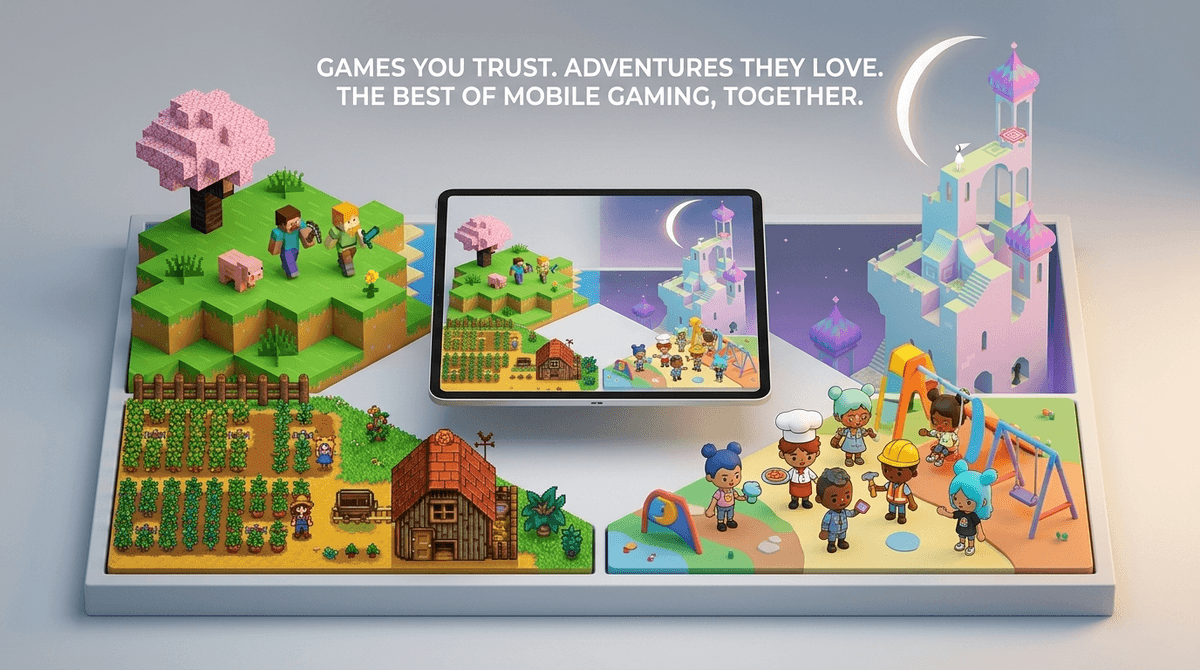
- Best for Creativity: Toca Life World and Minecraft
- Best for Logic/Puzzles: Monument Valley and Baba Is You
- Best for Preschoolers: Sago Mini World and Khan Academy Kids
- Best for "Cozy" Vibes: Stardew Valley and Alto's Odyssey
Get game picks based on your kid's interests
We’ve all been there. You hand over your phone or an iPad so you can finish a grocery run in peace, and ten minutes later, your kid is watching a "Skibidi Toilet" compilation on a sketchy "free" game app or clicking on ads that look like they were designed by a fever dream.
The App Store is a minefield. It’s packed with "freemium" titles that use psychological tricks—the same ones used in Vegas slot machines—to keep kids clicking, watching ads, and asking for your Apple ID password. But mobile gaming doesn't have to be "Ohio" (that’s kid-speak for weird or cringey, for the uninitiated).
When we talk about "best" mobile games, we’re looking for games that respect a child’s intelligence, foster actual skills like spatial reasoning or resource management, and don't treat your bank account like an open buffet.
Most mobile games aren't actually games; they're engagement engines. They use "infinite scroll" mechanics or "daily login bonuses" to create a loop of dopamine hits. This is what parents usually mean when they say "brain rot." It’s not that the content is necessarily evil; it’s just empty.
By age 10, roughly 70% of kids are playing games on a mobile device daily. If they’re going to spend that time on a screen, we want them building, solving, and thinking—not just tapping a button to see a firework effect.
At this age, we want "digital sandboxes." These are games with no "game over" screen, no high scores, and zero pressure.
Think of this as a digital dollhouse. It’s incredibly gentle, funny, and intuitive. There are no instructions because kids don't need them. It’s all about exploration. It does require a subscription, but it’s one of the few that is actually worth the monthly fee for the sheer volume of high-quality content.
This is the gold standard for creative play. Kids can move characters around, dress them up, and create their own stories. It’s basically "playing house" for the digital age.
- Parent Note: There is an in-app shop. It’s tempting. Set your "Ask to Buy" permissions before handing over the device.
- Learn more about Toca Boca safety and hidden costs
If you want "stealth learning," this is it. It’s 100% free, no ads, no subscriptions. It covers reading, writing, and math through interactive stories and games. It’s the rare app that feels like a gift to parents.
This is the sweet spot where kids can handle more complex mechanics and actually benefit from games that challenge their logic.
This is a work of art. It’s a puzzle game based on M.C. Escher-style impossible architecture. It teaches spatial reasoning and patience. There’s no dialogue, just beautiful music and brain-bending puzzles. It’s a "premium" game (you pay once, you own it), which is exactly what we want.
You already know Minecraft. But on mobile, it’s a powerhouse for teaching resource management and basic logic (via Redstone, which is essentially baby’s first electrical engineering circuit).
- The Screenwise Take: If your kid is just playing in "Creative Mode," they’re basically using digital LEGOs. If they’re in "Survival Mode," they’re learning resilience.
- Check out our guide on setting up a safe Minecraft server for friends
This is a puzzle game where you change the rules of the game by moving blocks of text. "Wall Is Stop" means you can't go through walls. But if you move the "Stop" block? Now you can walk through walls. It is the best introduction to "coding logic" I have ever seen, without actually being a "coding game."
Once kids hit middle school, the social pressure to play Roblox is intense.
Is it teaching entrepreneurship or draining the bank account? The answer is: both. Roblox is a platform, not a single game. Some games on there, like Build a Boat for Treasure, are fantastic for physics and engineering. Others are just "simulators" where you click a button 1,000 times to get a digital pet.
- Safety Tip: Turn off the chat or set it to "Friends Only." The "Ohio" factor is high in public chats, and that’s where the grooming risks live.
- Is Roblox actually safe? Read our deep dive
If you want an antidote to the chaos of Fortnite, this is it. It’s a farming simulator where you inherit your grandfather’s old farm. It teaches long-term planning, community building, and the value of a hard day's (digital) work. It’s deep, relaxing, and worth every penny of the one-time purchase price.
When you’re looking at a new game in the App Store, look for these "No-BS" warning signs:
- "Gacha" Mechanics: These are essentially loot boxes. If the game involves "spinning a wheel" or opening "surprise crates" to get better items, it’s gambling-lite. Avoid these for kids who struggle with impulse control.
- Aggressive Ad Placement: If a game requires you to watch a 30-second ad for "Free Gold" every two minutes, delete it. It’s training your child’s brain to tolerate constant interruptions and marketing.
- The "Energy" Bar: If a game tells your kid they "ran out of energy" and have to wait 4 hours to play again unless they pay $0.99, it’s using predatory pacing.
| Age Range | Primary Goal | Recommended Screen Time Style |
|---|---|---|
| Ages 3-5 | Fine motor skills & exploration | Co-play (play with them) |
| Ages 6-9 | Problem solving & creativity | Supervised, time-limited sessions |
| Ages 10-13 | Social connection & logic | Negotiated boundaries & "tech talks" |
Instead of just saying "get off your phone," try asking about the mechanics.
- "How did you figure out that puzzle in Monument Valley?"
- "What are you trying to build in Minecraft today?"
- "I noticed this game keeps asking for money for 'Gems.' Do you think the game is actually fun, or is it just trying to get us to spend?"
This moves the conversation from "screens are bad" to "let's be smart consumers of media."
Mobile games aren't inherently "brain rot." The problem is that the loudest, most popular games are often the ones designed to exploit kids' psychology for profit.
By steering your kids toward "premium" titles (the ones that cost $1.99 to $9.99 upfront), you are almost always buying a better, safer, and more educational experience. You’re paying for the developers to make a great game, rather than paying for them to find clever ways to annoy you into buying digital currency.
- Audit the iPad: Go through the "Games" folder. If it has a "Sim" or "Tycoon" in the title that seems to be 90% ads, delete it.
- Download one "Premium" game: Try Monument Valley or Stardew Valley. See if your kid engages with it differently than the "free" junk.
- Check the Screenwise Community: See what other parents in your school district are allowing. Is everyone really playing Roblox, or does it just feel that way?
Take the Screenwise Survey to see how your family's gaming habits compare to your community