

The Best Kid-Friendly Apps on Google Play: A Parent's Guide
Look, I get it. You hand your kid your Android phone for "just five minutes" at the grocery store, and suddenly they've downloaded three games, subscribed to something called "Slime Simulator Premium," and your notification bar looks like Times Square. The Google Play Store has over 3 million apps, and approximately 2.9 million of them are trying to separate you from your money or your sanity.
But here's the thing: there are actually some genuinely great apps buried in there. Apps that won't make you feel like a terrible parent. Apps that might even teach your kid something. Apps that don't assault you with ads every 30 seconds.
Let's talk about how to find them.
Before we dive into specific recommendations, let's establish what we're even looking for here. A truly kid-friendly app should check most of these boxes:
No predatory monetization. I'm talking about those games designed by what I can only assume are former casino operators, where every single action requires coins/gems/stars that conveniently run out right when your kid is most engaged.
Actual content moderation. If there's user-generated content or chat features, there better be real safeguards in place. Not just a "we take safety seriously" statement in the terms of service that nobody reads.
Age-appropriate design. A good kids' app doesn't just slap a cartoon character on an adult interface and call it a day.
Educational value OR genuine entertainment. Either teach my kid something useful or at least be honest that you're just fun. Both are fine. Pretending to be educational when you're really just digital candy is not.
Ages 3-6: The "Please Just Let Me Finish This Email" Years
Khan Academy Kids is the gold standard here. Completely free, zero ads, and actually educational. It covers early literacy, math, and social-emotional learning. My only complaint? It's almost too good, which makes you feel guilty when you switch to literally anything else.
PBS Kids Games bundles together games from shows like Daniel Tiger, Wild Kratts, and Odd Squad. It's free, ad-free, and your kid can play as their favorite characters while learning actual skills. Revolutionary concept, I know.
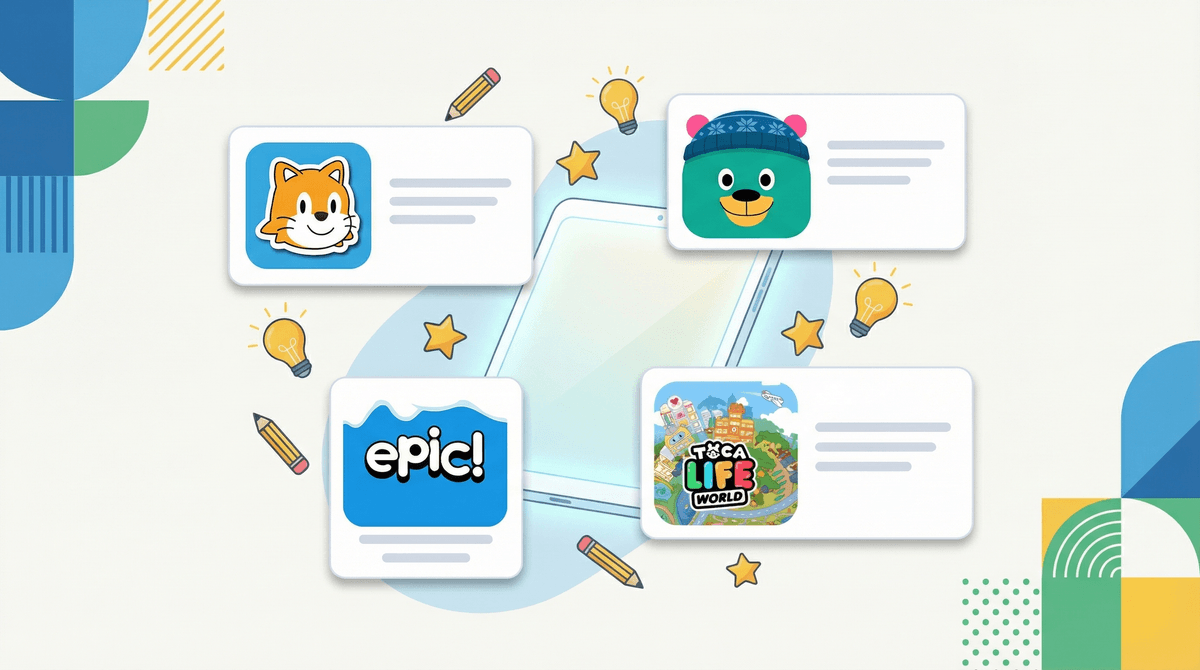
Toca Boca apps (Toca Kitchen, Toca Life World, etc.) are paid apps, but they're worth it. Open-ended play, no in-app purchases after the initial cost, and genuinely creative. They're like digital dollhouses that don't result in stepping on tiny plastic shoes at 3am.
Ages 7-10: The "I'm Not a Baby Anymore" Phase
Duolingo works surprisingly well for this age group. Yes, that green owl is slightly unhinged with the guilt-tripping notifications, but kids actually enjoy it. Just maybe turn off the notifications unless you want your child to develop anxiety about disappointing a cartoon bird.
Scratch Jr teaches basic coding concepts through visual programming. It's developed by MIT, completely free, and your kid gets to make their own simple games and animations. Bonus: They might stop asking you to buy them more Roblox Robux if they're busy making their own games.
Epic! is basically Netflix for kids' books. It has a free educator version and a paid family version. Thousands of books, audiobooks, and educational videos. The interface is intuitive, and it actually tracks reading time, which is useful if you're trying to balance screen time with "educational" screen time in your household rules.
Ages 11+: The "They Probably Know More About This Than You" Years
Photomath lets kids take a picture of a math problem and see the step-by-step solution. Before you panic about cheating, hear me out: it's actually better than YouTube tutorials for understanding how to solve problems. Just establish clear boundaries about when it's for learning versus when it's homework help that crosses into academic dishonesty territory.
Spotify or YouTube Music with a family plan. At this age, music is huge for identity development. Having their own account with parental controls is better than them creating secret accounts or borrowing yours and messing up your algorithm with their Olivia Rodrigo obsession.
Discord – okay, controversial take incoming. If your tween is gaming online, they're probably already on Discord or desperately want to be. Rather than pretending it doesn't exist, learn how to set it up safely. Private servers with friends only, no DMs from strangers, and you as a member of their servers (even if you're muted). It's not perfect, but it's better than them sneaking it.
Let's address the elephant in the room: Roblox, Minecraft, YouTube, TikTok, and Snapchat.
These aren't on my "best" list because they require significant parental involvement to be truly kid-friendly. They're not inherently bad (well, maybe TikTok for younger kids), but they're not set-it-and-forget-it apps.
- Roblox: Can be great for creativity and even entrepreneurship
 , but you need to understand how Robux actually works and set up proper parental controls
 - Minecraft: Genuinely educational in creative mode, but multiplayer servers need supervision
- YouTube: YouTube Kids exists for younger children, but it's not perfect. Regular YouTube for older kids requires conversation about content choices
- TikTok/Snapchat: These are for teens, not children, despite what your 10-year-old insists
Some warning signs that an app maybe isn't as kid-friendly as it claims:
🚩 Requires constant internet connection for a single-player game (usually means aggressive ad serving or data collection)
🚩 Asks for permissions it doesn't need (why does a coloring app need access to your contacts?)
🚩 Has a chat feature with no obvious moderation or ability to disable it
🚩 "Free" but impossible to actually use without in-app purchases – I'm looking at you, 90% of mobile games
🚩 Ads that can't be easily closed or that lead to the app store with one misplaced tap
Before you hand over the device, take 15 minutes to set up Google Play's parental controls:
- Create a Google Family Link account – this lets you approve app downloads, set screen time limits, and see what they're using
- Set up content ratings – restrict apps by age rating (though take these with a grain of salt)
- Require approval for purchases – even "free" ones, because in-app purchases are where they get you
- Review privacy settings – limit ad tracking and data collection where possible
The best kid-friendly app is the one that fits your family's values and your child's interests. Khan Academy Kids might be objectively excellent, but if your kid hates it, it's not going to work for you.
Start with the free, ad-free, genuinely educational options. When you do venture into more commercial apps, go in with eyes open about the business model. And remember: the app itself is less important than the conversations you have about digital citizenship, online safety, and healthy screen habits.
The Google Play Store is overwhelming, but you don't have to download everything. A handful of well-chosen, properly supervised apps is infinitely better than a device full of digital junk food.
Try this: This weekend, sit down with your kid and their current apps. Delete the ones that haven't been opened in a month, the ones that are basically just ad delivery systems, and the ones that make you feel icky. Then pick one new app from this list to try together.
Want help figuring out what's actually age-appropriate for your specific child? Screenwise can help you understand what other kids their age are using and whether it makes sense for your family. Because "everyone has it" doesn't mean everyone should have it.
And if you're wondering about a specific app that's not on this list? See if a specific app is safe for kids – chances are, other parents are wondering the same thing.