

The Best Apps for Kids 5-8: What Actually Deserves Space on Their Tablet
Look, I get it. You hand over the tablet because you need 20 minutes to make dinner without someone asking why clouds float. But then you peek over and your kid is watching some weird YouTube video where someone unboxes toys in a baby voice, or they're four levels deep in a "free" game that's basically a slot machine wrapped in cartoon characters.
The 5-8 age range is tricky because these kids can navigate a tablet better than we can navigate our own TV remotes, but they have zero ability to detect when an app is manipulating them. They can't tell the difference between "this is fun" and "this is designed to extract maximum engagement/money from my developing brain."
So here's the thing: not all apps are created equal. Some are genuinely great. Some are fine. And some are actively harmful, designed by teams of engineers whose entire job is to keep your kid tapping.
Before we get into specific recommendations, let's talk about what we're actually looking for:
Clear endpoints. The app should have natural stopping points—a story ends, a level completes, a creation is finished. Not infinite scroll, not "just one more."
Actual learning or creativity. Not "educational" in the sense of gamified flashcards that feel like homework. But apps that genuinely teach something or let kids create something they're proud of.
No predatory monetization. If an app is constantly interrupting to ask for money, showing ads for other games, or making kids watch 30-second videos to continue playing—hard pass.
Age-appropriate content. This seems obvious, but you'd be surprised how many "kids apps" have comment sections, chat features, or links to YouTube rabbit holes.
Doesn't require constant parent involvement. Some apps are great but need you sitting there the whole time. That's fine for some situations, but not when you need to, you know, exist as a human.
Reading & Stories
Epic! - It's like Netflix for kids' books. Huge library, good curation, and kids this age can actually browse and pick books themselves. The free version has limitations, but the paid version is worth it if you have multiple kids or a reluctant reader. No ads, no weird monetization, just books.
Libby - Connect it to your library card and boom—free access to tons of kids' books and audiobooks. The interface is clean, there's nothing trying to upsell you, and it actually gets kids excited about the library.
Khan Academy Kids - Completely free, no ads, and actually educational without feeling like digital worksheets. The reading activities are solid for early readers, and the app adapts to your kid's level. It's one of the few "educational" apps that doesn't make me feel gross.
Creativity & Making Stuff
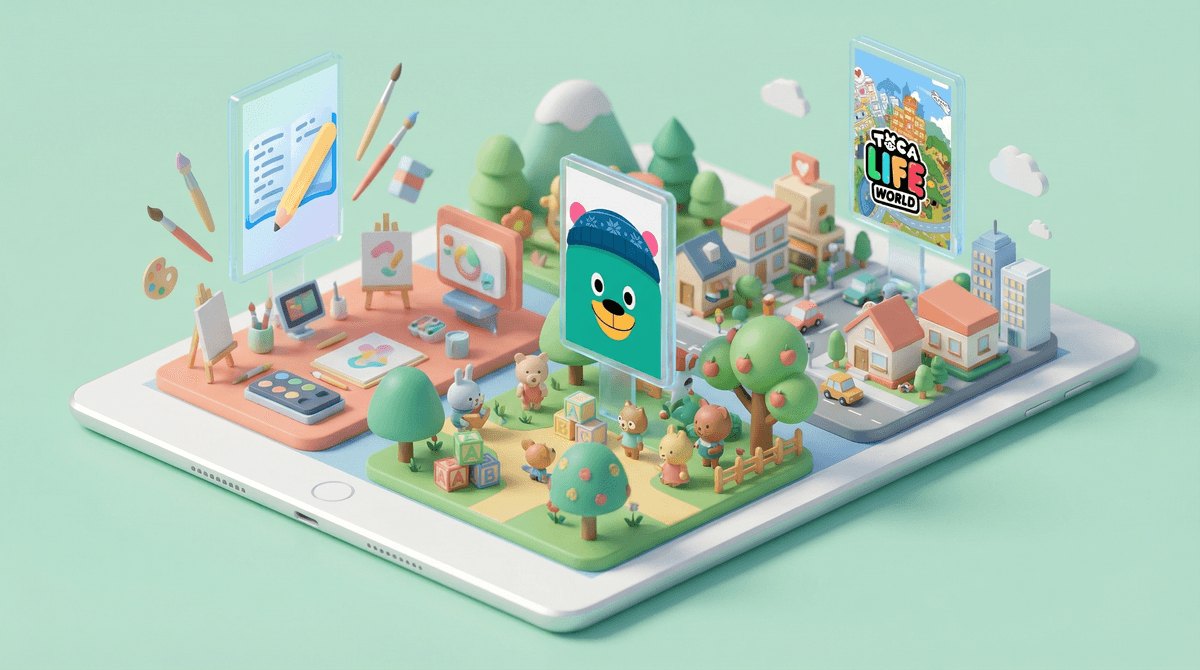
Toca Boca apps - These are open-ended play apps—Toca Kitchen, Toca Life World, etc. Kids can create characters, build worlds, and just mess around. No scores, no levels, no pressure. They're paid apps (or subscription), but there's no in-app purchases constantly harassing you.
Drawing Pad - Simple drawing app with fun tools. Kids this age love the stamps and stickers, and they can actually create things they're proud of. The free version is fine; the paid version removes ads.
Book Creator - Kids can make their own books with pictures, text, and audio. It's genuinely cool to see a 6-year-old create a story and then "read" it to you. Some features require a subscription, but the free version is usable.
Games That Don't Suck
Minecraft - Yes, it's technically a game, but in creative mode it's basically digital Legos. Kids this age can build, explore, and create without the survival pressure. Fair warning: they will ask you to play with them constantly. Learn more about Minecraft for younger kids.
Pokémon Playhouse - For the Pokémon-obsessed younger kid. It's gentle, has clear activities, and doesn't have the complexity of the main Pokémon games. No in-app purchases, which is basically a miracle.
Sago Mini apps - Similar vibe to Toca Boca but skews slightly younger. Cute, open-ended, no pressure. Subscription-based but no predatory design.
Learning Without the Cringe
Duolingo ABC - For early readers, this is actually good. It's from Duolingo but designed specifically for literacy, not just gamified lessons. And it's free with no ads, which feels like finding a unicorn.
Osmo - This requires buying the physical Osmo kit, but it bridges physical and digital play. Kids manipulate physical objects and the tablet responds. The activities are genuinely educational and the physical component means they're not just staring at a screen.
YouTube and YouTube Kids. I know, I know. But the algorithm is designed to keep them watching forever, and even YouTube Kids has questionable content that slips through. If you're going to use it, curate specific channels and sit with them. Here's why YouTube is so problematic for this age.
Most "free" games. If it's free and it's a game, it's probably monetized through ads or in-app purchases. Games like Roblox, Among Us, and Brawl Stars are massively popular but really designed for older kids who can navigate the social and financial complexity. Check out age-appropriate alternatives to Roblox.
Anything with open chat. Kids this age should not be in apps with chat features or comment sections. Full stop.
Set up parental controls on the device itself. Apple's Screen Time and Google's Family Link let you control what apps can be downloaded, set time limits, and require approval for purchases. Do this before handing over the tablet.
Download apps yourself first. Play with it for 10 minutes. Is it constantly asking for money? Are there ads every 30 seconds? Does it feel manipulative? Trust your gut.
Create a "home screen" of approved apps. Kids this age don't need to browse the app store. They need 5-8 solid apps that they can choose from.
Co-play sometimes. Not every time, but occasionally sit with them and see what they're actually doing. You'll learn what they like and catch any issues early.
Have actual conversations about apps. Even at 5-8, kids can start understanding "some apps try to trick you into watching more" or "this app wants us to spend money." You're building their critical thinking skills.
The best apps for this age are ones that have clear boundaries, don't manipulate, and either teach something or let kids create something. That's it. Not "educational" in a worksheets-on-a-screen way, but genuinely enriching.
You're not a bad parent if your kid watches YouTube sometimes or plays a game that's not on this list. But you're also not powerless. You can curate their digital environment the same way you curate their physical one. You wouldn't let them eat candy for every meal or play with broken toys—same logic applies here.
The tablet isn't the enemy. Predatory design is. Choose apps that respect your kid's attention and development, set some boundaries, and then let them explore.
Want help figuring out what's actually on your kid's tablet right now? Start with a quick digital wellness check to see what deserves to stay and what needs to go.