The Grandfather of 3D Printing
Thingiverse is the Wikipedia of the making world. It’s where everyone goes first, even if they eventually move on to slicker, more modern alternatives like Printables. Launched by MakerBot in 2008, it has survived ownership changes and data breaches to remain the largest repository of STL files on the planet.
For a parent, the value isn't just in the 'free stuff.' It's in the shift from consumer to creator. When a kid realizes they can download a file, tweak it in a program like Tinkercad, and then hold the physical object in their hand an hour later, something clicks. It’s the ultimate feedback loop for STEM learning.
The 'Wild West' Factor
However, you need to know that Thingiverse is essentially unmoderated. While there are terms of service against 'offensive' content, the sheer volume of uploads means things slip through. If your kid searches for 'toys,' they're fine. If they start digging into more obscure tags, they might find things that are more 'edgy' or adult-oriented.
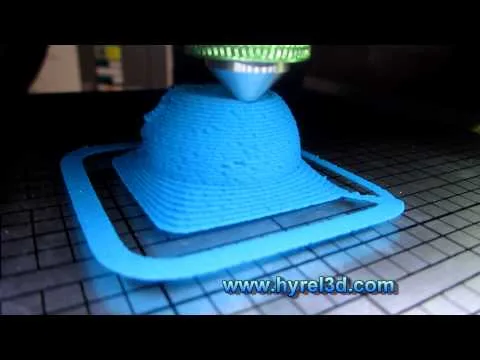
There's also the technical hurdle. A lot of files on Thingiverse are 'non-manifold' (meaning they have digital holes) or designed by people who don't actually understand how 3D printers work. This leads to failed prints, which can be a huge bummer for a kid who just waited three hours for a plastic blob.
How to Use It Well
Instead of letting your kid roam free, treat it like a collaborative project. Use the Collections feature to save things you both think are cool. Check the 'Makes' section on any file page—this shows photos of other people who successfully printed the item. If there are no 'Makes,' there's a high chance the file is a dud.
If you're looking for a more curated, high-quality experience, you might find yourself heading over to Printables or Thangs, but you'll almost always end up back at Thingiverse eventually because, quite simply, everything is there.