Spelling City

Spelling City

game

Everyone, 2017, Educational

WISE
45%

WISE Score

Bare-bones spelling drill app that gets the job done but won't win any awards for engagement or creativity.

Where to Play

Screenwise Verdict

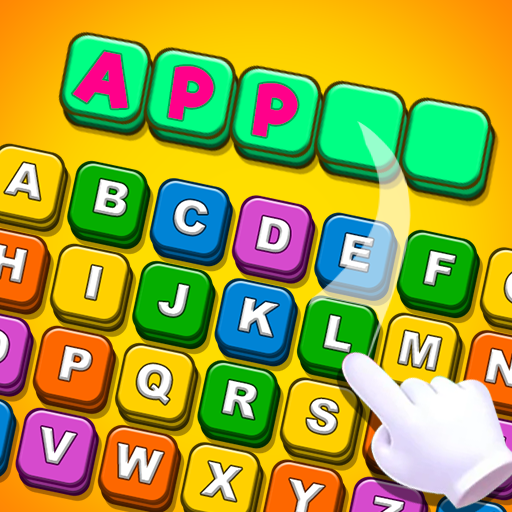
Look, this app does exactly what it says on the tin: helps kids practice spelling through audio cues and keyboard input. It's free, no ads, offline—that's legitimately good.

But let's be real: this is the digital equivalent of spelling flashcards, except less flexible. The feature where it hides 'unused' letters is actually counterproductive—kids need to learn to find the right letters from the full keyboard. And with zero creativity, no game mechanics, and no context for the words beyond definitions, most kids will find this about as exciting as watching paint dry.

If you need a free, no-frills spelling drill tool and your kid is motivated enough to push through the tedium, it'll work. But there are more engaging ways to build spelling skills—even just playing Scrabble Junior or doing spelling races on a whiteboard would be more enriching. This isn't bad, it's just... aggressively mediocre.

Age Fit

Best for early elementary kids (ages 5-8) who need basic spelling practice and can handle repetitive drill work. Older kids will find it painfully boring and too simplistic.

WISE Breakdown
Wholesome
72

Straightforward educational tool with encouraging feedback and simple interface. No concerning content, though the experience is pretty sterile and lacks personality or emotional engagement beyond basic 'good job' messages.

Imaginative
28

This is drill-and-practice spelling at its most basic. Kids listen, spell, repeat. The 'Help' button that hides unused letters actually removes problem-solving. No creative expression, no world-building, no invitation to play with language in interesting ways.

Safe
85

Claims to be 100% free with no internet required and no ads mentioned in description. Appears to be a straightforward educational app without manipulative mechanics or social features. However, limited verification of actual privacy practices.

Enriching
48

Does teach spelling through audio reinforcement across 500+ words in categories, which has some value. But it's pure memorization without context, creativity, or deeper language understanding. The definition feature helps slightly, but this is about as bare-bones as spelling practice gets.

Parent Info
✓

Why It Might Be Great

  • Completely free with no ads or internet required—rare for educational apps these days
  • Audio reinforcement helps kids hear proper pronunciation while learning to spell
  • 500+ words across categories with definitions included
  • Simple enough for kids to use independently without parent hovering
  • No distracting bells and whistles if you just want straightforward practice
⚠

What to Watch For

  • This is pure memorization drill work—don't expect engagement or fun
  • The 'Help' button that hides unused letters actually makes it too easy and removes critical thinking
  • Likely to be confused with the more established VocabularySpellingCity.com (different product)
  • Very basic interface that feels dated even for 2017

Conversation Starters

  • "Which category of words are you working on? Can you use one of your new words in a silly sentence?"
  • "Do you like learning words by hearing them first, or would you rather see them written down?"
  • "What's the trickiest word you've learned to spell this week?"

Ask Anything

Get a personalized guide on any topic