The Floor, Not the Ceiling
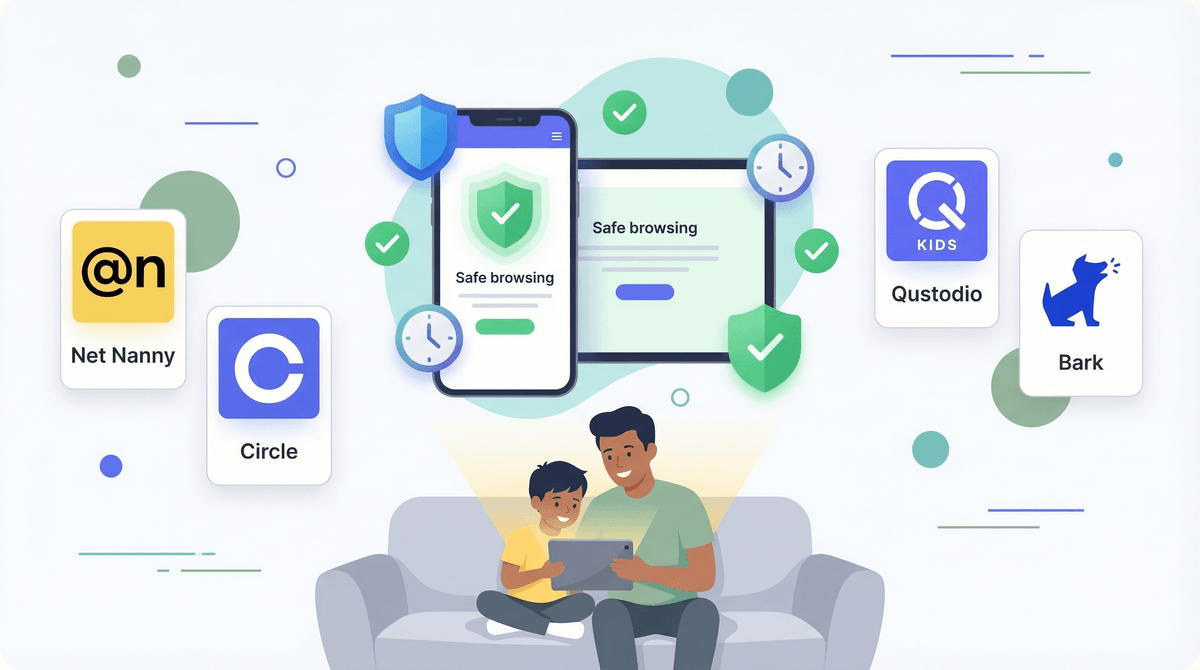
Parental control tools often get marketed as complete solutions for digital safety, but software alone cannot teach a kid how to manage their own attention. Qustodio is among the most feature-rich multi-platform options available, offering web filtering, location tracking, app caps, and scheduled downtime from a unified dashboard. For families drowning in daily negotiations over screen time, having an automated schedule cut off access at 8:30 PM takes the friction out of bedtime.
Where Qustodio shines is baseline filtering: stopping accidental encounters with porn, blocking gambling sites, and capping specific time-sinks like TikTok or Roblox. Its dashboard gives clear insights into where screen time actually goes during the week, which can ground family discussions in real data rather than guesses.
Platform Realities & Bypasses
It is important to keep expectations realistic regarding what the software can see on modern devices. On Apple devices (iOS/iPadOS), sandboxing prevents Qustodio from reading text messages or deeply tracking app usage the way it can on Android or Windows. SMS and social monitoring features are heavily restricted on iPhones.
Furthermore, kids are relentless problem solvers. TikTok and YouTube are full of tutorials showing how to bypass device profiles, change time zones, or exploit secondary browser windows inside non-blocked apps. Treating any parental control tool as an impenetrable wall is a mistake—kids will eventually find a seam.
Use It in the Open
The move with Qustodio is visibility. Do not install it secretly or rely on stealth message monitoring to catch mistakes. Show your kid the dashboard, walk through why certain categories are filtered, and frame the daily limits as a tool to protect sleep and homework time. As they get older and demonstrate self-regulation, visibly relax the restrictions to show that trust leads to independence.