The end of the "missing page 42" era
We have all been there: you’re halfway through a $100 Star Wars set, the floor is a minefield of plastic, and the physical instruction booklet has mysteriously vanished or suffered a catastrophic juice spill. LEGO Builder is the official solution to that specific brand of household chaos. While it’s easy to dismiss a digital manual as just a PDF on a screen, the 3D modeling interface is the real draw here.
Being able to pinch, zoom, and rotate a sub-assembly is a legitimate game-changer for spatial reasoning. On paper, a complex Technic build can look like a mess of grey beams and black pins. In the app, you can spin the model to see exactly which hole that peg slides into. For kids who get easily frustrated by perspective shifts, this tool is a massive win for teaching kids perseverance because it removes the "I'm stuck" barrier that usually leads to a half-finished pile of bricks in the closet.
Social engineering via Build Together
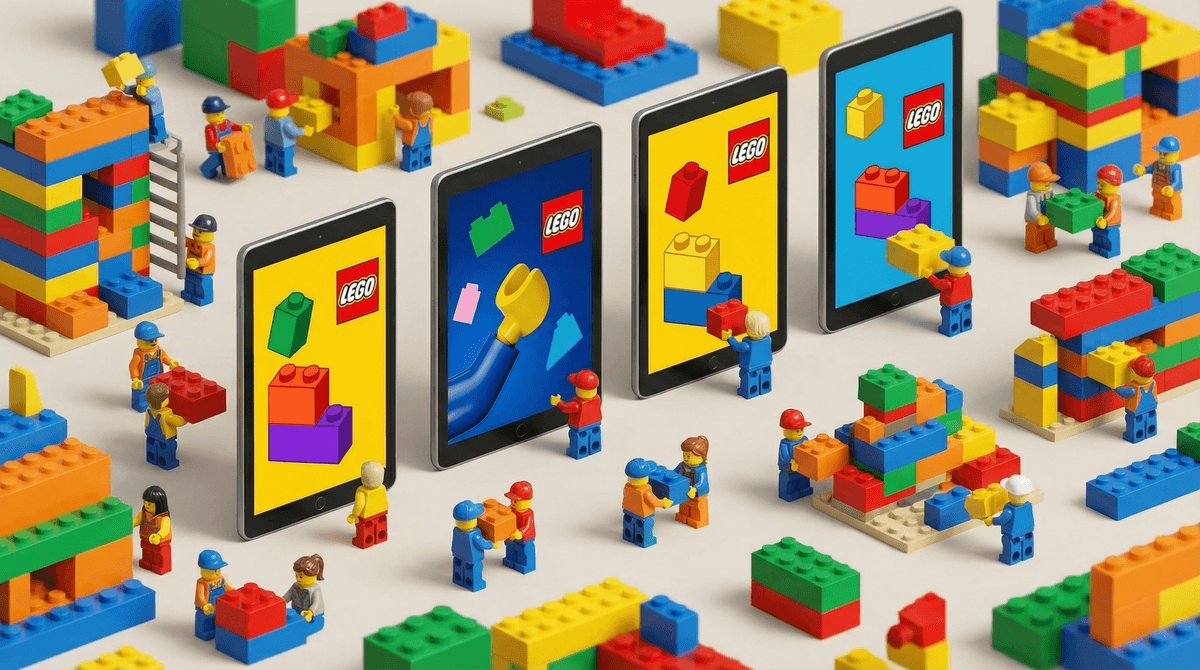
The standout feature is Build Together, and it’s surprisingly well-executed for an app that could have just been a static viewer. Instead of one kid hogging the manual while everyone else fights over who finds the 2x2 slope, the app uses a PIN code system to sync multiple devices. It breaks the set down into discrete sub-builds and delegates them to different "team members."
It turns a traditionally solitary (or competitive) hobby into a collaborative project. If you have a kid who struggles with "sharing" the build, this app acts as a neutral third-party project manager. It’s also a clever way to bridge the gap with relatives. If a cousin or grandparent has the same set at their house, you can technically use this to build "together" over a call, making video chats meaningful for distant family by giving them a shared objective rather than just staring at each other.
The digital shelf life
Beyond the building phase, the app functions as a digital trophy room. You scan the QR code on the physical manual, and the set pops into your digital collection. For kids who have a collector streak, seeing their physical shelf mirrored in a digital library is highly satisfying.
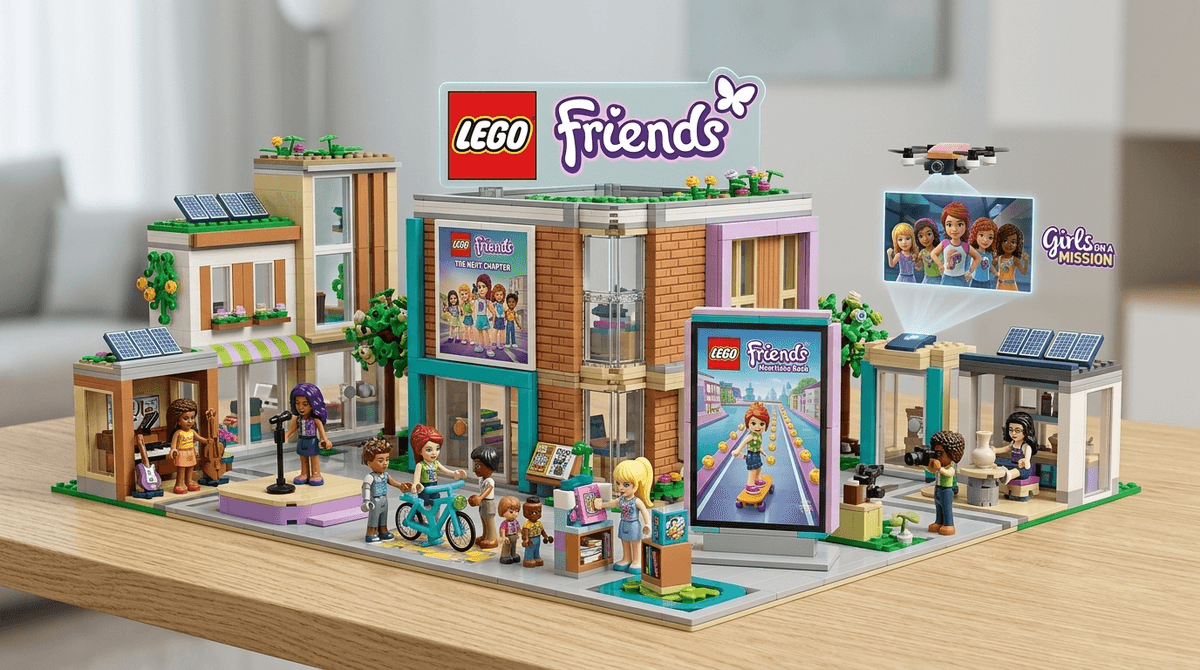
However, parents should know that this app is a gateway. Once a kid starts cataloging what they have, they inevitably start browsing the "1000s of instructions" for what they don't have. It’s not an ad-heavy experience, but the entire interface is a subtle nudge toward the next purchase. If your kid is already deep into specific themes, you might want to check out our parent's guide to the new LEGO Friends to see how those newer sets lean into these digital-first features.
Is it worth the screen time?
If you're looking for a sandbox where kids can design their own virtual spaceships, this isn't it. This is a utility app, plain and simple. It requires a stable internet connection—which is a huge unforced error for an app you’d want to use on a plane or a long car ride—but for home use, it’s a massive upgrade over paper.
It fits into the broader LEGO Play ecosystem of missions and digital rewards, but its primary value remains its ability to make complex physical building more accessible. Use it for the 3D rotation and the collaborative mode, but don't expect it to replace the bin of loose bricks when it comes to actual imaginative play. It’s a high-tech map, not the destination.