The "Live" Allure vs. The Algorithm
Most of us treat audio like a utility—we open Spotify or Apple Music to find a specific song and hit play. iHeartRadio operates on a different frequency. It’s built for people who miss the vibe of a live DJ, the local weather updates, and the feeling that someone else is picking the tracks. For an adult, that’s a nostalgic win. For a kid, it’s a navigation nightmare.
The app is designed to be a "top of the funnel" discovery engine. The moment you open it, you’re hit with whatever is trending. In 2026, that usually means a mix of high-production true crime like Dateline or Crime Junkie and big-personality talk shows like The Breakfast Club. There is no "Kids Mode" toggle inside this specific app that successfully hides the fact that the world is obsessed with grisly murders and celebrity drama. If you’re looking to master the 2026 podcast scene for your family, this main app shouldn't be your starting point.
Why the "Family" Pivot Matters
The friction here isn't just about the lyrics in a song; it's about the context of live radio. You can find a perfectly clean "Top 40" station, but the commercial breaks or the banter between hosts like Bobby Bones or the team at Fox Sports Radio aren't filtered for a third-grader’s ears.
This is where the iHeartRadio Family app becomes the essential move. It’s not just a "light" version of this app; it’s a completely different walled garden. While the main app is trying to sell you on the premium "All Access" features and on-demand skips, the Family version focuses on curated stations that won't pivot from a pop hit into a pharmaceutical ad or a teaser for a horror podcast.
Bridging the Gap with Podcasts
If your kid is starting to move away from "little kid" music and wants something more engaging, podcasts are the best middle ground. The main iHeartRadio app has a massive library, including educational heavyweights like Stuff You Should Know and NPR. These are fantastic for car rides, but again, they sit right next to "hot topics" and mature comedy.
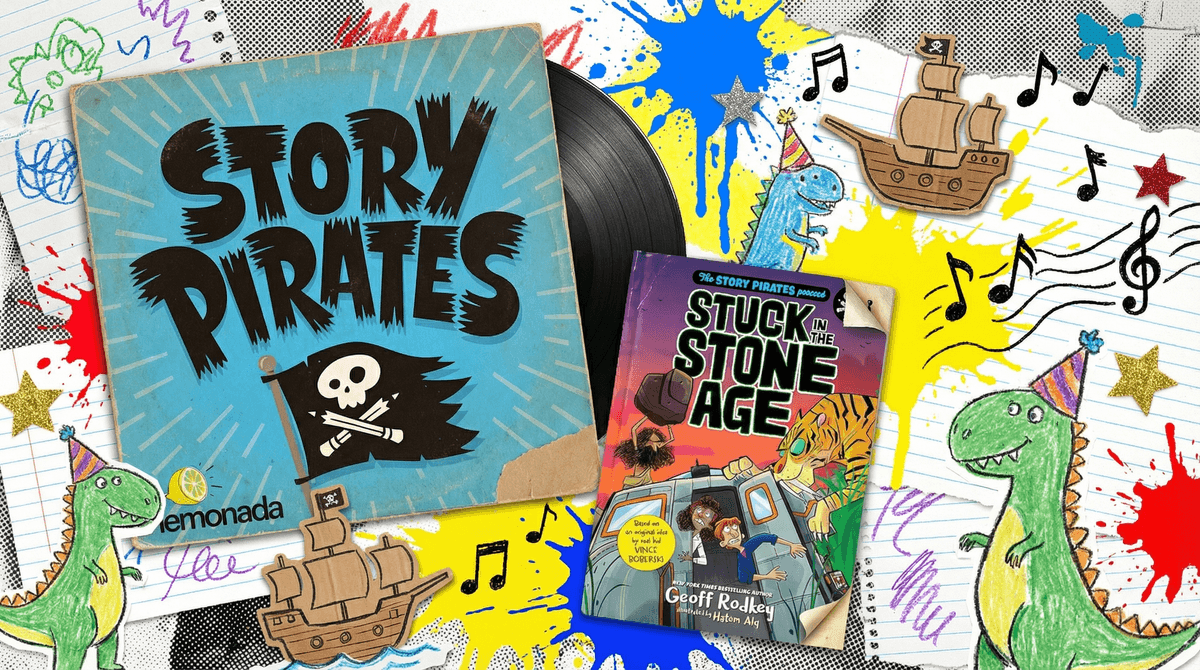
If you want to test the waters with audio-only entertainment without the risk of unfiltered live radio, look toward specific shows that have built-in guardrails. For example, if your kid has a flair for the dramatic or loves hearing other kids' ideas, Story Pirates is the gold standard for turning imagination into high-quality audio. It’s the kind of content that makes the "screen-free" promise of iHeartRadio actually work.
How to Use It Well
If you are a parent who wants to use the main iHeartRadio app, the only winning move is to be the gatekeeper.
- Use the "Your Weekly Mixtape" feature to vet new music on your own time before playing it in the car.
- Avoid the "Talkback" mic if your kids are around; it’s a fun feature for interacting with hosts, but it opens the door to hearing unedited listener comments.
- Stick to the "Library" tab. Once you find a safe station or a clean podcast, save it. Don't let your kid "explore" the home feed solo.
For more technical details on setting up a safe audio environment, you can check out iHeart's official help documentation regarding their subscription tiers and device compatibility. But honestly? If you find yourself constantly hovering over the "skip" button, just delete this and download the Family version. Your blood pressure will thank you.