The 'Anti-App' Success Story
In an era where every 'educational' tool for kids is bloated with XP, daily login bonuses, and subscription tiers, Chrome Music Lab feels like a relic from a better version of the internet. It was released in 2016 by Google Creative Lab, and it hasn't aged a day because it relies on fundamental physics and clean design rather than trendy gimmicks.
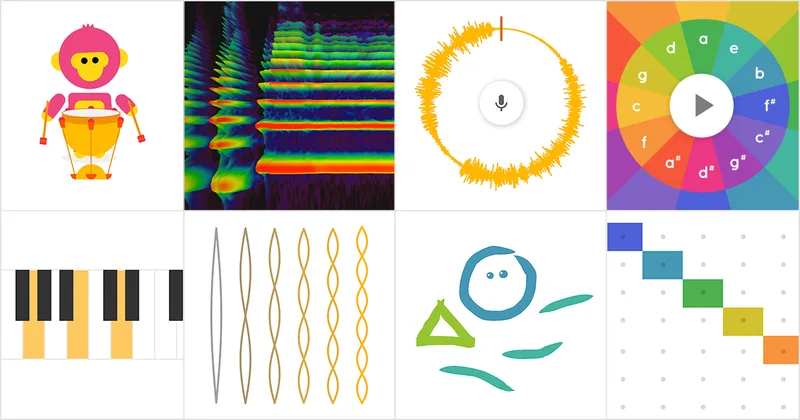
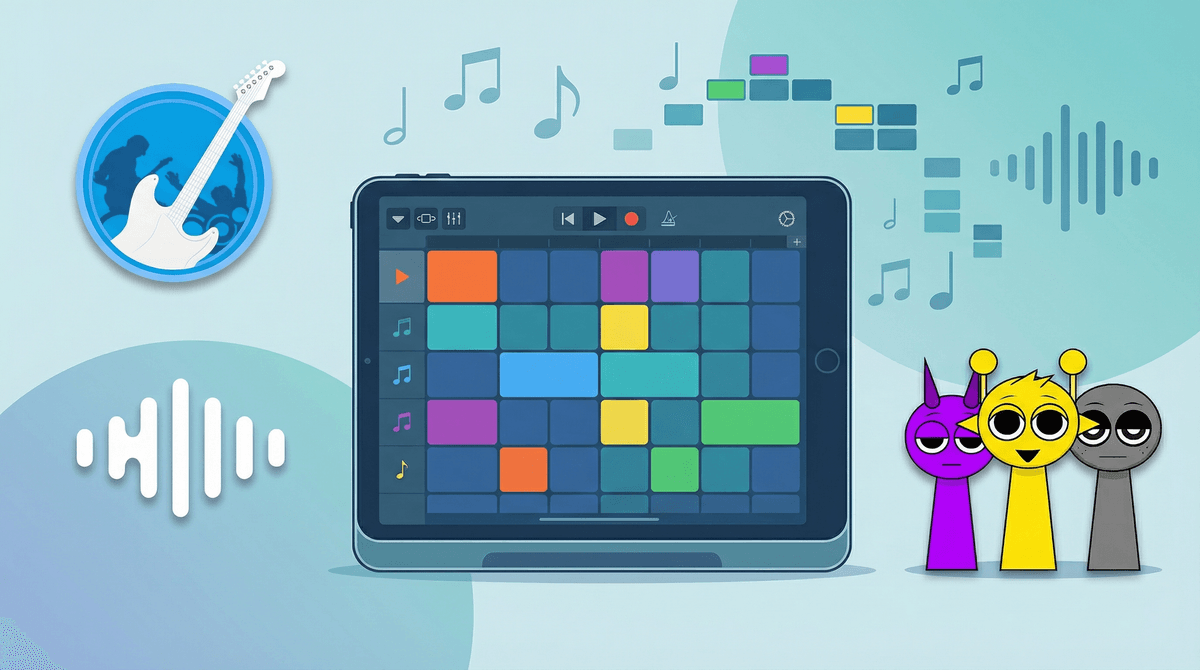
There are about a dozen 'experiments' here, ranging from a simple Spectrogram (visualizing sound waves) to the more complex Song Maker. The brilliance is in the UI. There are no instructions because you don't need them. If you click a square, it makes a sound. If you drag your mouse, it makes a melody. It’s the closest digital equivalent to a bucket of LEGOs for your ears.
Why It Works for Different Kids
For the math-minded kid, the Rhythm and Arpeggio tools are fascinating. They can see the geometry of a beat and understand fractions without realizing they're doing math. For the artistic kid, the Kandinsky experiment is a revelation—drawing a circle creates a whistle, while a line creates a chime.
It’s also a fantastic tool for neurodivergent kids who might find the tactile demands or the rigid 'correctness' of a physical instrument overwhelming. Here, there are no wrong notes, only different frequencies.
Pro-Tip for Parents
If your kid creates something they're actually proud of, use the 'Save' button in Song Maker. It generates a link you can bookmark. Since there are no accounts, that link is the only way to get back to that specific masterpiece. You can also download the file as a MIDI or WAV if they want to use their 'hit' as a ringtone or a background track for a video project.