

YouTube has become the default babysitter for millions of parents, and honestly? No judgment here. Sometimes you need 15 minutes to make dinner without a toddler wrapped around your leg. But here's the thing: not all YouTube content is created equal, and the difference between quality educational content and what I'll affectionately call "brain rot" is pretty stark.
Cocomelon is the elephant in the room—or more accurately, the watermelon. It's everywhere, kids are mesmerized by it, and parents have... feelings. The rapid cuts, the intense colors, the way it turns your previously active toddler into a drooling zombie—it's a lot. And while Cocomelon isn't inherently evil, it's also not the pinnacle of early learning content.
The good news? YouTube has some genuinely excellent educational channels that can spark curiosity, teach concepts, and actually engage your kid's brain rather than just hypnotize it. The challenge is finding them among the algorithm's chaos.
Here's what we know from research: not all screen time is equal. Passive viewing of fast-paced, low-educational-value content doesn't do much for development. But interactive, slower-paced, educational content? That can actually support learning—especially when you watch together and talk about it.
The "zombie stare" effect you've probably noticed with certain content isn't just in your head. Overstimulating videos with rapid scene changes (we're talking cuts every 2-3 seconds) can make it harder for young brains to process information. They're getting sensory input, but not much actual learning.
The sweet spot for early learning content:
- Slower pacing that gives kids time to process
- Clear educational goals (letters, numbers, problem-solving, social skills)
- Interactive elements that prompt responses
- Real humans or quality animation (not just AI-generated weirdness)
- Age-appropriate complexity
Let me introduce you to some channels that actually deserve a spot in your toddler's watch history:
PBS Kids (Ages 2-8) The gold standard. PBS has moved tons of their educational content to YouTube, and it maintains that same quality you remember from your own childhood. Daniel Tiger, Sesame Street clips, Curious George—it's all there. No ads, solid pacing, actual educational value.
Bluey - Official Channel (Ages 3-7) If you haven't discovered Bluey yet, welcome to the club that will make you cry about a cartoon dog family. The official YouTube channel has clips and full episodes. It's genuinely funny, teaches emotional intelligence, and won't make you want to throw your TV out the window.
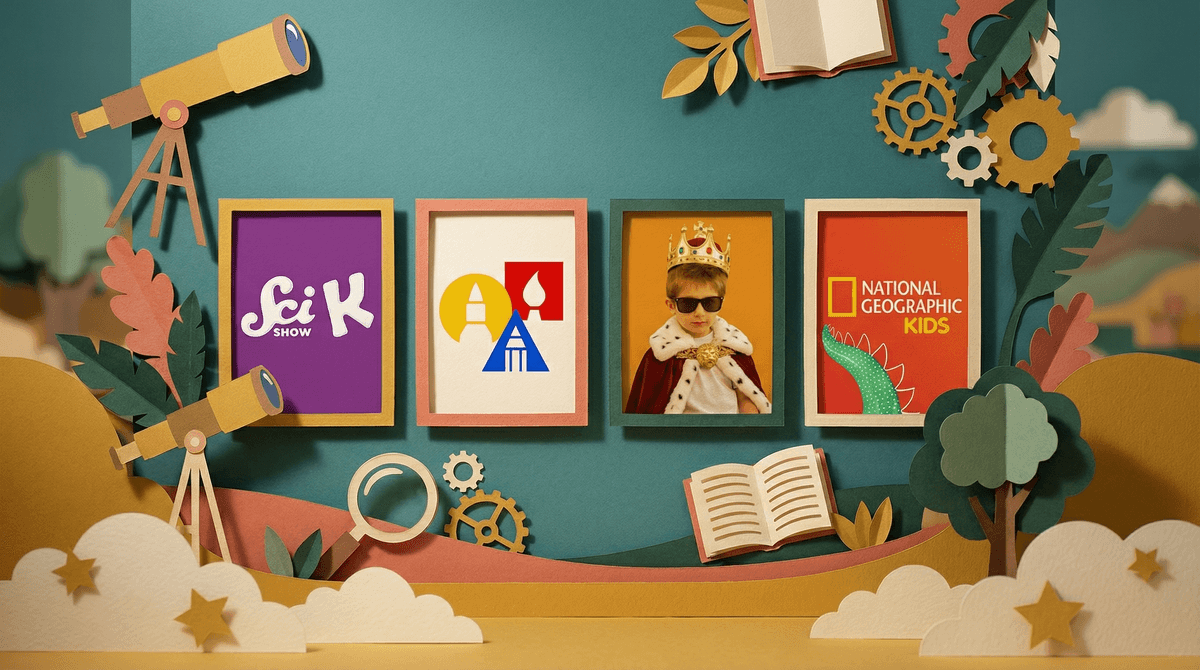
SciShow Kids (Ages 4-8) Real science for little kids, hosted by enthusiastic humans who actually explain things. They cover everything from why the sky is blue to how plants grow. The pacing is kid-friendly but not dumbed down, and it genuinely sparks curiosity.
StoryBots (Ages 3-8) These little robots answer big questions with catchy songs and solid animation. How do computers work? Where does rain come from? They make learning genuinely fun without the overstimulation factor.
Sesame Street (Ages 2-6) The OG educational content, now on YouTube. Decades of research-backed early learning, and they're still updating with new content. Plus, the celebrity appearances are actually entertaining for parents too.
National Geographic Kids (Ages 5-10) Real animals, real footage, real facts. If your kid is obsessed with dinosaurs or ocean creatures (and what kid isn't?), this channel delivers without the hyperactive editing.
Art for Kids Hub (Ages 4-12) A dad and his kids teaching drawing step-by-step. It's wholesome, it gets kids actually DOING something instead of just watching, and the pacing is deliberately slow so kids can follow along.
Let's be real about the content that's not helping anyone:
Unboxing videos and toy reviews: These are literally just ads disguised as content. Your kid doesn't need to watch someone else play with toys for 20 minutes.
Weird algorithm-generated content: You know the stuff—bizarre nursery rhyme remixes with unsettling animation. If it feels off, it probably is.
Anything with constant jump cuts and loud noises: If you feel overstimulated watching it, imagine what it's doing to a developing brain.
Channels that are just compilations of TV shows: These often have questionable copyright status and might disappear, taking your kid's favorite content with it.
Use YouTube Kids: Yes, it's not perfect, but YouTube Kids has better filtering than regular YouTube. You can also approve specific channels and block others.
Create playlists: Find the good stuff and make playlists so your kid isn't at the mercy of the algorithm's next suggestion. The autoplay feature is designed to maximize watch time, not educational value.
Watch together when possible: Co-viewing turns passive screen time into active learning. Ask questions, pause to discuss, make it interactive.
Set time limits: Even the best content shouldn't be unlimited. The AAP recommends no more than 1 hour per day of high-quality programming for kids 2-5 years old. Learn more about screen time recommendations .
.
Check the comments (unfortunately): Quality channels tend to have comments from other parents. Weird content tends to have... weird comments or disabled comments entirely.
YouTube isn't going away, and fighting against all screen time is probably not realistic for most families. The goal isn't perfection—it's intentionality. Swapping Cocomelon for PBS Kids or SciShow Kids isn't about being a "better parent." It's about making a small adjustment that can have a real impact on what your kid's brain is soaking up during those inevitable screen time moments.
Will your toddler still zone out sometimes? Absolutely. Will they occasionally beg for the overstimulating content? Of course. But having a curated selection of quality channels gives you options beyond just surrendering to whatever the algorithm serves up next.
- Open YouTube Kids and search for 2-3 channels from this list
- Create a playlist called "Approved Shows" or whatever works for your family
- Turn off autoplay so the algorithm can't hijack your kid's viewing
- Set a timer for screen time limits (your phone can do this)
- Try co-viewing at least a few times to see what your kid is actually watching
And remember: the fact that you're reading this article means you're already being intentional about your kid's digital life. That's the whole ballgame right there.