

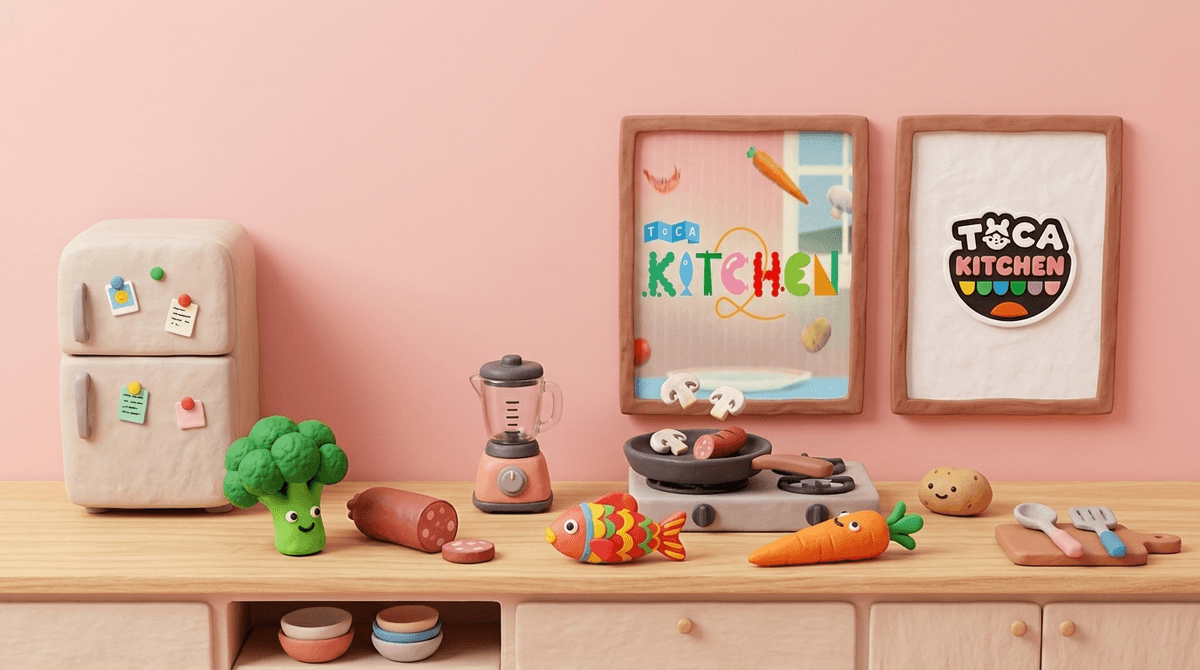
TL;DR: Toca Kitchen 2 is the gold standard for "digital toys." It’s a sandbox cooking app where there are no high scores, no timers, and—blessedly—no actual flour on your floor. It’s perfect for kids aged 3-7 who want to experiment without the stress of "winning."
Quick Links:
- Toca Kitchen 2 (The main event)
- Toca Life World (The bigger ecosystem)
- Sago Mini World (The best alternative for younger toddlers)
- Cooking Mama: Cookstar (For kids who want more structure)
If you’ve spent any time in the App Store, you know the name Toca Boca. They’ve basically cornered the market on "open-ended play." Toca Kitchen (and its more popular sequel, Toca Kitchen 2) isn't a game in the traditional sense. There are no levels to beat. There is no "Game Over" screen.
Instead, your kid is presented with a fridge full of ingredients—broccoli, sausages, mushrooms, squid, lemons—and a set of characters who are hungry. The "gameplay" is simply choosing an item, deciding how to prepare it (chop, boil, fry, or blend), and seeing how the character reacts when you feed it to them.
It is, quite literally, a digital version of a mud pie kitchen. It’s messy, it’s intuitive, and it’s surprisingly hilarious.
Kids spend most of their lives being told not to touch things in the kitchen. "Don't touch the stove," "Don't play with the knives," "Don't put the whole bottle of hot sauce on your eggs."
Toca Kitchen 2 is the ultimate "Yes" space. If they want to deep-fry a whole watermelon and then put it in a blender with a fish, the app lets them do it.
The real magic, though, is in the character reactions. If a kid feeds a character a piece of raw onion, the character might sneeze or make a disgusted face. If they douse a steak in hot sauce, the character’s ears might literally smoke. It’s that slapstick humor that keeps 4-year-olds coming back. It taps into that developmental stage where "gross-out" humor and cause-and-effect are the height of entertainment.
Check out our guide on why "digital toys" are better for development than "level-based games"
We talk a lot about "screen time quality" versus "screen time quantity." Toca Kitchen 2 is the poster child for high-quality screen time.
Most "free" games for kids are designed with "persuasive design" features—things like daily login bonuses, flashing lights, and "lives" that refill over time. These are meant to hook the brain's dopamine response and keep kids clicking.
Toca Boca doesn't do that. When your kid stops playing, nothing "bad" happens. There’s no FOMO (fear of missing out). It’s "slow tech." It’s a tool for creativity, not a slot machine for toddlers.
While the App Store might give it a 4+ rating, here is the Screenwise breakdown of how this actually lands across different grades:
- Preschool (Ages 3-4): This is the sweet spot. The interface is entirely icon-based (no reading required). They will mostly enjoy the "gross-out" reactions and the simple act of dragging food to mouths.
- Kindergarten - 1st Grade (Ages 5-7): This is where the "entrepreneurship" and "recipe" play starts. They might try to make a "perfect meal" or pretend they are running a restaurant.
- 2nd Grade & Up (Ages 8+): Honestly, they’ll probably find it a bit too simple. By this age, they’re usually moving toward Minecraft or more complex sims like The Sims FreePlay.
Let’s talk about the specific tools in the kitchen, because they actually offer some cool "digital literacy" moments:
This is usually a fan favorite. You can throw anything in there. It teaches kids about states of matter (solid to liquid) in a very basic way.
Items change color when they cook. They sizzle. They steam. It’s a great way to talk about how heat changes things in the real world.
In Toca Kitchen 2, they added things like soy sauce, ketchup, and hot sauce. This is where the "experimentation" gets wild.
Toca Boca is generally one of the "good guys" in the app world, but they aren't perfect. Here’s what you need to know:
- Ads: The paid versions of the apps generally do not have third-party ads (no weird "Merge Mansion" ads appearing). However, they do have a "Toca News" icon on the home screen. This is essentially a giant ad for their other apps. It’s easy for a kid to click it and end up in the App Store asking you to buy Toca Life World.
- Data Privacy: Toca Boca is COPPA compliant, which is the gold standard for kids' privacy. They aren't selling your kid's location data to the highest bidder.
- In-App Purchases: In the standalone Toca Kitchen 2 app, there usually aren't IAPs. However, if your kid plays the "Kitchen" area within Toca Life World, they will be bombarded with opportunities to buy new furniture, food packs, and characters.
Pro-Tip: If you want the "pure" experience without the pressure to buy more "stuff," stick to the standalone Toca Kitchen 2 app rather than the "World" version.
You might see your kid sitting there for 20 minutes just feeding a virtual cat a piece of virtual broccoli and wonder if their brain is melting.
It’s not.
In the world of digital wellness, we categorize this as Active Consumption. Your kid is making choices, testing hypotheses ("What happens if I boil the lettuce?"), and engaging in role-play. This is worlds apart from "Passive Consumption," like watching "Skibidi Toilet" memes on YouTube where the algorithm is making all the choices for them.
Learn more about the difference between active and passive screen time
If your kid has exhausted the fridge in Toca Kitchen, here are some solid next steps:
Think of this as Toca Boca’s younger, gentler cousin. It’s owned by the same parent company and has the same "no-lose" philosophy, but the characters (like Harvey the Dog) are a bit more cuddly.
This is very similar to Toca Kitchen but adds a bit more "process." You have to wash the dishes and clean the tables. It’s a bit more "job-oriented" if your kid likes the idea of running a business.
If you want something purely educational but still fun, the PBS Kids website and app have several cooking-themed games (like those featuring Daniel Tiger) that teach actual math and measurement.
For older kids (6-9) who find Toca Kitchen too aimless. Cooking Mama requires precision. You have to chop at the right time and flip the pan at the right speed. It’s much more of a "video game."
Use Toca Kitchen as a bridge to real-life skills.
- The "Gross-Out" Challenge: Ask them to make the grossest smoothie possible in the app, then talk about why those flavors don't go together in real life.
- The "Recipe" Challenge: Ask them to "cook" you a three-course meal in the app and describe what they are making. It’s a great vocabulary builder.
- Transition to Reality: "You're a great chef in Toca Kitchen! Do you want to help me stir the real pasta tonight?" (Warning: This usually leads to more flour on your floor, but hey, that's parenting).
Toca Kitchen 2 is a rare win for parents. It’s cheap (usually a few dollars or included in subscriptions like Apple Arcade), it’s safe, and it actually encourages the kind of creative thinking we want to see in our kids.
It’s not going to teach them how to julienne a carrot, but it will teach them that the digital world can be a place where they are the creators, not just the audience.
- Download the standalone app: Start with Toca Kitchen 2 to avoid the IAP-heavy "World" version.
- Turn off the "Toca News": You can usually disable the "Toca News" and "For Parents" icons in the settings menu of your device under the Toca Kitchen tab.
- Play together: Spend 5 minutes letting your kid "feed" you. It’s a low-stakes way to enter their digital world.
Check out our full list of the best "Creative Sandbox" apps for kids