

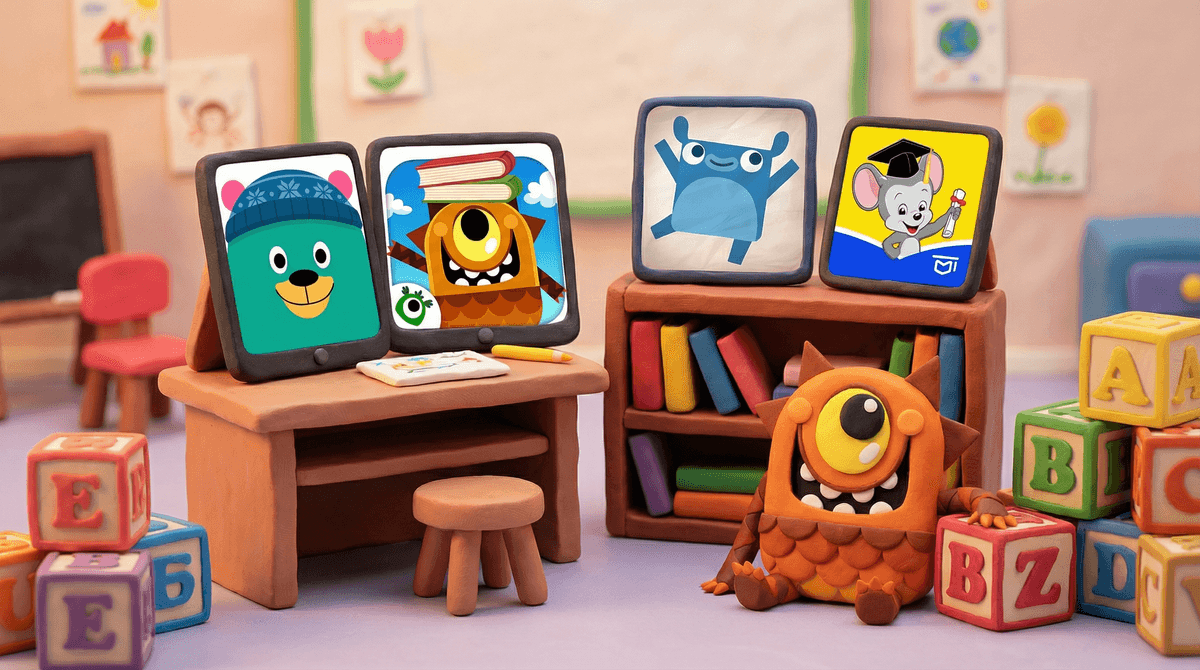
Let's be real: the phrase "educational games" can make you feel like you're browsing a dusty software catalog from 1997. But here's the thing—there are actually some genuinely great apps and games that can help your kindergartener with early literacy, math concepts, and problem-solving skills. The trick is finding ones that don't feel like digital worksheets dressed up with cartoon characters.
Educational games for kindergarteners typically focus on foundational skills: letter recognition, phonics, counting, shapes, colors, and basic problem-solving. The best ones make learning feel like play (because it should be), while the worst ones are basically just flashcards with sound effects.
The market is flooded with options, and yes, many of them are straight-up garbage. But some are genuinely thoughtful, well-designed, and—most importantly—actually hold a five or six-year-old's attention without rotting their brain.
Kindergarten is a wild developmental moment. Kids are learning to read, write, and do basic math, often for the first time. Some are ready to sprint ahead, others need more time, and most are somewhere in the middle trying to figure out why the letter "C" makes different sounds.
The right educational games can:
- Reinforce what they're learning in school without feeling like homework
- Build confidence through immediate feedback and progression
- Provide practice in a low-stakes environment where mistakes don't feel embarrassing
- Give you 20 minutes of peace while they're actually doing something productive (let's not pretend this isn't part of the equation)
But here's what matters even more: not all screen time is created equal. Twenty minutes of ABCmouse is fundamentally different than twenty minutes of random YouTube Kids autoplay. You're not a bad parent for using educational apps—you're being intentional about digital time.
ABCmouse
ABCmouse is the heavyweight champion here, and for good reason. It's comprehensive (reading, math, science, art), follows a structured curriculum, and tracks progress. The interface can feel a bit overwhelming at first, and yes, it's subscription-based ($13/month), but if you're looking for something that covers all the bases, this is it.
Best for: Kids who need structure and parents who want detailed progress reports.
Khan Academy Kids
Khan Academy Kids is completely free (thank you, nonprofit model) and shockingly good. It adapts to your child's level, covers reading and math, and includes social-emotional learning content. The characters are adorable without being annoying, which is a minor miracle.
Best for: Budget-conscious families who still want quality content.
Endless Alphabet
Endless Alphabet makes learning vocabulary actually fun. Each word comes with a cute animation and puzzle, and the monsters are weird enough to be memorable. It's not comprehensive—it's really just vocabulary—but it does that one thing exceptionally well.
Best for: Kids who are visual learners and love silly animations.
Teach Your Monster to Read
This one's from the UK but works perfectly for American kids learning to read. Teach Your Monster to Read is game-like (you create a monster and go on adventures) while systematically teaching phonics. It's based on synthetic phonics, which is actually how reading should be taught, and it's free on desktop or a few bucks on mobile.
Best for: Kids in the thick of learning to read who need phonics practice.
Homer
Homer personalizes lessons based on your child's interests (dinosaurs, space, animals, etc.) and is strong on early literacy. It's subscription-based but often has deals. The personalization aspect is genuinely helpful—if your kid is obsessed with trucks, they'll learn letters through truck-themed activities.
Best for: Kids who need interest-based motivation to engage.
PBS Kids Games
The PBS Kids Games app is free and features characters from shows like Wild Kratts, Daniel Tiger, and Odd Squad. The games vary in quality, but they're all curriculum-based and there's no ads or in-app purchases. It's not as structured as ABCmouse, but it's solid for short bursts of learning.
Best for: Kids who already love PBS shows and parents who want free, safe content.
When you're evaluating educational games, here's what matters:
Age-appropriate progression: Does it adapt to your child's level, or will they hit a wall (or get bored) quickly?
Clear learning objectives: Can you tell what skill they're actually practicing, or is it just vaguely "educational"?
Engagement without manipulation: Does it keep kids interested through good design, or through cheap tricks like constant rewards and notifications?
No dark patterns: Are there ads? In-app purchases? Does it try to get your kid to nag you for premium features? Hard pass on those .
.
Parental controls and reporting: Can you see what they're working on and how they're progressing?
Educational games aren't a replacement for reading books together, playing outside, or doing hands-on activities. But they're also not the enemy. Used intentionally—20-30 minutes a day, max—they can genuinely support what your kindergartener is learning in school.
The best approach? Pick one or two apps (not ten), stick with them for a while, and actually pay attention to whether your kid is learning or just clicking randomly. If they're engaged and you can see progress, great. If they're glazed over or frustrated, try something else.
And remember: the goal isn't to create a tiny genius. It's to build confidence, reinforce skills, and maybe—just maybe—buy yourself enough time to drink a cup of coffee while it's still hot.
Not sure which app is right for your kid? Screenwise can help you compare options based on your family's needs, learning style, and budget. And if you want to understand how your family's screen time stacks up against others in your community, take the Screenwise survey to get personalized insights and recommendations.