

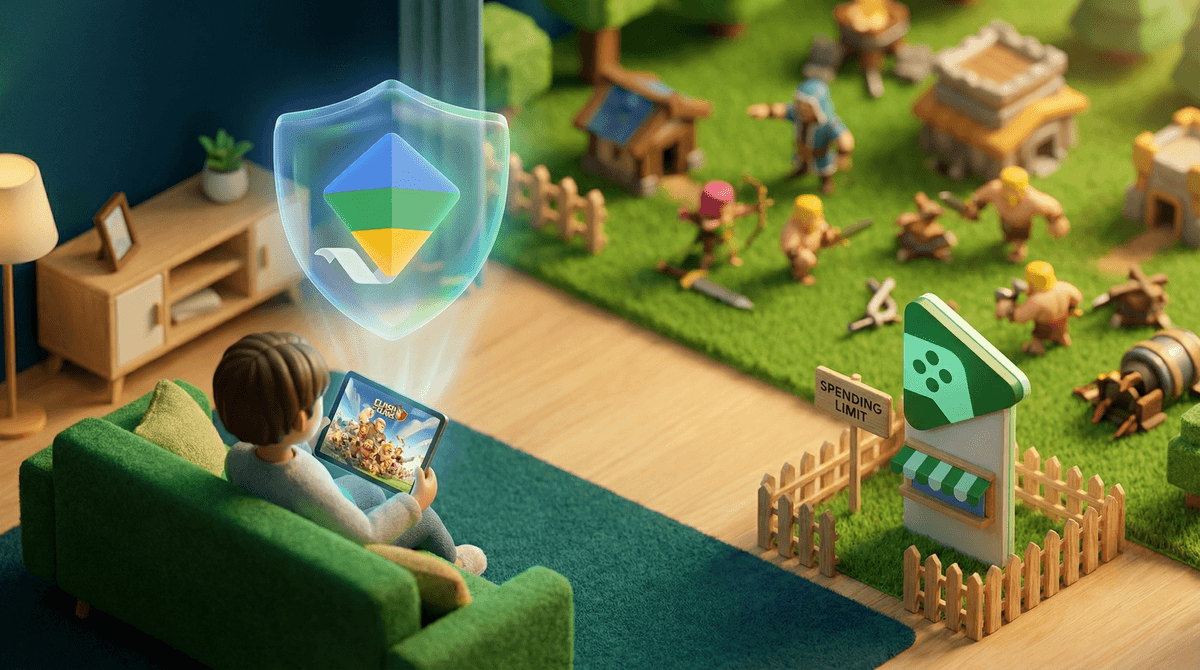
Clash of Clans is a mobile strategy game where players build villages, train troops, and raid other players' bases for resources. It's been around since 2012 (ancient in mobile game years), and it's still massively popular with kids and teens. The game is free to download, but here's the thing: it's designed to make you really, really want to spend money.
The in-game currency is called "gems," and they can speed up building times, buy resources, and generally make everything easier. And when your kid's clan is counting on them to finish upgrading their Town Hall before the clan war starts? That pressure to spend becomes very real.
Clash of Clans hits a sweet spot of strategic planning, social connection, and immediate gratification. Kids join clans (essentially guilds or teams), chat with other players, coordinate attacks, and feel like part of something bigger. There's genuine strategy involved in base design and troop deployment—it's not just mindless tapping.
The game also has that "just one more upgrade" addictive quality. Everything takes time to build or train, which means kids are constantly checking back in. A barracks upgrade might take 8 hours, but with gems, it's instant. See where this is going?
Let's be direct: Clash of Clans is a free-to-play game that makes billions of dollars from in-app purchases. The game is specifically designed to create friction points where spending money feels like the solution. Upgrades take days. You run out of resources right when you need them. Your clan needs you to donate troops, but yours aren't trained yet.
Kids don't always understand that gems cost real money, or they might think "it's just $4.99" without realizing those purchases add up fast. There are countless stories of kids racking up hundreds or even thousands of dollars in charges because payment was too easy.
The social pressure is real too. When your kid's clanmates are all gemming their way to higher levels, being the only one waiting feels like being left behind.
Here's what you can actually do to protect your credit card and set boundaries:
On iOS:
-
Require approval for purchases: Go to Settings > Screen Time > Content & Privacy Restrictions > iTunes & App Store Purchases. Set "In-App Purchases" to "Don't Allow" or "Ask to Buy" if your kid has their own Apple ID.
-
Remove payment methods: Go to Settings > [your name] > Payment & Shipping and remove your credit card entirely. You can use gift cards instead when you want to allow purchases.
-
Set up Screen Time: While you're there, you can also limit how much time they spend in the game daily.
On Android:
-
Require authentication: Open Google Play Store > Menu > Settings > Require authentication for purchases. Set it to "For all purchases through Google Play on this device."
-
Set up parental controls: In Google Play Store > Menu > Settings > Family > Parental controls. You can require approval for purchases and downloads.
-
Use Google Family Link: This gives you way more control over what your kid can download and purchase, with approval requests sent to your phone.
In Clash of Clans Itself:
The game has basically no built-in parental controls. There's no way to disable gem purchases from within the app. Your only option is locking things down at the device/account level.
Some parents choose to give their kids a small monthly budget for games—maybe $5 or $10 through gift cards. This can actually be a good teaching moment about digital spending and budgeting. The key is making it intentional rather than accidental.
If you go this route, use gift cards instead of linking your credit card. That way, when the money's gone, it's gone. No surprises.
But here's the reality check: Clash of Clans is designed by very smart people to make that $5 feel insufficient. The game will constantly dangle better deals, limited-time offers, and "best value" packages in front of your kid. You need to have honest conversations about how these games are designed to make you want to spend more.
Your kid might tell you "everyone in my clan spends money" or "I need to gem this or I'll let my team down." This is where you need to help them understand a few things:
- Not everyone is spending—plenty of players are free-to-play
- The game is designed to make you feel that urgency
- Real friends won't drop you from a clan because you won't spend money
If the clan pressure is intense, it might be worth having a conversation about healthy gaming communities and whether this particular clan is a good fit.
Clash of Clans is rated 9+ on iOS and Everyone 10+ on Google Play, mainly for fantasy violence and online interactions with strangers. Here's what I'd actually recommend:
-
Under 10: Probably too young for the social dynamics and spending temptation. If they're playing, it should be on your device with you nearby.
-
Ages 10-13: Can play, but needs close supervision on spending and chat features. Consider playing together so you understand the game's hooks.
-
Ages 14+: Can handle the game with clear spending boundaries and regular check-ins about screen time and social dynamics.
Regardless of age, remove payment methods from their device until you're confident they understand digital spending.
Clash of Clans has global and clan chat where your kid will interact with strangers. The game has chat filters, but they're not perfect. Kids can be exposed to inappropriate language, scams (people offering "free gems" if you share your account), and occasionally adults trying to connect with minors.
You can't disable chat entirely, so if your kid plays, you need to:
- Regularly check who's in their clan
- Talk about never sharing personal information
- Explain that "free gems" offers are always scams
- Make it clear they should tell you if anyone makes them uncomfortable
Clash of Clans isn't inherently evil, but it is designed to extract money through psychological pressure and time gates. The game can teach genuine strategic thinking and teamwork, but it can also teach kids that spending money is the solution to manufactured problems.
Your action items:
- Lock down purchases at the device level—don't rely on your kid's self-control against a game designed by experts to break it down
- Remove payment methods or require authentication for every purchase
- Have honest conversations about how free-to-play games make money and why they're designed to create spending pressure
- Set clear expectations about spending (ideally $0, or a small gift card budget if you choose)
- Check in regularly about who they're playing with and what the social dynamics are like
If you want to explore other strategy games that aren't quite so aggressive about in-app purchases, check out alternatives to Clash of Clans.
The goal isn't to shame your kid for wanting to play or even for wanting to spend—the game is literally designed to make them want that. The goal is to set up systems that protect your family's finances while teaching digital literacy about how these games actually work.