

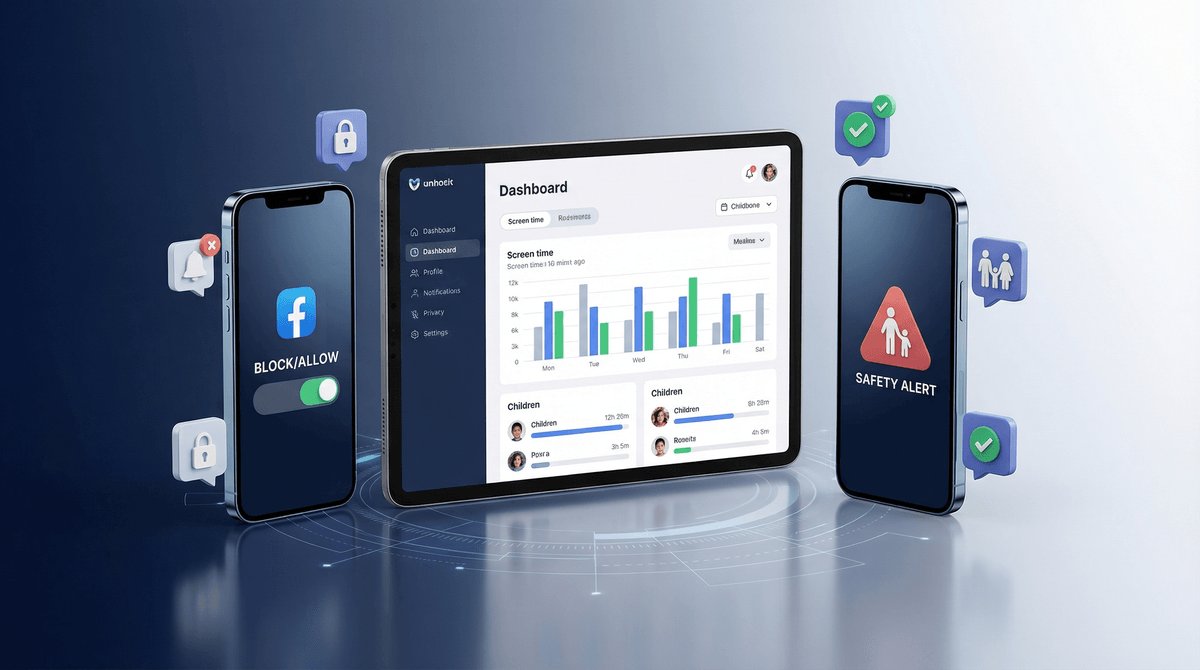
Parental control apps block and monitor.
Screenwise helps you figure out what to block, monitor, and allow.
Different tools. Use both.
There are a ton of options:
They all do roughly the same thing: set limits, block content, and (sometimes) monitor activity.
Enforcement.
You decide "no TikTok" and the app makes it happen. You set a 2-hour screen time limit and the device locks. You want to know if your kid is texting about drugs and Bark will flag it.
This is valuable! Especially for younger kids or when you're establishing new rules.
1. Tell you what the right rules are
Should your 4th grader have TikTok? Is 2 hours too much or too little? Is Fortnite okay for your kid?
Parental control apps don't answer these questions. They just enforce whatever you decide.
2. Give you context about what's normal
"Other families at Lincoln Elementary with 3rd graders have an average screen time of 1.8 hours on weekdays."
That's the kind of information that helps you make decisions. Parental controls can't give you that.
3. Adapt to your family's values
Some families are strict about screen time but relaxed about game content. Others are the opposite. Parental control apps have settings, but they don't actually understand your family.
Think of it like this:
Parental controls = the lock on the door
Screenwise = the guide that helps you decide which doors to lock
We help you figure out:
- What your kid is ready for (based on their age, maturity, and what peers are doing)
- Where your family's boundaries should be (based on your values and comfort levels)
- What the research and community data say about different choices
Then you use your parental control app to enforce those decisions.
Your kid wants Discord. Here's how the tools work together:
-
Screenwise tells you: Discord is typically introduced around 6th-7th grade, 40% of families in your community allow it at your kid's age, private servers only is a reasonable middle ground, and here's how to set it up safely.
-
Parental control app (if you decide yes): Monitors activity, blocks certain features, limits usage time.
Screenwise = the decision
Parental control = the implementation
For most families, we suggest:
Younger kids (under 10):
- Apple Screen Time or Google Family Link (free, built-in)
- Screenwise for guidance on what to allow
Tweens and teens:
- Consider Bark for monitoring without total lockdown
- Screenwise for navigating social media decisions
Any age:
- Router-level tools like Circle if you want whole-home filtering
- Screenwise for understanding what your community is doing and making informed decisions
Don't make us choose between telling you what to do and helping you do it.
Screenwise is the strategy. Parental control apps are the tactics. You need both.
Take the survey to get personalized recommendations for your family's digital life—including which parental controls might work best for your situation.