

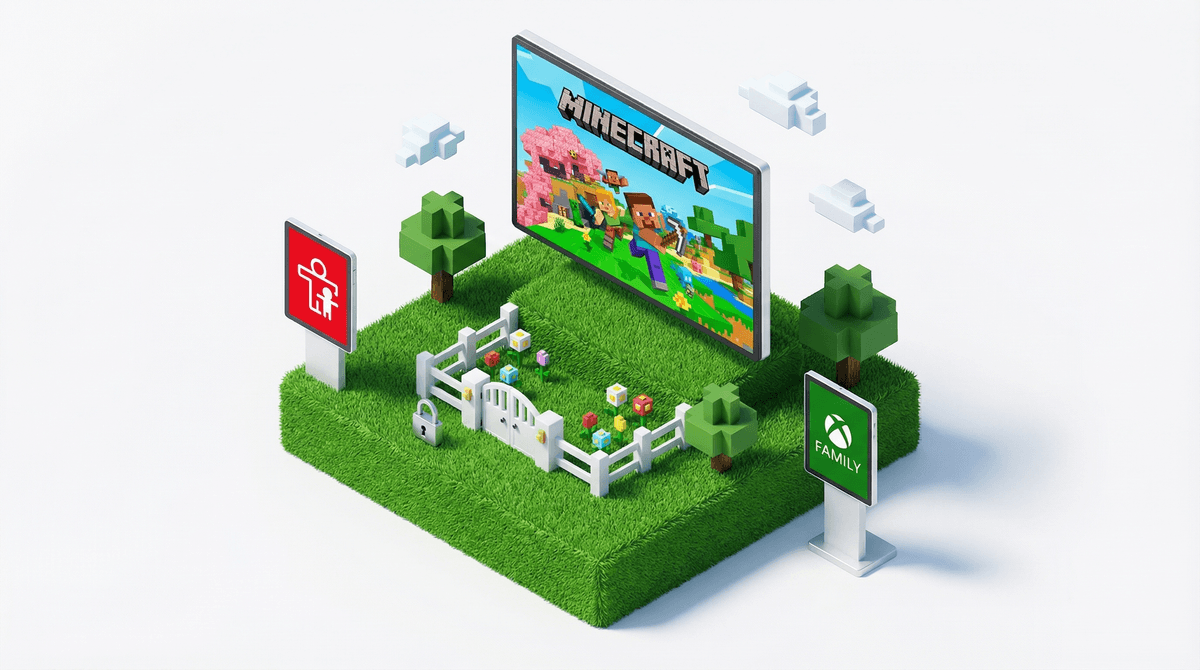
Okay, so your kid is obsessed with Minecraft. They're building elaborate worlds, mining for diamonds, and talking about "creepers" at dinner. You've heard it's one of the "good" games—creative, educational even—and honestly, compared to some of the alternatives, you're pretty relieved.
But here's the thing: Minecraft isn't just a solo building game anymore. Most kids are playing online with friends (or strangers), chatting while they play, joining public servers, and downloading custom content. And that's where the safety settings actually matter.
The good news? Minecraft has pretty robust parental controls. The less good news? They're scattered across different platforms, not always intuitive to find, and differ depending on whether your kid is playing on Xbox, PlayStation, PC, mobile, or Switch. Fun times.
Let me walk you through what actually matters, because not all safety settings are created equal, and you don't need to lock down everything to keep your kid reasonably safe.
Here's what's actually happening in Minecraft multiplayer:
Kids are chatting. Whether through text or voice, they're communicating with whoever else is on the server. Sometimes that's their IRL friends. Sometimes it's random people from around the world.
Servers vary wildly. Some are beautifully moderated spaces for kids. Others are essentially the Wild West of the internet, with adult language, inappropriate builds, and people looking to scam kids out of their accounts.
There's real money involved. Through Minecraft Marketplace and Realms subscriptions, kids can spend actual money. And if they're on servers with "pay-to-win" mechanics, they might be pressured to buy advantages.
Account security matters. Minecraft accounts get hacked. Kids get phished. Someone promises them free Minecoins, and suddenly their account is compromised.
The stakes aren't hypothetical. I've talked to parents whose 8-year-old was sent inappropriate messages on a public server, whose 11-year-old had their account stolen, whose teenager racked up unauthorized purchases. This stuff happens, but it's also manageable with the right settings.
Ages 7-10: Tight Controls
At this age, I'd recommend keeping things pretty locked down:
- Multiplayer only with known friends or on kid-specific servers you've vetted
- Chat disabled or heavily restricted—they're not ready to navigate online conversations with strangers
- Realms with just family/IRL friends is often the sweet spot
- No access to Marketplace without permission
- Play in shared spaces where you can casually monitor
Most kids this age are happy just building and exploring. They don't need the full online experience yet.
Ages 11-13: Gradual Opening
Middle schoolers want more independence, and honestly, they can handle more:
- Vetted public servers can be okay—look for ones with active moderation and kid-friendly rules
- Text chat enabled, but discuss what to do if someone says something inappropriate
- Voice chat is still a "proceed with caution" situation—depends on the kid and the server
- Teach them about account security—this is a great age to introduce password managers and two-factor authentication
- Set spending limits if they have Marketplace access
Ages 14+: More Freedom, More Responsibility
Teens are going to find their way into multiplayer regardless, so focus on judgment:
- Have real conversations about online interactions, not just rules
- They should know how to report and block players
- Talk about privacy—not sharing personal info, even with "friends" they've only met online
- Account security is their responsibility (but you're checking in)
- Discuss spending expectations clearly
Let me save you time: here are the settings to prioritize, in order of importance.
1. Multiplayer Permissions (THE BIG ONE)
On Xbox/PlayStation: Go to your console's family settings (not Minecraft settings). You can control whether they can play with others online at all, and whether only friends or anyone.
On PC (Java Edition): Minecraft itself doesn't have built-in parental controls, so you need to rely on server selection and supervision. Consider using a family Realm instead of public servers.
On Mobile/Tablet (Bedrock Edition): Open Minecraft > Settings > Account > Privacy. You can toggle multiplayer game settings here.
On Nintendo Switch: Use the Switch's parental control app—it's actually pretty good.
2. Chat Settings
In Minecraft's in-game settings, you can typically disable chat entirely or set it to friends-only. For younger kids, just turn it off. They don't need it, and it eliminates a major risk vector.
For older kids, keep it on but have a conversation about what to do when (not if) someone says something gross or mean.
3. Realms Permissions
If you're paying for a Minecraft Realm (which is honestly a great option for families), you control who gets invited. You can also see who's playing and when. It's like a private server for your kid and their friends.
4. Purchase Controls
Lock down payment methods. Require a password or approval for any purchase. Most platforms let you do this at the system level (Xbox, PlayStation, iOS, etc.).
The Minecraft Marketplace has some genuinely cool content, but it also has a lot of overpriced skins and worlds. Talk to your kid about digital spending before they blow $50 on virtual texture packs.
5. Account Security (Often Forgotten)
Set up two-factor authentication on their Microsoft/Mojang account. Teach them never to click links promising "free Minecoins" or "rare skins." Account theft is real, and it's devastating for kids who've invested hours into their worlds.
Minecraft itself isn't the problem. Seriously, as games go, it's pretty great—creative, engaging, and can actually teach problem-solving and collaboration. The risks come from the social and online elements, just like with any multiplayer platform.
Your kid will push back on restrictions. Especially if "everyone else" is playing on public servers or using voice chat. This is where knowing what's actually happening in your community helps. Screenwise can show you what other families are doing so you're not making decisions in a vacuum.
Settings aren't set-it-and-forget-it. As your kid gets older and more responsible, you'll adjust. That's normal and good. The goal isn't to lock everything down forever—it's to gradually teach them to navigate online spaces safely.
Server choice matters more than you think. Not all Minecraft servers are created equal. Some have incredible moderation and kid-friendly communities. Others are toxic. If your kid wants to join a server, spend 10 minutes researching it. Look for servers that explicitly cater to kids and have active moderators.
Minecraft can be a genuinely positive part of your kid's digital life—but only if you're intentional about the safety settings. The good news is that you don't need to be a tech expert to get this right. You just need to spend 20 minutes setting things up properly and having real conversations with your kid about online safety.
Start here:
- Check your platform's parental controls (Xbox, PlayStation, iOS, etc.)
- Adjust Minecraft's in-game privacy settings
- Decide on multiplayer boundaries based on your kid's age and maturity
- Set up two-factor authentication
- Have a conversation about what to do if something feels off online
And remember: you can always adjust. If you lock things down and your kid proves they can handle more freedom, great. If you give them more access and it doesn't go well, you can pull back. This isn't a one-time decision.
Want to see how your family's Minecraft use compares to others in your community? Take the Screenwise survey to get personalized guidance based on your kid's age, maturity, and what's actually normal for families like yours.
And if you're wondering whether Roblox or other games need similar attention (spoiler: they do), we've got guides for those too.
You've got this. Minecraft parenting is just one more thing on the list, but at least this one comes with pretty decent tools.