

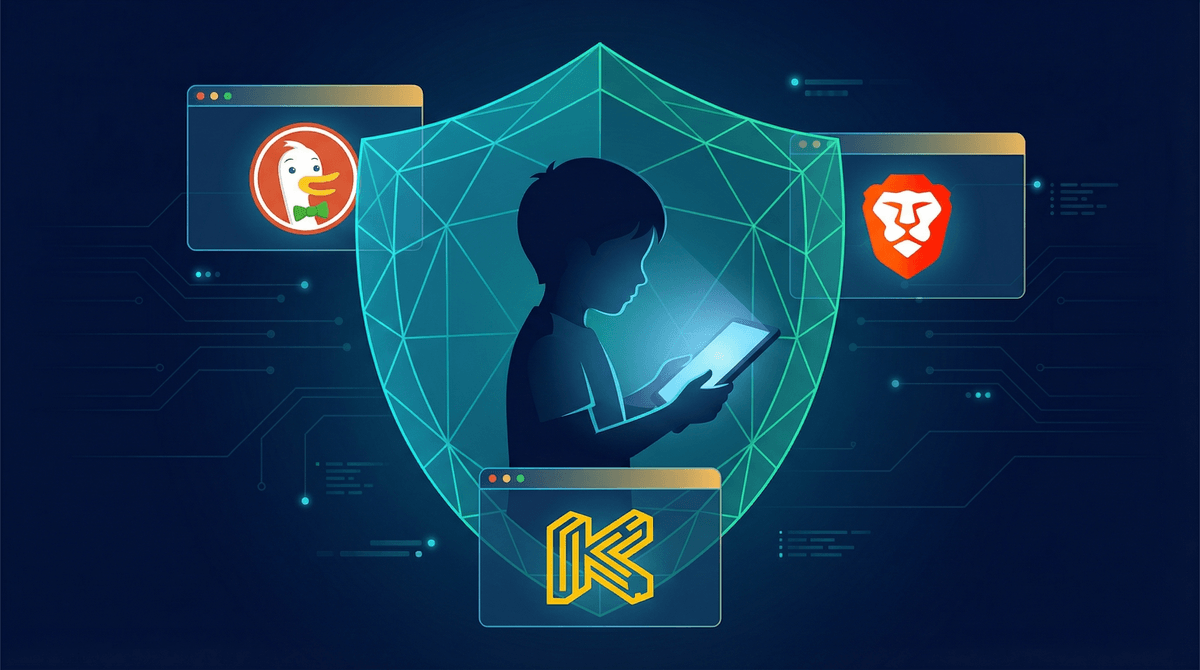
Digital privacy for kids means controlling what information apps, websites, and platforms collect about them—and what they do with that data. Sounds simple, right?
Except it's not. Because every "free" app your kid uses is collecting something: location data, search history, voice recordings, photos, contacts, browsing habits, even how long they hover over certain content. That adorable filter that puts puppy ears on their face? It's mapping their facial features. That reading app tracking their progress? It knows exactly what time of day they're most engaged and which topics hold their attention longest.
And here's the thing that makes this tricky: a lot of this data collection genuinely does make apps better. Spotify learns what music your kid likes. YouTube recommends videos they'll actually want to watch. Their reading app adapts to their level. The line between "helpful personalization" and "invasive surveillance" is blurrier than we'd like.
The bigger issue? Most of this data doesn't just stay with the app. It gets sold to advertisers, shared with "partners," used to build profiles that follow your kid around the internet for years. And unlike adults who (theoretically) consented to all this, kids are building digital footprints before they can even understand what that means.
Look, I know "digital privacy" sounds like one of those things that's important in theory but hard to care about in practice. Your kid's not doing anything wrong, so who cares if TikTok knows they watch dance videos?
But here's what's actually happening:
Kids are being profiled before they can consent. Advertisers are building detailed psychological profiles of children—their insecurities, their interests, their vulnerabilities—to sell them stuff more effectively. That's not a conspiracy theory, that's literally the business model.
Data breaches are constant. In the last few years, major breaches have exposed the personal information of millions of kids. Names, birthdates, photos, locations, parent email addresses. Once that data is out there, it's out there forever.
AI makes old data creepy in new ways. That photo you posted of your 8-year-old in 2018? It could be used to train AI models, create deepfakes, or show up in ways you never imagined. The implications of AI and kids' data are genuinely unsettling .
.
Digital footprints are permanent. Your kid's embarrassing phase at age 12 shouldn't follow them to college applications or job interviews. But without privacy protections, it might.
Not all apps are created equal when it comes to privacy. Some are genuinely trying to do better. Others are... not.
Social media platforms (TikTok, Instagram, Snapchat) are collecting everything: location, contacts, browsing history, device information, biometric data from filters. TikTok in particular has faced scrutiny for how much data it hoovers up and where it goes.
Gaming platforms like Roblox and Fortnite collect chat logs, in-game behavior, purchase history, and voice recordings. The social features that make these games fun also make them data goldmines.
"Educational" apps often get a pass from parents, but many are just as bad. Apps that promise to teach your kid math or reading are often selling detailed learning profiles to third parties.
Free apps with ads are almost always a privacy nightmare. If you're not paying for the product, your kid's data is the product.
Okay, enough doom and gloom. Here's what you can actually do:
On iOS (iPhone/iPad)
- Settings > Privacy & Security > Tracking - Turn off "Allow Apps to Request to Track." This stops apps from following your kid across other apps and websites.
- Settings > [App Name] > Location - Set to "Never" or "Ask Next Time" for most apps. Very few apps actually need location access.
- Settings > Screen Time > Content & Privacy Restrictions > Advertising - Turn on "Limit Ad Tracking"
- Settings > [Your Kid's Name] > Family Sharing > Ask to Buy - Not privacy per se, but helps you see what they're trying to download
On Android
- Settings > Privacy > Permission Manager - Review what apps have access to location, camera, microphone, contacts. Be ruthless.
- Settings > Google > Ads - Opt out of ad personalization
- Settings > Security > Google Play Protect - Make sure this is on
Platform-Specific Settings
For Roblox parental controls, you can restrict who can chat with your kid and what information shows up on their profile.
For YouTube, use YouTube Kids for younger children (under 10ish), and turn off watch history and search history to prevent the algorithm from building a detailed profile.
For TikTok, set the account to private, turn off personalized ads, and restrict who can comment or duet with your kid's videos.
The nuclear option: Turn off all ad personalization everywhere. Yes, your kid will see more random ads. But those random ads won't be weaponizing their insecurities.
Real talk: Settings help, but they're not enough. The most important privacy protection is teaching your kid to think critically about what they share.
Before middle school, focus on the basics:
- "Once you put something online, it's there forever—even if you delete it"
- "Not everyone online is who they say they are"
- "If an app is asking for information, think about why it needs it"
Middle school and up, go deeper:
- Talk about how apps make money (spoiler: usually by selling data or showing ads)
- Discuss digital footprints and how colleges/employers might search for them
- Explain how algorithms work and why TikTok shows them what it shows them
- Help them understand that "free" apps aren't actually free
The oversharing conversation is crucial. Kids don't always realize that posting their school name, their location, their schedule, or their full name is giving away information that can be pieced together. Talk about what's safe to share publicly vs. with friends only.
Okay, so there are a bunch of products marketed as privacy-protecting solutions for kids. Some are legit. Some are snake oil.
Browsers like Brave or DuckDuckGo genuinely do block trackers and don't collect data. They're good options for older kids who are doing research for school or browsing independently.
VPNs can help obscure location and browsing activity, but honestly, for most families, this is overkill unless you have specific concerns.
"Kid-safe" search engines like Kiddle or KidRex block inappropriate content but don't necessarily offer better privacy than Google with SafeSearch on.
The honest answer: No single app or browser is a magic bullet. The best protection is a combination of good settings, regular conversations, and teaching your kid to be thoughtful about what they click and share.
Ages 5-8: They shouldn't be online unsupervised anyway, so your job is mostly about controlling what apps they use and what information you're sharing about them. Don't post identifying information about your kid on your own social media (yes, really).
Ages 9-12: Start having explicit conversations about privacy. They're old enough to understand that apps collect information and that not everything needs to be shared. Review app permissions together. Make privacy settings a regular check-in, like cleaning their room.
Ages 13+: They need to understand the stakes. Show them how to Google themselves. Talk about what could happen if their data gets breached or if something embarrassing goes viral. Give them more control over their own privacy settings, but check in periodically.
Protecting your kid's digital privacy isn't about being paranoid or keeping them off the internet entirely. It's about being intentional.
You can't prevent all data collection—that ship has sailed. But you can minimize it. You can teach your kid to be thoughtful about what they share. You can make companies work a little harder to track your family.
Most importantly, you can raise a kid who understands that their information has value, that privacy matters, and that they get to decide what they share and with whom.
-
This weekend: Spend 20 minutes going through your kid's device settings. Turn off location access for any app that doesn't absolutely need it.
-
This month: Have a conversation with your kid about what information apps collect and why. Make it age-appropriate, but make it real.
-
Ongoing: Review app permissions quarterly. Check what's installed, what's collecting data, and whether you're still comfortable with it.
And look, if you're feeling overwhelmed by all of this, you're not alone. Digital privacy is genuinely complicated, and the companies collecting data are working very hard to make it confusing. But you don't have to be perfect. You just have to be paying attention.