

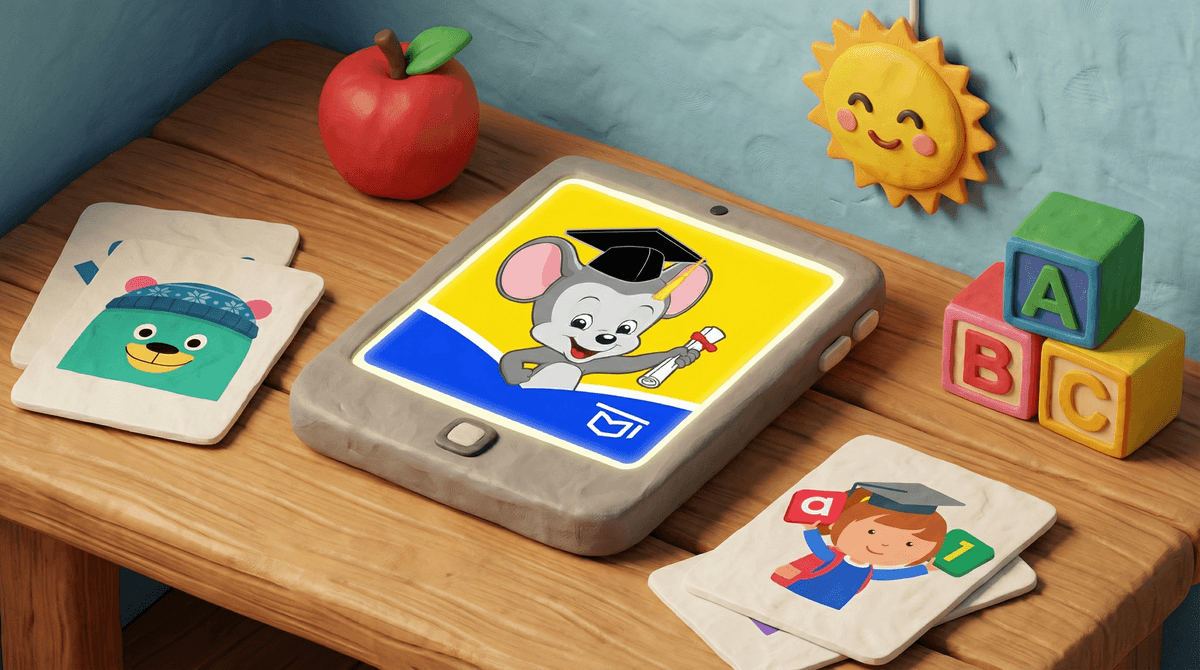
Preschool learning games are apps, websites, and digital platforms designed to teach foundational skills to kids ages 2-5. We're talking about ABCs, 123s, shapes, colors, basic problem-solving—all wrapped up in bright colors, cheerful music, and characters that make your kid want to tap the screen approximately 47,000 times.
The market is massive. Walk into any pediatrician's waiting room and you'll see toddlers swiping through ABCmouse, Khan Academy Kids, or PBS Kids Games. These apps promise to give your preschooler a "head start" while you make dinner, answer work emails, or just sit down for five blessed minutes.
But here's the question that keeps intentional parents up at night: Are these apps actually teaching anything, or are they just glorified digital pacifiers?
Let's get real about what the science actually says. High-quality educational apps can support early learning—but the bar for "high-quality" is surprisingly high, and most apps don't clear it.
Studies show that preschoolers learn best from apps that:
- Encourage active participation (not just passive watching)
- Adapt to the child's skill level (not one-size-fits-all content)
- Minimize distractions (no random rewards, flashy animations, or ads)
- Connect to real-world concepts (letters that relate to actual words, not just abstract symbols)
The problem? Most "educational" apps are designed more like slot machines than learning tools. They're engineered to keep kids engaged (read: addicted) with constant rewards, sounds, and animations—which actually interferes with learning because it overstimulates developing brains.
And here's the kicker: even the best educational apps don't replace human interaction. A 2015 study found that toddlers learned new words significantly better from a live person than from the exact same content on a screen. The back-and-forth conversation, the eye contact, the ability to ask questions—that's where the real learning happens.
No! But you need to be picky.
The good ones are basically digital workbooks with some interactivity. They're designed by actual educators, they're ad-free, they don't have manipulative reward systems, and they genuinely teach skills in a developmentally appropriate way.
The sketchy ones are designed to maximize "engagement" (screen time) so they can serve ads, collect data, or upsell you on premium features. They're loud, chaotic, and full of characters that seem specifically engineered to make your kid yell "ONE MORE GAME!" when you try to take the tablet away.
Here's what to look for:
✓ Clear learning objectives: The app should be teaching something specific (letter recognition, counting, pattern matching), not just "general cognitive development."
✓ Active participation required: Your kid should be solving problems, making choices, and thinking—not just tapping randomly to see animations.
✓ Minimal distractions: No ads, no in-app purchases, no random characters popping up to break focus.
✓ Scaffolded difficulty: The app should adapt to your child's skill level, offering just the right amount of challenge.
✓ Encourages real-world connection: Bonus points if the app suggests offline activities or connects digital learning to physical play.
✓ Designed by educators: Look for apps created by actual early childhood education experts, not just game developers.
Here are the preschool learning apps that consistently get high marks from educators and parents:
Khan Academy Kids (Ages 2-8)
Free, ad-free, no in-app purchases, and created by actual education experts. Covers math, reading, social-emotional learning, and creative play. This is the gold standard.
PBS Kids Games (Ages 2-8)
Features characters from PBS shows teaching math, science, and literacy. High-quality content, minimal distractions, and it's free.
Endless Alphabet (Ages 2-5)
Teaches vocabulary and letter recognition through interactive puzzles. No ads, no pressure, just solid learning mechanics.
Montessori apps by Edoki Academy (Ages 2-6)
Based on actual Montessori principles. They're paid apps (usually $3-5), but they're thoughtfully designed and respect how young kids actually learn.
Avoid apps that:
- Have ads (even "kid-safe" ones are distracting)
- Require constant in-app purchases
- Use manipulative reward systems (coins, prizes, "just one more level!")
- Feature characters that scream or talk constantly
- Auto-play videos or content
- Don't have clear educational objectives
If an app feels more like a casino than a classroom, trust your gut.
The American Academy of Pediatrics recommends no more than 1 hour of high-quality programming per day for kids ages 2-5. And yes, that includes "educational" apps.
Why? Because even the best digital learning can't replace:
- Physical play and movement
- Hands-on exploration of real objects
- Face-to-face conversation
- Unstructured creative play
- Time spent outdoors
Think of educational apps as a supplement, not a substitute. They're the digital equivalent of a workbook—useful in small doses, but not the main event.
Co-view when you can: Sit with your kid and talk about what they're doing. "What letter is that? Can you find something in the room that starts with B?"
Set clear boundaries: "You can play for 15 minutes while I make dinner" is way better than "here's the tablet, go wild."
Connect to offline activities: If they're learning shapes on the app, do a shape hunt around the house afterward.
Don't guilt yourself: Sometimes you need 20 minutes to answer emails or decompress. A high-quality educational app is infinitely better than YouTube Kids' autoplay rabbit hole or random games with ads.
Preschool learning games aren't evil, but they're not magic either. The best ones are thoughtfully designed, ad-free, and genuinely educational—but even those should be used in moderation alongside plenty of real-world play, conversation, and exploration.
If you're going to use them (and let's be real, most of us do), stick with the high-quality options like Khan Academy Kids or PBS Kids Games, set time limits, and don't beat yourself up about it.
Your kid isn't going to fall behind because they didn't start coding at age 3. But they might actually learn something useful—and give you 15 minutes of peace—if you choose the right apps.
Want more guidance? Check out our guide to screen time limits for preschoolers or explore alternatives to screens for early learning.
Still have questions? See if preschool learning apps are worth it or learn more about how to evaluate educational content for young kids.