

You know how your toddler can swipe through your phone faster than you can find your reading glasses? That's not exactly the kind of motor skill development we're talking about here.
Motor skill development apps are designed to help kids build fine motor skills (like hand-eye coordination, finger dexterity, and precision movements) and sometimes gross motor skills (larger movements involving arms, legs, and whole body coordination). These apps typically feature activities like tracing, drawing, pattern matching, tapping sequences, and puzzle solving — all promising to strengthen the neural pathways that help kids button shirts, hold pencils, catch balls, and eventually write their names without it looking like a seismograph reading.
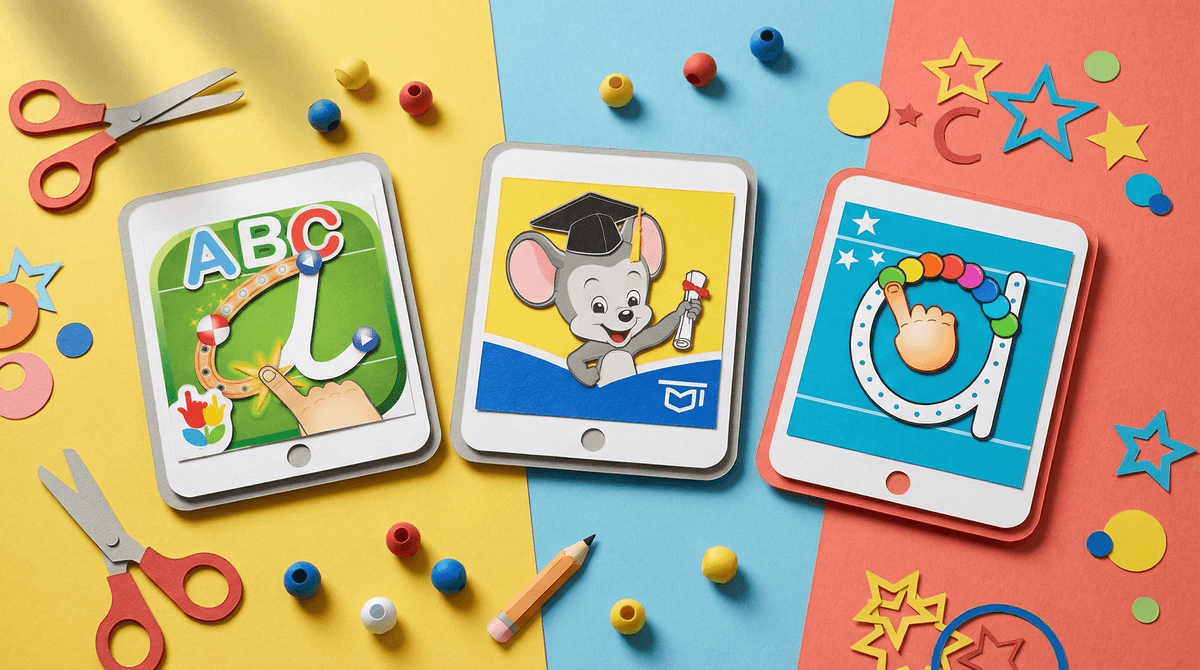
The market is flooded with these apps, from ABCmouse to specialized offerings like Dexteria and LetterSchool. They're colorful, they're engaging, and they promise developmental benefits that make us feel less guilty about handing over the iPad during dinner prep.
But here's the question every parent should be asking: Are these apps actually helping, or are we just trading one type of screen time for another?
Let's start with what the research actually says, because it's not what the app developers want you to hear.
Physical manipulation beats digital every single time when it comes to motor skill development. A 2018 study in Frontiers in Psychology found that preschoolers who practiced letter formation with physical writing materials showed significantly better letter recognition and motor skills than kids who practiced on tablets. Why? Because holding a crayon involves pressure sensitivity, 3D spatial awareness, and tactile feedback that a flat glass screen simply cannot replicate.
When your kid traces a letter on a tablet, they're getting visual feedback (yay, the letter turned green!), but they're missing:
- The resistance of pencil on paper
- The sensory experience of different textures
- The proprioceptive feedback (your body's sense of where it is in space)
- The fine adjustments needed for pressure control
- The consequences of gravity (crayons roll, papers tear, paint drips)
Think about it this way: you wouldn't teach a kid to swim by having them watch swimming videos and move their arms in the air. Motor skills require actual motor practice.
Not necessarily. Let's be fair here.
Motor skill apps can serve as supplemental tools in specific contexts:
They can work as introductions. If your 3-year-old has never seen how to form letters, an app that demonstrates letter formation with animation can be a helpful starting point. The key word being starting point, not destination.
They're better than passive consumption. An app that requires active tapping, dragging, and problem-solving is objectively better for development than 20 minutes of YouTube Kids. Not ideal, but not the worst option when you're trapped in a waiting room.
They can help with pattern recognition and sequencing. Apps that focus on matching, memory games, and visual-spatial tasks can support cognitive development that indirectly helps motor planning. Your kid learning to recognize patterns might help them later understand the sequence of movements needed to tie shoes.
Some kids with specific needs may benefit. For children with certain sensory processing differences or motor planning challenges, apps can provide a lower-stakes environment to practice without the frustration of physical materials. But this should be under the guidance of an occupational therapist, not just because the app store said so.
Here's the practical breakdown by age:
Ages 2-4: Prioritize Physical Play
At this age, your kid needs to be squishing playdough, stacking blocks, dumping and filling containers, scribbling with chunky crayons, and climbing everything. Motor skill apps at this age are like giving someone a picture of a sandwich when they're hungry. Sure, it's sandwich-related, but it's not actually feeding them.
If you're going to use apps (because let's be real, sometimes you need 10 minutes to make a phone call), choose ones that are simple and require active engagement. But keep it minimal — under 15 minutes a day, and always followed by physical play that reinforces the same concepts.
Ages 5-7: Hybrid Approach with Heavy Physical Emphasis
Kids this age are developing handwriting skills, learning to use scissors, mastering buttons and zippers. Apps can supplement this work but should never replace it.
Better than most apps: Give your kid actual scissors and scrap paper. Set up a tracing station with different textures (sandpaper letters, glitter glue, textured paper). Let them paint, bead, lace, build with LEGOs, play with kinetic sand.
If you're using apps, look for ones that require varied movements — not just tapping in the same spot repeatedly. And set a timer. 20-30 minutes max, then transition to physical activity.
Ages 8+: Different Ballgame
By this age, basic motor skills should be fairly established. If they're not, an app isn't going to fix it — your child may need evaluation by an occupational therapist.
For older kids, certain games that require quick reactions, strategic planning, and hand-eye coordination (like Minecraft or puzzle games) can support cognitive and motor integration. But we're no longer talking about "motor skill development apps" — we're talking about gaming, which is a whole different conversation.
Your child prefers the app to physical play. This is backwards. If your 4-year-old would rather do the digital puzzle than the wooden one, that's a sign they're getting too much screen time overall, not that the app is more educational.
The app is full of rewards and notifications. If it's pinging and celebrating and unlocking new levels constantly, it's not an educational tool — it's a dopamine delivery system disguised as learning.
You're using it as your primary motor skill activity. If the app is replacing playdough, art supplies, building toys, and outdoor play, you've got the ratio wrong.
The app requires in-app purchases for "full development." Come on. Motor skill development shouldn't be behind a paywall. This is a business model, not an educational philosophy.
Motor skill development apps are not evil, but they're also not magic. They're a poor substitute for physical play, but an okay supplement in small doses.
If you want your child to develop strong motor skills, the prescription is embarrassingly simple and requires zero apps:
- Let them play with physical materials daily (art supplies, building toys, sensory bins)
- Give them opportunities for gross motor play (climbing, running, jumping, throwing)
- Involve them in practical life skills (cooking, dressing, cleaning)
- Limit overall screen time so there's actually time for the above
The app can be part of your toolkit, but it should never be the main tool. Think of it like nutritional supplements — they might fill a gap here and there, but they're not a replacement for actual food.
Audit your child's physical play opportunities. Are they getting at least 60-90 minutes a day of active, hands-on play? If not, that's your starting point — not finding a better app.
If you're using motor skill apps, set clear boundaries. 15-20 minutes max for young kids, always followed by related physical activity. Did they practice tracing letters on the tablet? Great, now trace them in a sand tray.
Invest in physical materials instead of app subscriptions. For the cost of most app subscriptions ($10-15/month), you could buy playdough, crayons, scissors, glue, and construction paper every single month. The ROI on actual materials is infinitely better.
And if you're feeling guilty about screen time? Learn more about age-appropriate screen time guidelines that actually make sense for your family.
Your kid doesn't need an app to learn how to use their hands. They just need time, materials, and permission to make a mess.