

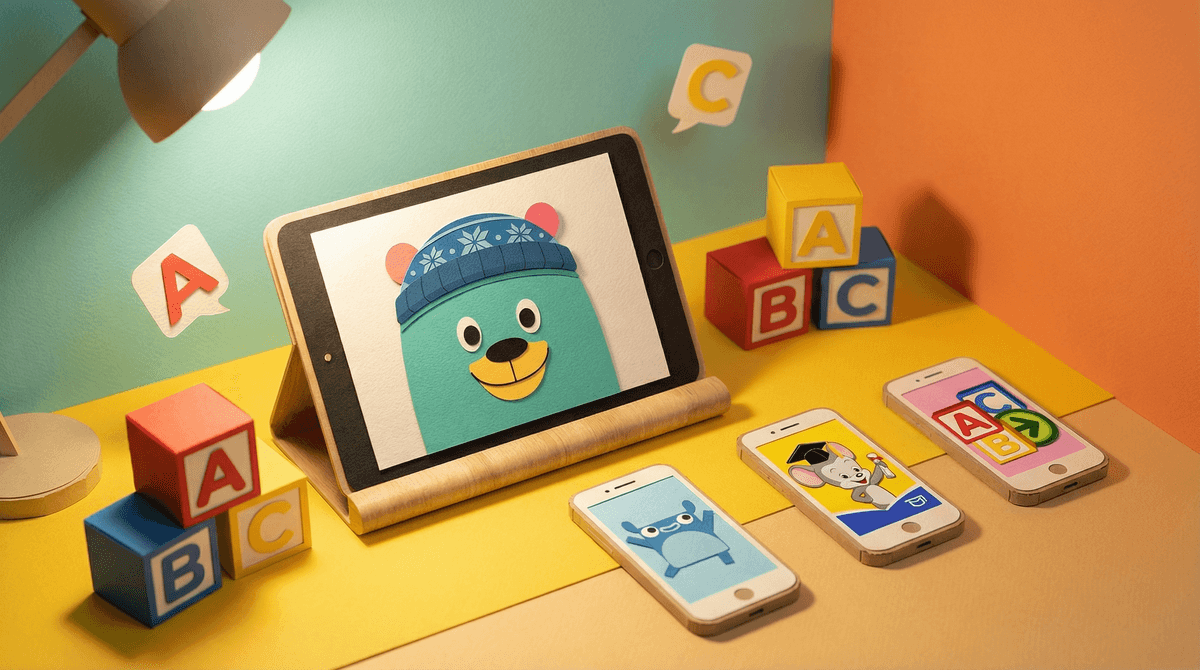
Letter recognition apps are digital tools designed to help young kids (typically ages 2-6) learn to identify letters, match sounds to letters, and build early literacy skills. Think Endless Alphabet, Starfall ABCs, Khan Academy Kids, and ABC Mouse. These apps promise to make learning the alphabet fun through games, animations, and interactive activities.
The question every parent asks: Are these actually educational, or am I just handing my kid an iPad and calling it learning?
Fair question. Let's dig in.
Here's the thing—letter recognition apps can work, but they're not magic. Research shows that interactive digital tools can support early literacy when they're well-designed and used intentionally. The key word here is interactive. Apps where kids actually engage—tracing letters, matching sounds, making choices—tend to be more effective than passive watching.
But (and this is important): no app replaces a human reading with your child. Apps can supplement literacy development, but they can't replace the back-and-forth conversation, the pointing at words on a page, the "what do you think happens next?" moments that happen during shared reading.
Think of letter recognition apps like flashcards—they're a tool, not a curriculum. They can reinforce what kids are learning elsewhere, but they shouldn't be the only way your child encounters letters.
Not all alphabet apps are created equal. Here's what to look for:
Clear letter-sound connections: The app should explicitly connect letters to their sounds (phonics), not just letter names. Kids need both, but the sound connection is crucial for reading.
Multi-sensory engagement: The best apps let kids trace letters, hear them, see them in context, and interact with them. Passive watching doesn't cut it.
Age-appropriate design: Avoid apps cluttered with ads, in-app purchases, or confusing navigation. If your 3-year-old keeps accidentally clicking on the "buy more gems!" button, that's a problem.
Progress without pressure: Look for apps that adapt to your child's pace without creating anxiety. Learning letters should feel like play, not a test.
Limited distractions: Some apps are so full of bells, whistles, and random animations that kids forget they're supposed to be learning letters. If your kid is just tapping to watch the funny monster dance, that's entertainment, not education.
Worth your time:
- Khan Academy Kids – Free, ad-free, and genuinely educational. It's not just letters—it's a full early learning curriculum. Ages 2-8.
- Endless Alphabet – Playful, engaging, and focused on vocabulary alongside letter recognition. One-time purchase, no ads. Ages 3-6.
- Starfall ABCs – Classic for a reason. Strong phonics foundation. Free version is solid; paid version adds more content. Ages 3-6.
- [Montessori Letter Sounds](https://screenwiseapp.com/media/montessori-letter-sounds-game – Simple, focused, and based on Montessori principles. Great for tactile learners. Ages 3-6.
Proceed with caution:
- ABC Mouse – Comprehensive but overwhelming. The interface is cluttered, and the subscription model can feel pushy. Some kids love it; others get lost in the noise. Ages 2-8.
- Generic "ABC Games" apps – Many free apps in the app store are just ad delivery systems disguised as learning tools. If it's free and you didn't recognize the developer, check reviews carefully.
The American Academy of Pediatrics recommends no screen time for kids under 18 months (except video chatting), limited high-quality programming for ages 2-5 (co-viewed when possible), and consistent limits for ages 6+.
For letter recognition apps specifically? 15-20 minutes a day, max, for preschoolers. And ideally, you're sitting with them, talking about what they're seeing, asking questions, making connections.
If your kid is spending 45 minutes a day on an alphabet app, that's not early literacy—that's just screen time with an educational veneer. Learn more about healthy screen time limits for young kids .
.
Apps are not a substitute for books. I can't stress this enough. The single best predictor of reading success is how much kids are read to at home. Apps can help with letter recognition, but they can't teach comprehension, vocabulary, or the love of stories the way a book in your lap can.
Co-engagement matters. If you're going to use an app, sit with your kid. Ask questions. Point things out. Make it interactive beyond just tapping the screen. "Oh, you found the letter B! What sound does B make? Can you think of something that starts with B?"
Watch for the "just one more game" trap. Apps are designed to be engaging (read: addictive). Even educational apps can trigger the dopamine loop. Set a timer. Stick to it. Transition to something else.
Not all kids need apps to learn letters. Some kids learn letters from books, puzzles, magnetic letters on the fridge, or just pointing them out in the world. If your kid is learning fine without apps, you don't need to add them.
Letter recognition apps can be a useful tool in your early literacy toolkit—but they're just one tool. They're not required, they're not a shortcut, and they're definitely not a replacement for reading together.
If you're going to use them, choose high-quality apps, limit the time, and stay engaged. And remember: the best way to teach your kid to love reading is to read with them. Apps can help with the mechanics, but you're the one who makes it magical.
- Try a free, high-quality option like Khan Academy Kids and see how your child responds.
- Set a timer for app use and stick to it.
- Balance screen time with hands-on activities—magnetic letters, letter hunts around the house, drawing letters in sand or shaving cream.
- Read together every day. Seriously. This is the non-negotiable.
Want more? Check out our guide to screen time for preschoolers or alternatives to educational apps.