

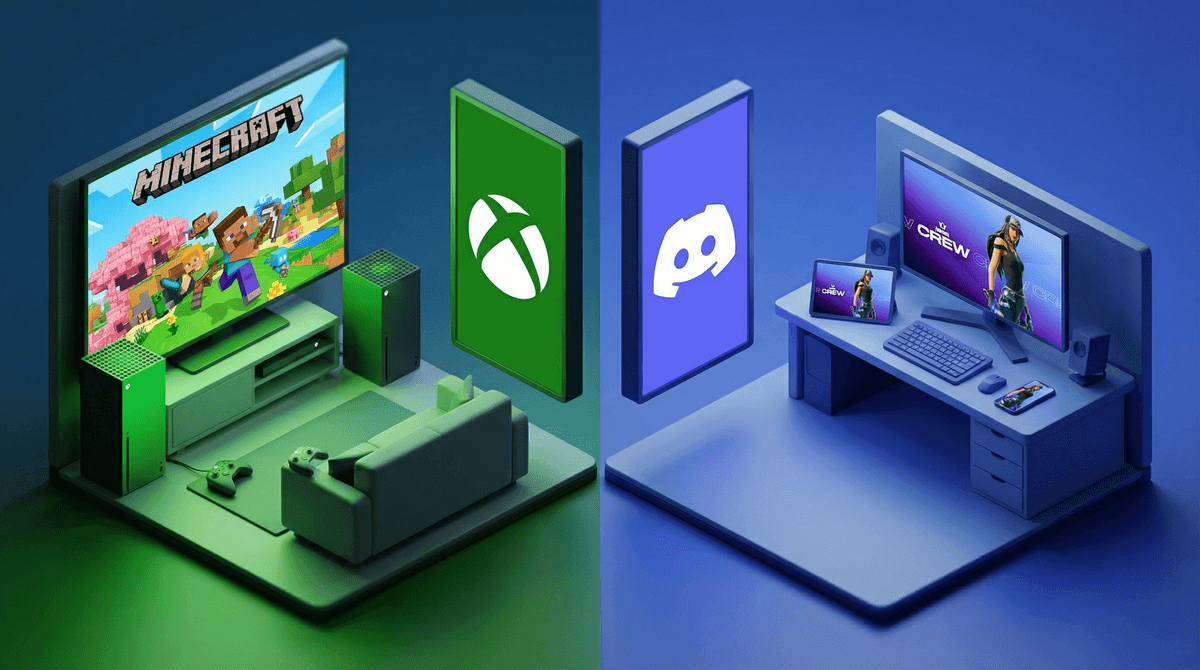
Let's start with the basics. Both Discord and Xbox Party Chat are voice communication platforms that let kids talk to friends while gaming. Think of them as the modern equivalent of three-way calling, except now it's while they're building in Minecraft or playing Fortnite.
Xbox Party Chat is Microsoft's built-in voice system for Xbox consoles. It's simple: your kid starts a party, invites Xbox friends, and they chat while gaming. It's contained within the Xbox ecosystem.
Discord is a standalone app (originally designed for PC gamers) that works across devices—phones, computers, tablets, and yes, even Xbox. It's more like a social platform with voice channels, text chat, servers (basically group spaces), and way more features than just talking during games.
Here's what the data tells us: about 55% of families in your community have gaming consoles, and only 4% report their kids using Discord. That gap is interesting and worth understanding.
Kids often push for Discord because it feels more grown-up and offers more flexibility. Here's what they're really asking for:
Cross-platform communication - They can talk to friends whether they're on Xbox, PlayStation, PC, or mobile. Xbox Party Chat only works within Xbox.
Persistent communities - Discord servers stick around. Kids can join communities around specific games, YouTubers, or interests. It's not just about voice chat during one gaming session.
Text + voice - They can share memes, coordinate plans, and stay connected even when not actively gaming together.
Social status - Let's be real: Discord feels more "serious gamer" to many kids, especially as they hit middle school.
Here's where it gets real. Xbox Party Chat is more limited, but that limitation is actually protective for younger kids.
Xbox Party Chat advantages:
- Closed ecosystem—kids can only chat with approved Xbox friends
- Parental controls tie directly into your Microsoft Family Safety settings
- No random strangers can join unless specifically invited
- Less exposure to broader internet culture
- Simpler interface means less to monitor
Discord's challenges:
- Kids can join public servers with thousands of strangers
- Direct messages from anyone unless settings are locked down
- Exposure to unmoderated content, depending on servers
- More complex privacy settings that need careful configuration
- Easy to access on multiple devices (harder to monitor)
The 4% Discord usage in your community likely reflects parents being cautious about these exact concerns. And honestly? That caution makes sense, especially for elementary and early middle school kids.
Ages 8-10: Stick with Xbox Party Chat if your kid is gaming on Xbox. The contained ecosystem is appropriate for this age. They don't need Discord's complexity yet, and the safety trade-offs aren't worth it. If friends are on different platforms, consider whether they need voice chat at all—many games have adequate in-game communication.
Ages 11-13: This is the gray zone. Some mature 12-year-olds can handle Discord with heavy parental involvement—meaning you've set it up together, you know every server they're in, and you're doing regular check-ins. But Xbox Party Chat is still totally appropriate and honestly easier to manage. Don't let peer pressure ("everyone has Discord!") rush this decision.
Ages 14+: Discord becomes more reasonable as kids develop better judgment, but it still requires clear boundaries. At this age, many kids are using it for legitimate community building around interests like Dungeons & Dragons, art communities, or specific games like Genshin Impact or Valorant.
If you decide Discord makes sense for your family, do not just hand them the app. Set it up together:
- Turn off direct messages from non-friends
- Only join private servers with real-life friends initially
- Review every server before they join
- Enable explicit content filter
- Keep Discord on shared devices, not phones (at least initially)
- Have regular conversations about what they're seeing and who they're talking to
- Consider using Discord's Family Center
 for monitoring
The reality is that Discord requires active parenting, not set-it-and-forget-it parenting.
For many families, especially with kids under 13, Xbox Party Chat is genuinely the better choice:
- Your kid primarily games on Xbox anyway
- Their friends are also on Xbox
- You want tighter parental controls with less effort
- Your kid isn't asking to join broader gaming communities yet
- You prefer contained, purpose-specific communication
There's zero shame in this choice. Despite what kids might say, they don't need Discord to have fun gaming with friends.
Discord isn't inherently better or worse than Xbox Party Chat—they serve different purposes. Xbox Party Chat is a voice communication tool. Discord is a social platform that happens to include voice chat.
For most elementary and many middle school kids, Xbox Party Chat offers plenty of functionality with significantly fewer safety concerns. The 96% of families in your community not using Discord aren't necessarily behind the times—they might just be making intentional choices about when to introduce more complex social platforms.
If your kid is pushing for Discord, dig into the why. Is it actually about features they need, or is it about feeling included in what older kids are doing? Sometimes the answer is to wait. Sometimes it's to set up Discord with strict boundaries. And sometimes it's to explain that different families make different choices, and that's okay.
If staying with Xbox Party Chat:
- Review your Microsoft Family Safety settings
- Make sure friend requests require approval
- Talk about what to do if someone makes them uncomfortable
If considering Discord:
- Learn about Discord's safety features in depth
- Set it up together, not for them
- Start with one private server with real friends
- Schedule a check-in after two weeks to review how it's going
Either way:
- Keep conversations open about online interactions
- Remind kids they can always come to you if something feels off
- Remember that your family's digital choices don't need to match everyone else's
The best platform is the one that fits your kid's maturity level, your family's values, and your capacity to stay involved. That might be Xbox Party Chat for years to come, and that's completely fine.