

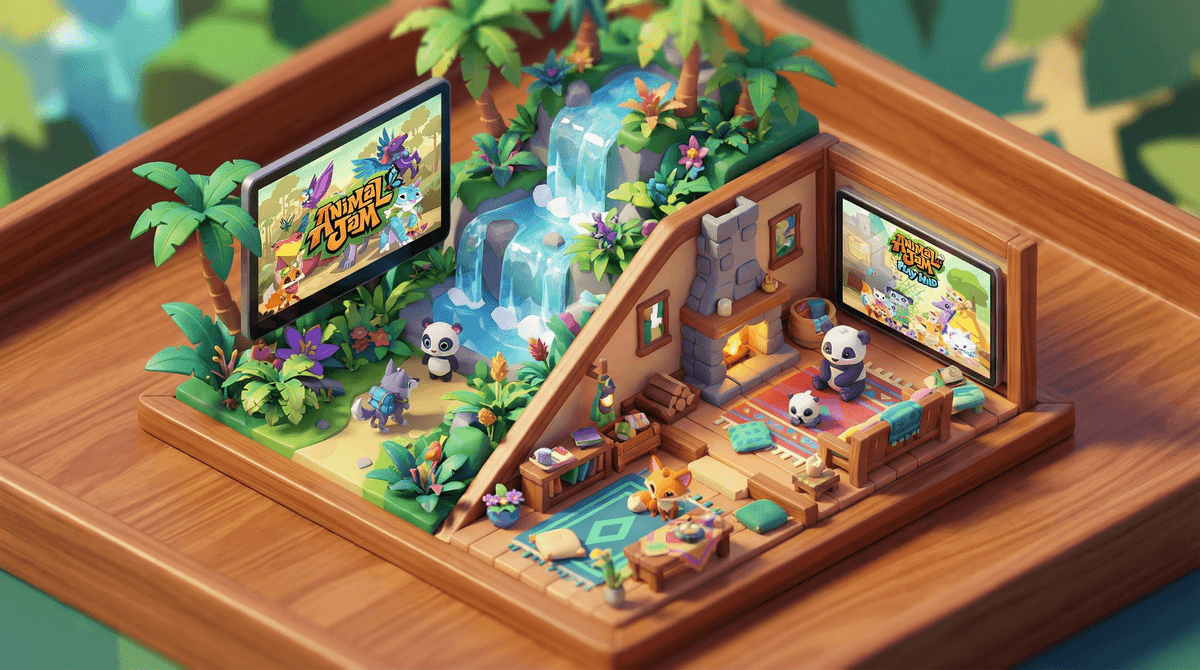
Animal Jam is an online virtual world where kids create and customize animal avatars, explore different biomes, play mini-games, and learn about wildlife and conservation. Launched in 2010 by WildWorks in partnership with National Geographic, it's designed for kids ages 7-11 and has both a free version and a paid membership tier.
The game has two versions: the original Animal Jam Classic (browser-based) and Animal Jam (a newer standalone app). Both versions let kids decorate dens, collect virtual pets, complete adventures, and interact with other players through chat.
The educational angle is real here—kids learn about animal habitats, endangered species, and environmental science through gameplay. It's not just slapped-on educational content either; the learning is actually woven into the experience in a way that doesn't feel like homework.
Animal Jam hits that sweet spot of creative expression meets social connection. Kids can:
- Customize everything - Their animal avatar, their den, their virtual pets (called "pets" and "buddies")
- Collect stuff - Rare items, gems, diamonds, and limited-edition accessories (yes, there's an economy)
- Play together - Mini-games, adventures, and just hanging out in different areas
- Trade items - There's a whole trading culture that honestly teaches some basic economics
- Feel like they're part of a community - Clans, buddy groups, and social spaces
The game also does regular updates with seasonal events, new animals, and limited-time items, which keeps kids coming back. The FOMO is real.
Here's where we get real. Animal Jam has better safety features than many kids' platforms, but it's not a "set it and forget it" situation.
The Good Safety Features:
Moderated chat with filters - There are three chat modes:
- Restricted chat (default for young kids) - Only pre-approved phrases
- Safe chat - Pre-approved words and phrases kids can combine
- Safe chat plus - More freedom but still filtered for inappropriate content
The filters are actually pretty robust. Kids can't share personal information like phone numbers, addresses, or even say "Instagram" or "Snapchat."
Active moderation - Real humans review reported content and ban accounts that violate rules. The moderation team is responsive.
Parent tools - You can set up a parent account to manage settings, control chat levels, and monitor activity.
The Concerns:
Social interaction is still social interaction - Even with filters, kids are talking to strangers. While most interactions are benign ("cool den!" "wanna trade?"), predatory behavior can still happen. Kids might be asked to move conversations off-platform or share personal details in creative ways that bypass filters.
Trading culture can get intense - Some kids get really into collecting rare items, and there's a whole economy around trading. This can lead to scamming (yes, even in a kids' game), pressure to get membership for better items, and hurt feelings when trades go wrong.
Membership pressure - The free version is playable, but membership unlocks significantly more content. Kids will feel the difference, and you'll hear about it. Membership runs about $6-10/month depending on the plan.
Screen time sink - Like any engaging online world, kids can easily lose hours. The "just five more minutes" struggle is real.
Ages 6-8: This is the lower end of the target range. Use restricted or safe chat only. Play together initially so you can see how the game works and what your kid is drawn to. Set up parental controls from day one.
Ages 9-11: The sweet spot. Kids can handle more chat freedom but still need check-ins. Talk about trading etiquette and not getting scammed. Have the "don't share personal info" conversation multiple times in different ways.
Ages 12+: Most kids are aging out of Animal Jam by now, but some stick around for the social aspect or nostalgia. If your tween is still into it, they probably need safe chat plus or they'll feel babied. This is also when you need to have more sophisticated conversations about online friendships and what's appropriate to share.
Start with a parent account - Seriously, set this up first. It takes 10 minutes and gives you actual visibility and control. You can adjust settings as your kid matures.
Have the safety talk before they play - Cover the basics:
- Never share your real name, age, location, school, or any way to identify you
- Don't click on links from other players
- Tell a parent if someone makes you uncomfortable or asks weird questions
- Trading is just for fun—don't let anyone pressure you
Check in regularly - Not helicopter parent hovering, but actual conversations. "Who are you playing with today?" "What's your favorite thing right now?" "Has anyone been weird or mean?" Make it normal to talk about their online life.
Play together sometimes - Even just 15 minutes here and there gives you context for what they're talking about and shows you care about their interests.
Set boundaries around membership - If you're going to pay for membership, be clear about expectations. Some families tie it to chores or make it a special occasion thing. Whatever works for your family, just be consistent.
Monitor trading - If your kid gets really into trading, check in on it. Scamming is common, and kids can get genuinely upset about losing rare items. It's also a good opportunity to talk about fairness, value, and when to walk away from a bad deal.
Animal Jam is genuinely one of the better options for kids who want an online social gaming experience. The educational content is legit, the safety features are above average, and the game design encourages creativity and exploration.
But—and this is important—no kids' platform is completely safe without parental involvement. The chat features mean your kid is interacting with strangers, and that requires active supervision and ongoing conversations about online safety.
Is it safe? With proper setup and regular check-ins, yes. Is it educational? Actually, yes. Will your kid ask for membership? Absolutely.
If you're looking for a virtual world that's not Roblox or Minecraft, Animal Jam is a solid choice for elementary-aged kids. Just don't treat it like a digital babysitter—treat it like what it is: a social space that happens to have cute animals and some science facts.
- Create a parent account before your kid starts playing
- Set chat to restricted or safe chat initially
- Play the first session together to understand the game
- Schedule regular check-ins about who they're playing with and what they're doing
- Decide on your membership stance before they ask 47 times
Want to dive deeper into setting up those parental controls? Check out our guide to Animal Jam parental controls. And if you're trying to figure out whether this is better or worse than other virtual worlds your kid is asking about, compare Animal Jam to other kids' online games .
.